DreamFace

En
    Language
  • English
  • Português
  • 简体中文
  • 繁體中文
  • 日本語
  • Español
  • Bahasa Indonesia
  • ไทย
  • Tiếng Việt
  • हिंदी
  • Русский
  • Italiano
  • 한국어
  • मराठी
  • Nederlands
  • Norsk
  • ਪੰਜਾਬੀ
  • Polski
  • Dansk
  • Suomi
  • Français
  • Deutsch
  • Svenska
  • Kiswahili
  • తెలుగు
  • Türkçe
  • বাংলা
  • اردو
  • العربية
  • فارسی
  • Ελληνικά
Start Now
left
Chrome Store
4.9

Chrome Store

right
left
20,000,000+

Global Users

right
left
Apple Store
4.9

Apple Store

right

We trusted by Famous institutions worldwide

How to Use Wan 2.2 Animate Video Generator

step1

Choose Wan 2.2 Animate

Open Wan 2.2 Animate on DreamFace and choose whether you want to start from speech, a still image, or a text prompt.

step2

Upload or Describe Your Video

Add an image, audio clip, or text prompt, then describe the motion, expression, camera feel, and scene style you want the model to generate.

step3

Generate and Download

Create your video, review the lip sync and motion quality, then download or share the final clip for social posts, storyboards, ads, or creative experiments.

Features of Wan 2.2 Animate Video Generator

Speech-to-Video with Audio-Driven Lip Sync


Upload a portrait or character image with audio and generate expressive talking videos with synchronized lip movement, facial animation, and more believable performance.
Speech-to-Video with Audio-Driven Lip Sync

Image-to-Video with Smoother Character Motion


Turn a still image into a moving clip while keeping the subject more stable across frames. It works well for portraits, artwork, mascots, and branded visuals.
Image-to-Video with Smoother Character Motion

Text-to-Video for Prompt-Led Scene Creation


Describe the shot, motion, and visual style you want, and Wan 2.2 Animate generates a video that stays closer to your prompt for faster concept testing and story development.
Text-to-Video for Prompt-Led Scene Creation

Cleaner Consistency Across Motion and Frames

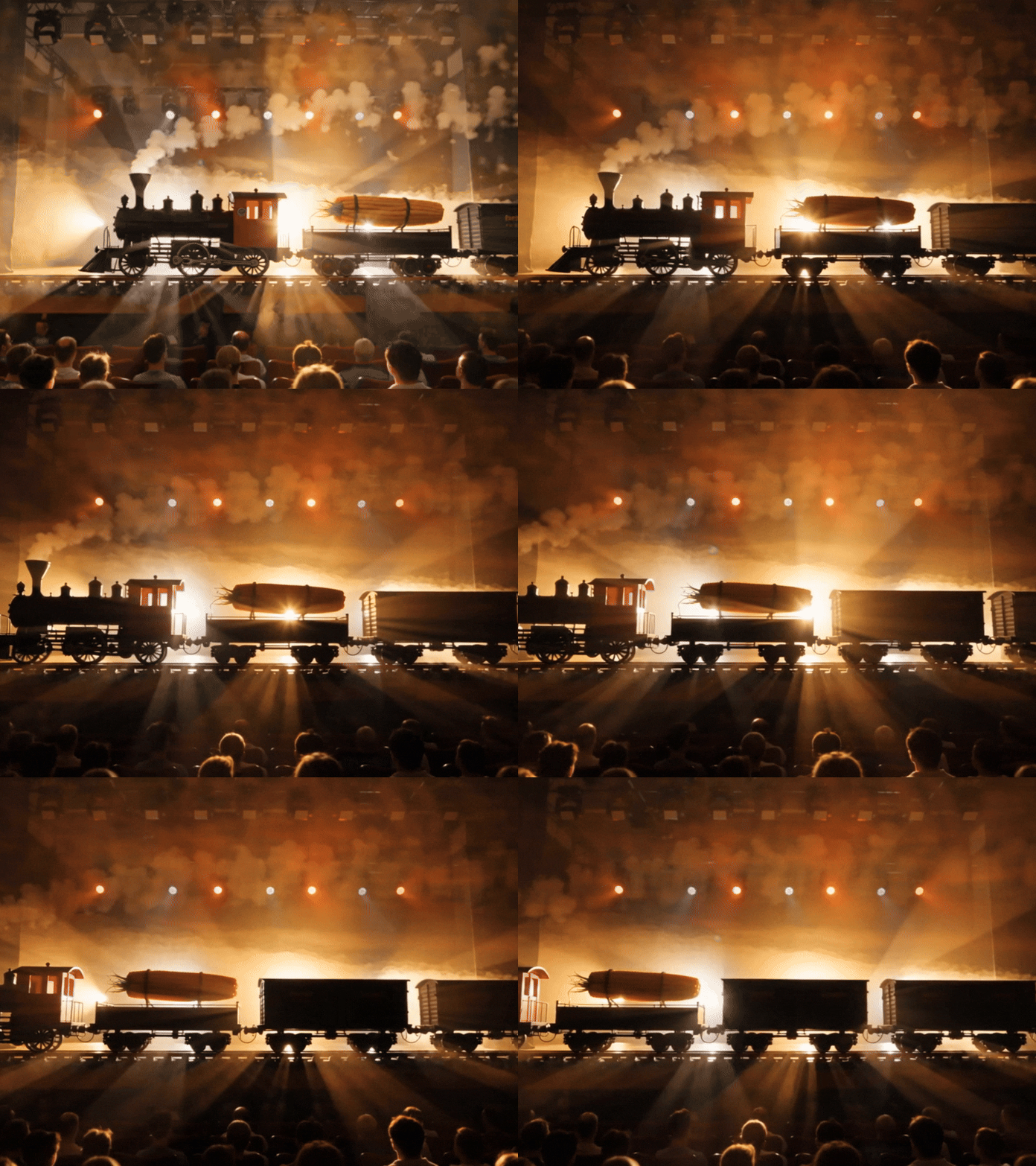
Wan 2.2 Animate is built to deliver steadier movement, clearer expressions, and stronger subject consistency, helping your AI videos feel more polished and usable.
Cleaner Consistency Across Motion and Frames

Frequently Asked Questions

Why Use Wan 2.2 Animate on DreamFace

Three Input Modes in One Workflow

Create from speech, images, or text without switching tools, making it easier to build talking portraits, animated stills, and prompt-led video concepts in one place.

Smoother Motion and Better Lip Sync

Generate clips with more natural mouth movement, facial animation, and frame-to-frame stability so the final video feels cleaner and more believable.

Stronger Prompt Control

Guide motion, scene style, and visual direction more clearly with prompts, which helps you test ideas faster and get closer to the result you actually want.

Practical for Creators and Teams

Use Wan 2.2 Animate for creator content, marketing concepts, storyboard drafts, social videos, and quick production experiments when speed and flexibility matter.

More Valuable Features from Dreamface

AI Video Generator
Use DreamFace's broader AI video workflow when you want to generate prompt-led clips, social videos, and fast visual concepts alongside Wan 2.2 Animate.
AI Avatar Video Generator
Create speaking avatar videos with audio, voice, and lip sync when you need presenter-style outputs, digital humans, or character-led explainers.
Pet Lip Sync
Animate pets with voice and lip sync for playful talking-animal content, mascot ideas, and social-ready clips that fit the same motion-first workflow.
Avatar Video
Turn photos or short clips into talking avatar videos when you want a simpler avatar-first path for lip-synced content and fast character animation.

They Love Dreamface

Stronger Lip Sync on Portrait Clips

I started with a single portrait and a short audio clip. The mouth movement looked cleaner than I expected, and the character stayed stable through the whole video.

Helpful for Rapid Content Tests

I use Wan 2.2 Animate to test social video ideas before editing a full campaign. It is a much faster way to see whether a concept works.

Useful for Storyboard Drafts

I needed a quick animated scene for a pitch, and this gave me a strong first draft I could actually show to a team.

More Stable Motion Than I Expected

The movement felt smoother and more consistent than other quick AI video tools I have tried, especially when starting from a still image.

Good for Campaign Mockups

We used it to turn a rough concept into a short visual draft for internal review. It saved time and made the idea easier to evaluate.

Easy Starting Point for Non-Editors

I do not come from a video background, so being able to start from an image or prompt made the workflow much easier to learn.

Stronger Lip Sync on Portrait Clips

I started with a single portrait and a short audio clip. The mouth movement looked cleaner than I expected, and the character stayed stable through the whole video.

Helpful for Rapid Content Tests

I use Wan 2.2 Animate to test social video ideas before editing a full campaign. It is a much faster way to see whether a concept works.

Useful for Storyboard Drafts

I needed a quick animated scene for a pitch, and this gave me a strong first draft I could actually show to a team.

More Stable Motion Than I Expected

The movement felt smoother and more consistent than other quick AI video tools I have tried, especially when starting from a still image.

Good for Campaign Mockups

We used it to turn a rough concept into a short visual draft for internal review. It saved time and made the idea easier to evaluate.

Easy Starting Point for Non-Editors

I do not come from a video background, so being able to start from an image or prompt made the workflow much easier to learn.