DreamFace

En
    Language
  • English
  • Português
  • 简体中文
  • 繁體中文
  • 日本語
  • Español
  • Bahasa Indonesia
  • ไทย
  • Tiếng Việt
  • हिंदी
  • Русский
  • Italiano
  • 한국어
  • मराठी
  • Nederlands
  • Norsk
  • ਪੰਜਾਬੀ
  • Polski
  • Dansk
  • Suomi
  • Français
  • Deutsch
  • Svenska
  • Kiswahili
  • తెలుగు
  • Türkçe
  • বাংলা
  • اردو
  • العربية
  • فارسی
  • Ελληνικά
Start Now
left
Chrome Store
4.9

Chrome Store

right
left
20,000,000+

Global Users

right
left
Apple Store
4.9

Apple Store

right

We trusted by Famous institutions worldwide

How to Use the Sora 2 Video Generator

step1

Choose the Sora 2 Video Generator

Start by selecting the Sora 2 video generator workflow on DreamFace. This gives you a fast way to create realistic AI videos with stronger motion, clearer scene direction, and a more polished visual style.

step2

Enter a Prompt or Upload an Image

Describe the scene you want to create with a detailed text prompt, or upload an image to use as visual inspiration. Add style, camera, subject, action, and mood details to guide the final video result.

step3

Generate, Preview, and Download

Click generate to create your video, then preview the result and refine your prompt if needed. Once you are happy with the output, download your clip and use it for social posts, marketing content, or creative projects.

Features of the Sora 2 Video Generator

Realistic Motion and Scene Consistency



Create AI videos with smoother motion, more believable action, and stronger frame-to-frame consistency. This makes the Sora 2 video generator useful for cinematic scenes, storytelling clips, and realistic short-form content.
Realistic Motion and Scene Consistency

Text-to-Video and Image-to-Video Input

Start from a text prompt or upload an image as a visual reference. DreamFace gives you a flexible way to turn concepts, characters, products, and scenes into AI-generated videos without a complicated editing workflow.
Text-to-Video and Image-to-Video Input

Cinematic Styles for Different Use Cases



Generate realistic, stylized, or animated video looks for social media, ads, concept videos, and creative experiments. You can guide the mood, composition, and visual feel through better prompting.
Cinematic Styles for Different Use Cases

Faster Online Video Creation

Instead of building every scene from scratch, use the Sora 2 video generator to prototype ideas, create promotional clips, and produce shareable video content with a simpler online workflow.
Faster Online Video Creation

Frequently Asked Questions

Why Use DreamFace for Sora 2 Video Generation

Built for Realistic AI Video

DreamFace helps you create realistic AI videos with more natural motion, clearer scene direction, and stronger visual coherence. It is a practical choice for anyone looking for a Sora 2 video generator workflow online.

Flexible Prompt and Image Input

You can start with a detailed text prompt or upload an image to shape the scene. This makes it easier to create product clips, character videos, visual concepts, and short cinematic sequences.

Useful for Social, Ads, and Storytelling

From creator content and marketing videos to visual storytelling and stylized scenes, DreamFace supports a wide range of practical use cases. The page is designed for users who want faster video creation without a complex production setup.

Simple Online Workflow

DreamFace makes Sora 2 video generation easier to try, refine, and export online. You can move from idea to usable video content faster, which is especially helpful for creators, marketers, and small teams.

More Valuable Features from Dreamface

AI Video Generator
Turn prompts into cinematic AI videos for storytelling, social posts, ads, and visual concepts with DreamFace's core AI video creation workflow.
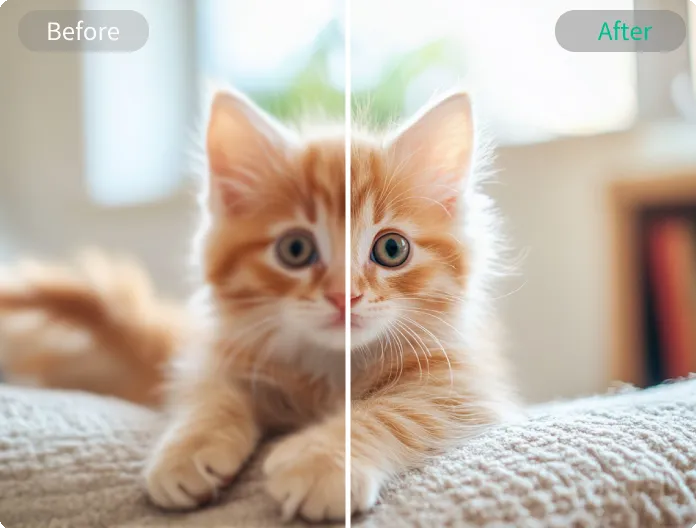
Video Enhancer
Enhance resolution, sharpen details, and improve color so your generated clips look cleaner, clearer, and more polished before publishing.
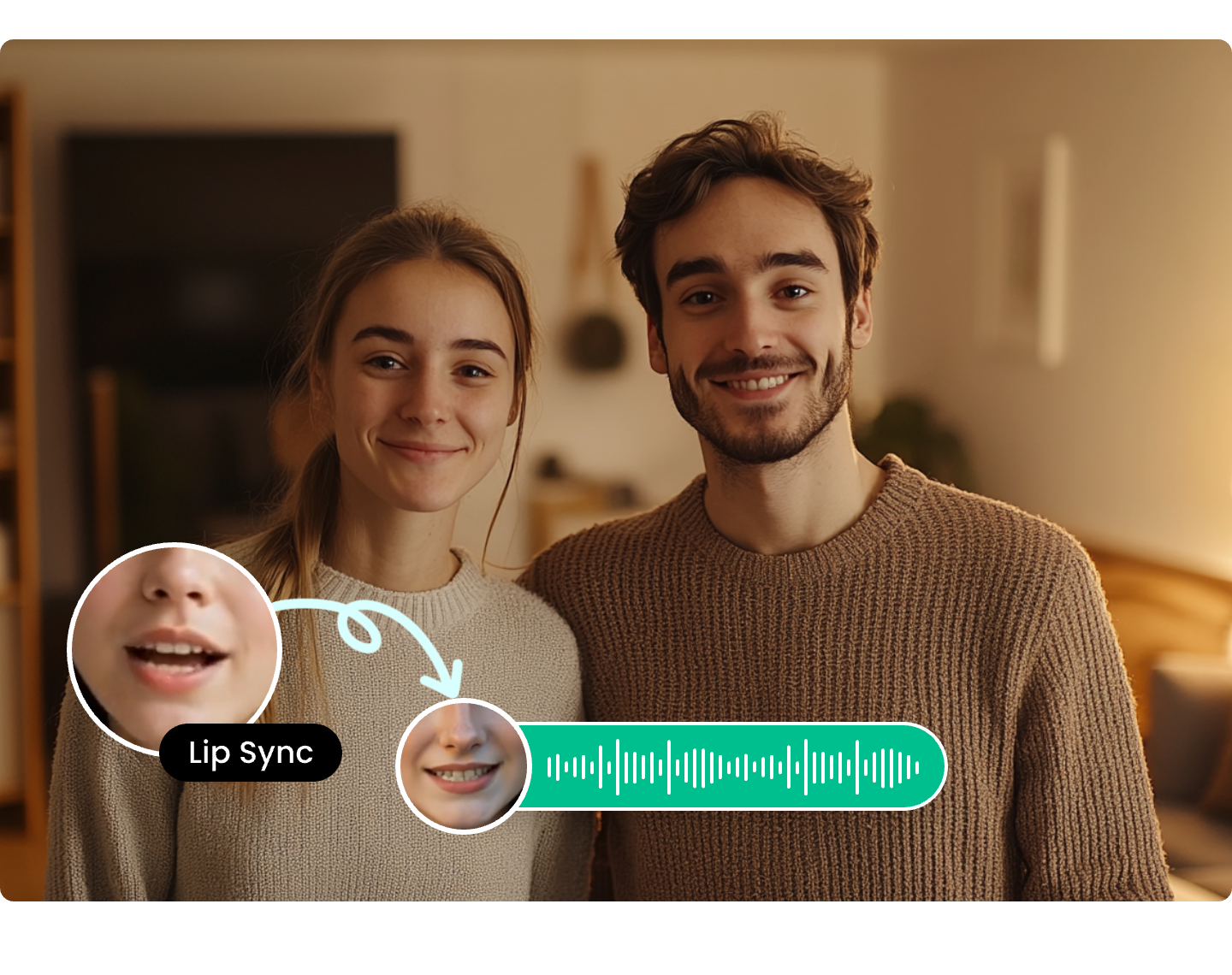
AI Video Translator
Translate videos into multiple languages with synced voice and subtitles to localize your AI-generated content for wider global reach.
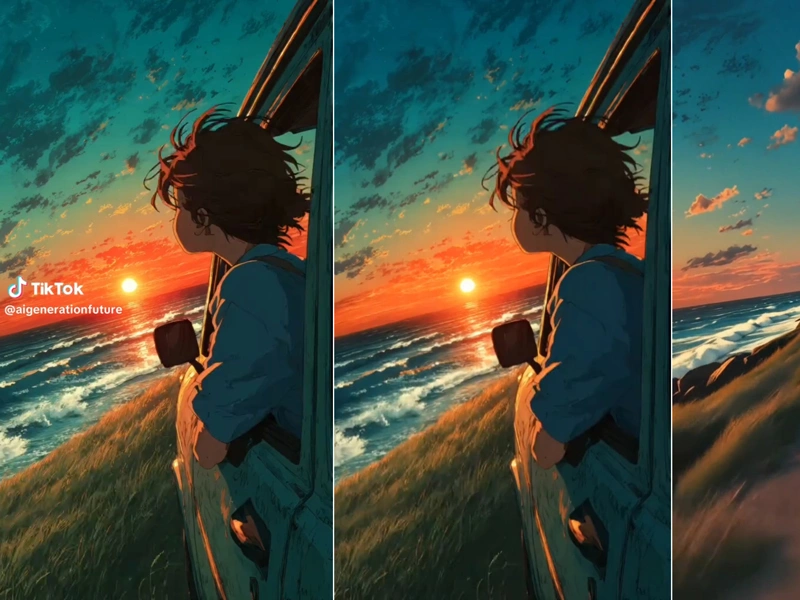
AI Video Watermark Remover
Remove logos, text, and visible watermarks from video clips online to create cleaner outputs for editing, republishing, and presentation.

They Love Dreamface

Great for Fast Video Concepts

I used this workflow to turn rough prompt ideas into short video concepts much faster than my usual process. It is especially useful when I need quick visual drafts for content planning, moodboards, and creative direction.

Helpful for Cinematic Prompt Testing

What I like most is how easy it is to test different scene ideas, moods, and camera directions. It gives me a practical way to explore cinematic concepts before spending more time on full production.

Useful for Social Content Creation

I create short-form content regularly, and this page helps me move from idea to video much faster. It is a good option for testing visual hooks, storytelling angles, and promotional concepts.

Image to Video Feels Straightforward

Starting from an uploaded image makes the process easier for me. I can use a reference visual, improve the prompt, and quickly explore different video directions without dealing with a complicated editor.

Simple Workflow for Busy Creators

The best part is the straightforward workflow. I can write a prompt, generate a result, adjust the wording, and keep improving the clip without wasting time on too many manual steps.

Good for Marketing and Creative Testing

I would recommend it for marketers, creators, and small teams that need to test video ideas quickly. It is a practical way to explore AI video concepts for ads, content, campaign visuals, and short storytelling clips.

Great for Fast Video Concepts

I used this workflow to turn rough prompt ideas into short video concepts much faster than my usual process. It is especially useful when I need quick visual drafts for content planning, moodboards, and creative direction.

Helpful for Cinematic Prompt Testing

What I like most is how easy it is to test different scene ideas, moods, and camera directions. It gives me a practical way to explore cinematic concepts before spending more time on full production.

Useful for Social Content Creation

I create short-form content regularly, and this page helps me move from idea to video much faster. It is a good option for testing visual hooks, storytelling angles, and promotional concepts.

Image to Video Feels Straightforward

Starting from an uploaded image makes the process easier for me. I can use a reference visual, improve the prompt, and quickly explore different video directions without dealing with a complicated editor.

Simple Workflow for Busy Creators

The best part is the straightforward workflow. I can write a prompt, generate a result, adjust the wording, and keep improving the clip without wasting time on too many manual steps.

Good for Marketing and Creative Testing

I would recommend it for marketers, creators, and small teams that need to test video ideas quickly. It is a practical way to explore AI video concepts for ads, content, campaign visuals, and short storytelling clips.