DreamFace

Language

En
    Language
  • English
  • Português
  • 简体中文
  • 繁體中文
  • 日本語
  • Español
  • Bahasa Indonesia
  • ไทย
  • Tiếng Việt
  • हिंदी
  • Русский
  • Italiano
  • 한국어
  • मराठी
  • Nederlands
  • Norsk
  • ਪੰਜਾਬੀ
  • Polski
  • Dansk
  • Suomi
  • Français
  • Deutsch
  • Svenska
  • Kiswahili
  • తెలుగు
  • Türkçe
  • বাংলা
  • اردو
  • العربية
  • فارسی
  • Ελληνικά
Start Now
Chrome Store
4.9

Chrome Store

20,000,000+

Global Users

Apple Store
4.9

Apple Store

Trusted by Leading Institutions Worldwide

How to Make a Profile Picture Online

step 1

Upload the Photo You Want to Use

Start with any existing photo, even a casual one.

step 2

Pick a Background and Style

Choose a look that matches where the picture will be used.

step 3

Export at the Size You Need

Download the crop and size ready for the platform you're posting to.

Profile Picture Maker Features

Clean Up a Casual Photo

Fix uneven lighting and a distracting background on a photo you already have.
Clean Up a Casual Photo

Backgrounds for Any Platform

Pick a plain, professional background for something like LinkedIn or a more casual one for social and gaming profiles.
Backgrounds for Any Platform

Ready-to-Use Crops and Sizes

Export in the square or circular crop most platforms expect instead of resizing it yourself afterward.
Ready-to-Use Crops and Sizes

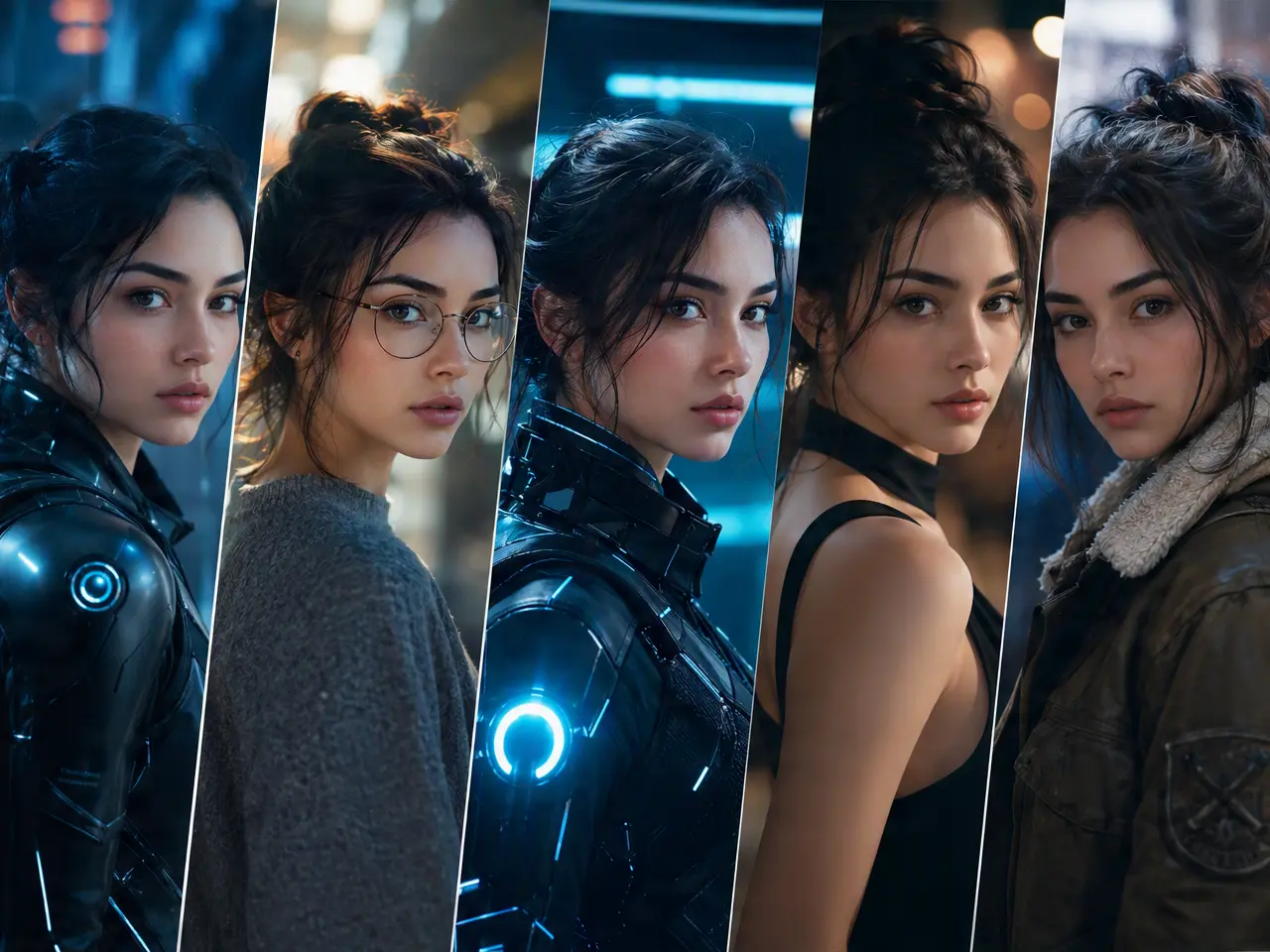
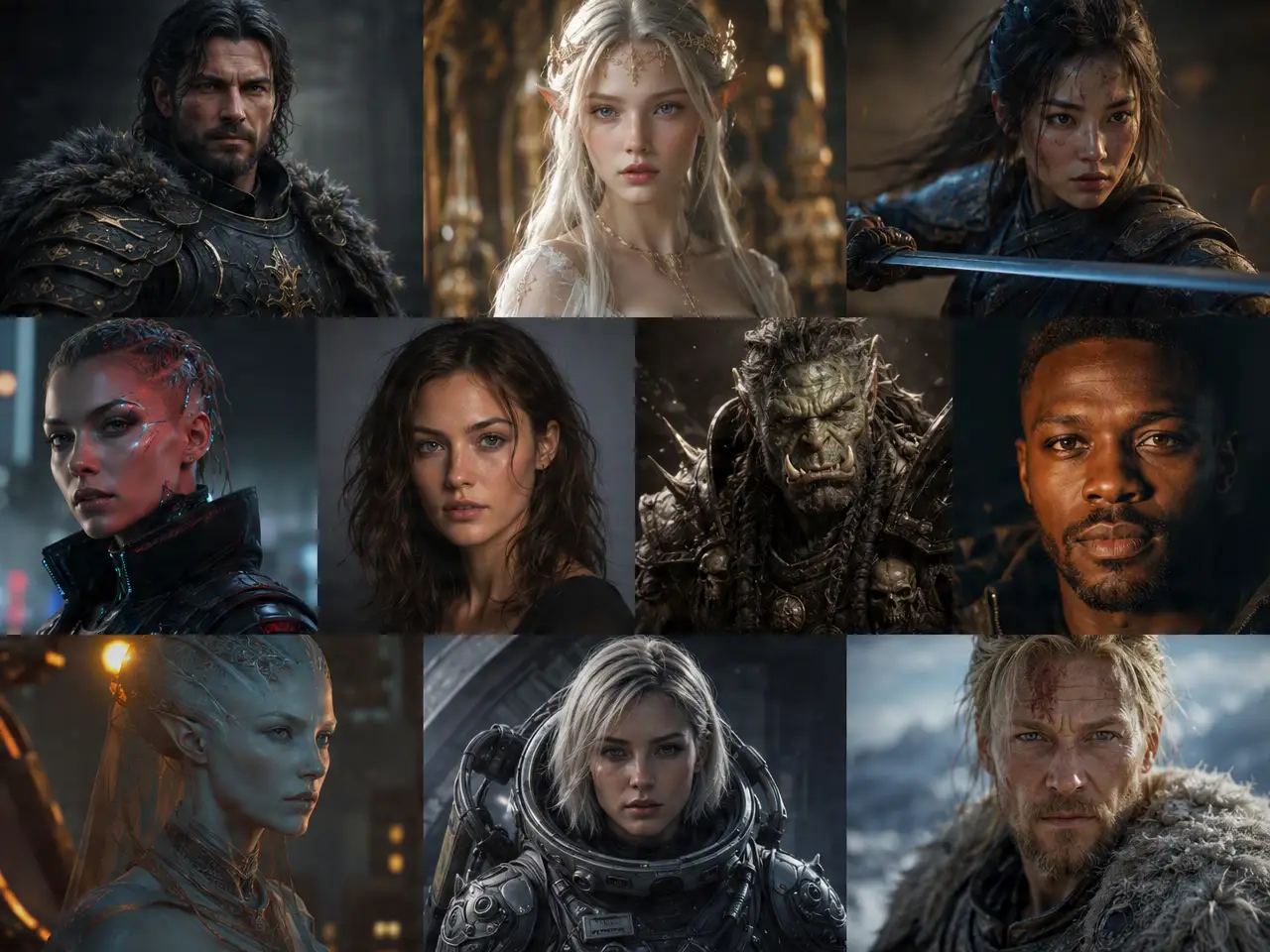
Stylized Options If You Want Them

Switch to an illustrated or stylized look instead of a straight photo touch-up, if that fits the platform better.
Stylized Options If You Want Them

Frequently Asked Questions

Why Use DreamFace for a Profile Picture?

Background and Lighting Cleanup

Fixes the most common problems with a casual photo before it becomes a profile picture.

Sharp at Platform Sizes

Output stays clear at the small sizes most platforms display a profile picture at.

Realistic or Stylized Looks

Choose a natural photo touch-up or a more stylized version depending on the platform.

Nothing Posts Automatically

You review and download the result yourself; nothing is published on your behalf.

More Valuable Features from Dreamface

AI Video Generator
Create AI product videos, ad clips, launch teasers, ecommerce demos, and social product content from prompts, images, or templates.
AI Video
Use DreamFace AI Video to turn static product images or text into lifelike video animations with templates, references, and start or end frames.
Video Enhancer
Enhance product clips with AI upscaling, sharper details, better color, and higher-resolution output before publishing ads or ecommerce videos.
Background Remover
Remove product photo backgrounds and prepare clean cutouts for product video scenes, ads, marketplace clips, and branded social promos.

They Love Dreamface

Updated My LinkedIn Photo

Had an old, badly lit photo for years, this finally gave me a reason to update it.

Good Discord Avatar

Wanted something with more personality than a straight headshot, the stylized option worked well for that.

Fixed a Blurry Old Photo

My previous profile picture was years old and slightly blurry, this cleaned it up without starting from scratch.

Useful for a Team Page

Generated consistent-looking headshots for our small team page from photos that were all different quality.

Sized Correctly the First Time

Did not have to guess at crop dimensions, the export matched what the platform actually wanted.

Compared a Few Styles First

Tried a couple of background options before landing on the one that felt right for a resume-adjacent profile.

Updated My LinkedIn Photo

Had an old, badly lit photo for years, this finally gave me a reason to update it.

Good Discord Avatar

Wanted something with more personality than a straight headshot, the stylized option worked well for that.

Fixed a Blurry Old Photo

My previous profile picture was years old and slightly blurry, this cleaned it up without starting from scratch.

Useful for a Team Page

Generated consistent-looking headshots for our small team page from photos that were all different quality.

Sized Correctly the First Time

Did not have to guess at crop dimensions, the export matched what the platform actually wanted.

Compared a Few Styles First

Tried a couple of background options before landing on the one that felt right for a resume-adjacent profile.