DreamFace

Language

En
    Language
  • English
  • Português
  • 简体中文
  • 繁體中文
  • 日本語
  • Español
  • Bahasa Indonesia
  • ไทย
  • Tiếng Việt
  • हिन्दी
  • Русский
  • Italiano
  • 한국어
  • मराठी
  • Nederlands
  • Norsk
  • ਪੰਜਾਬੀ
  • Polski
  • Dansk
  • Suomi
  • Français
  • Deutsch
  • Svenska
  • Kiswahili
  • తెలుగు
  • Türkçe
  • বাংলা
  • اردو
  • العربية
  • فارسی
  • Ελληνικά
Start Now
Chrome Store
4.9

Chrome Store

20,000,000+

Global Users

Apple Store
4.9

Apple Store

Trusted by Leading Institutions Worldwide

How to Explore GPT Image 2.5 on DreamFace

step 1

Pick a Meaningful Test

Select GPT Images 2.5 in DreamFace. Choose a task you can evaluate, such as changing one furnishing in a familiar room, and upload the reference image.

step 2

Keep the Request Focused

Try: "Replace the striped rug with a plain terracotta rug. Keep the sofa, table, windows, and camera view." A specific request makes the result easier to judge.

step 3

Compare, Then Build on the Result

Inspect the output beside the source. If the direction works, use that result as the reference for a further revision. Save the version that meets your needs.

Four Creative Tests for the New ChatGPT Image Model

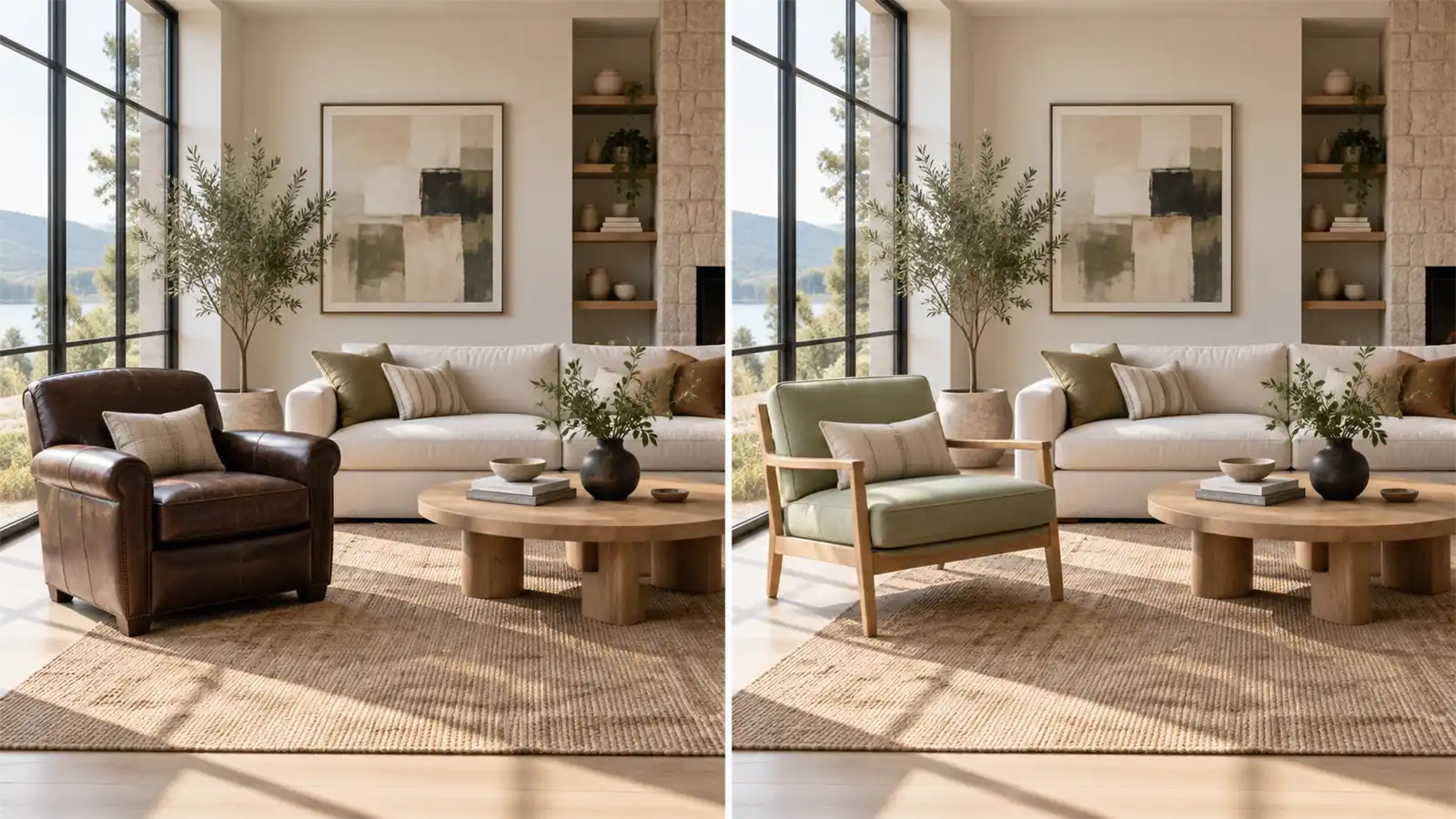
Preview a Room Change in Context

Wondering whether a different armchair would suit your living room? Use a room photo to explore the idea. Focus on one piece and compare how its shape and material relate to the furniture you already have.
Preview a Room Change in Context

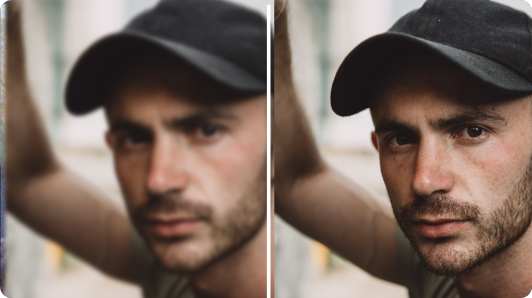
Explore a Different Wardrobe Direction

Try describing a linen jacket, a knitted layer, or a more formal outfit in a portrait edit. Consider the result a styling concept: useful for comparing a look, rather than predicting the exact fit of a garment.
Explore a Different Wardrobe Direction

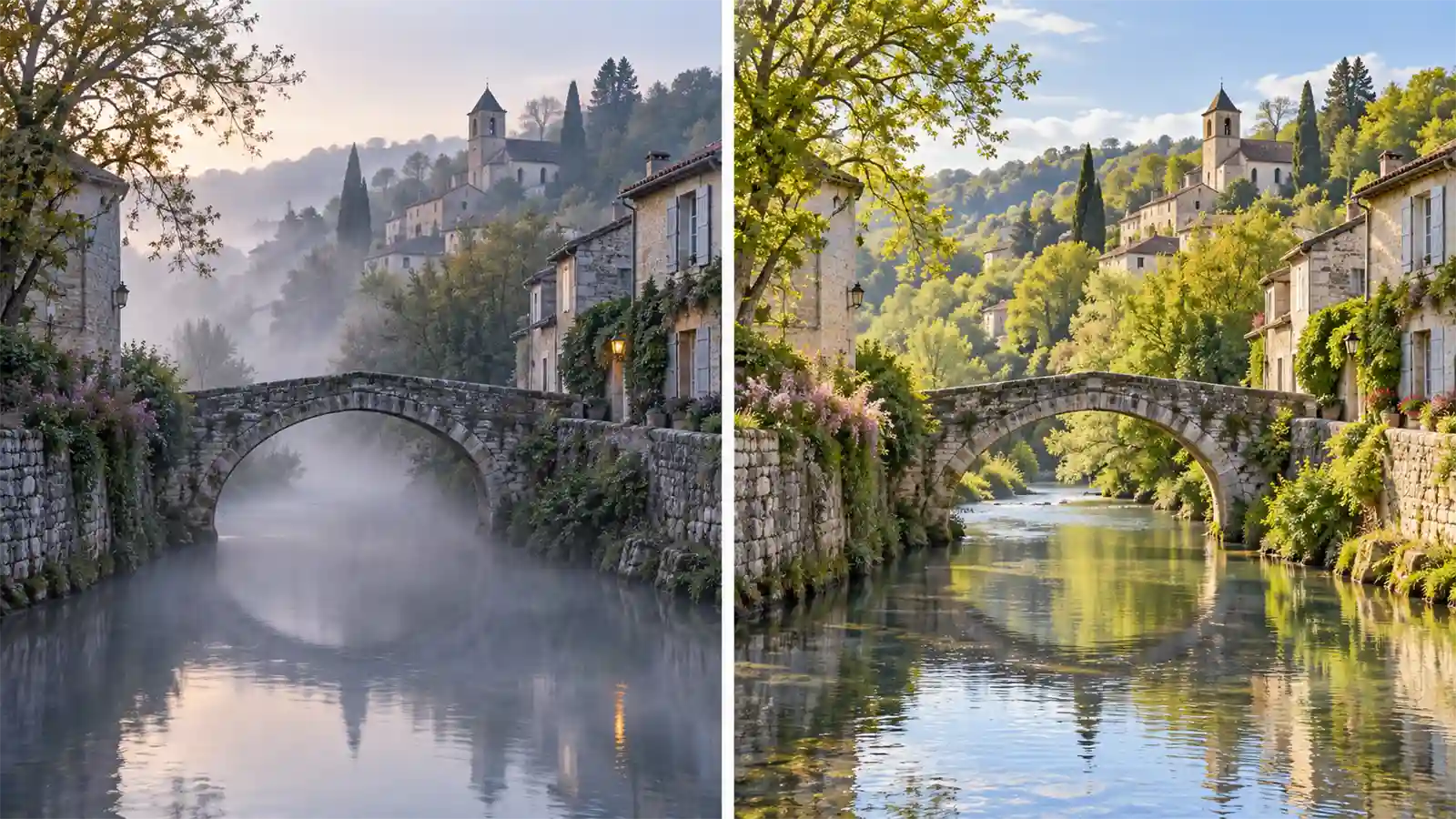
Change the Atmosphere of a Scene

Explore how a familiar place might feel on a misty morning or a bright spring afternoon. Compare the mood against the original, paying attention to the parts of the scene that make it recognizable.
Change the Atmosphere of a Scene

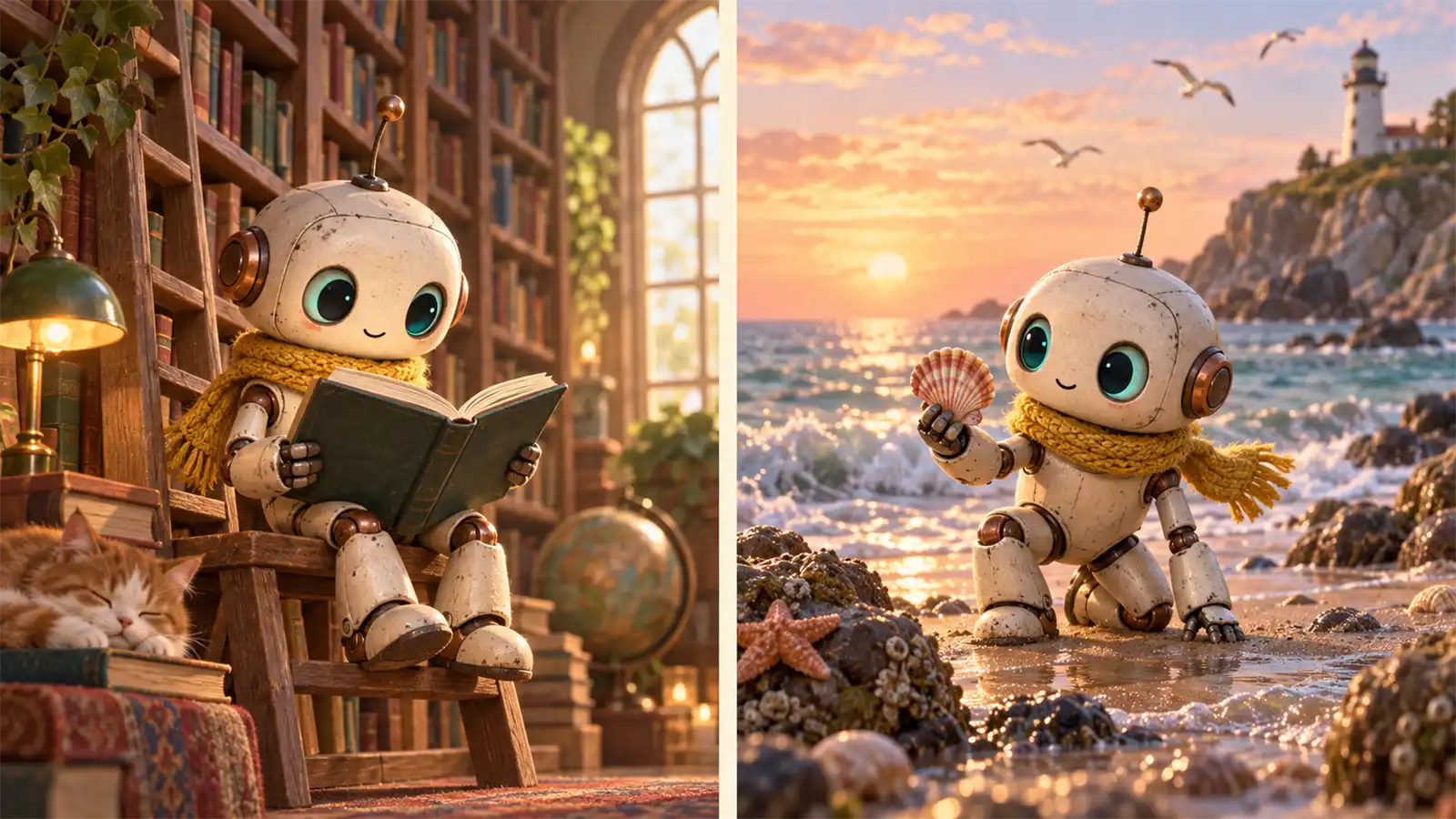
Develop a Recurring Story Character

Start a small visual story around a distinctive character, such as a curious robot with a yellow scarf. Plan a library scene and a later trip to the seaside. Use a chosen character image to guide the next illustration.
Develop a Recurring Story Character

Frequently Asked Questions

Understand the Upgrade Before Comparing Results

Know Which Product You Are Using

ChatGPT is OpenAI's product; DreamFace is a separate way to access the model family. This page concerns GPT Image 2.5, shown in DreamFace as GPT Images 2.5.

Understand the Model Family

OpenAI describes Flare as focused on speed and Sunburst as focused on quality. The DreamFace model label alone does not tell you which variant or API settings are exposed.

Compare a Real Task

Use a brief that resembles your actual work. A convincing sample is less useful than finding out whether the model handles the image, subject, and revision you need.

Judge the Result, Not Just the Version

Examine both the requested change and the details around it. Improved capability is not a promise of perfect text, identical faces, or pixel-accurate placement in every output.

More Valuable Features from Dreamface

Background Remover
Separate a subject for an independent composition experiment.
Photo Enhancer
Inspect whether enhancing an older source photo helps your next visual task.
AI Filter
Explore a stylized interpretation alongside a more realistic treatment.
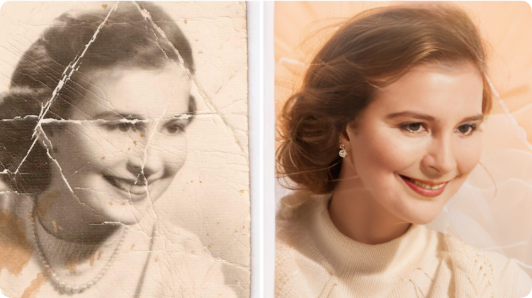
Old Photo Restoration
Revisit a faded source image before planning a new creative interpretation.

They Love Dreamface

Sample Review: A Room Test I Could Actually Judge

I tried a rug change in a photo of my own lounge. Knowing the space made it easy to spot what worked and what needed another pass.

Sample Review: The Styling Idea Was Clearer

I wanted to compare a casual jacket with a dressier look. The images were useful as mood references, even though I would still try the actual clothes before buying.

Sample Review: A Different Mood for the Same Place

I used a street photo to explore a foggy morning treatment. I liked being able to discuss the atmosphere with an image in front of me.

Sample Review: My Character Had Somewhere to Go

I had a little robot design and wanted to imagine its next scene. Reusing the chosen illustration as a reference gave the story a more definite direction.

Sample Review: I Revisited an Older Brief

Instead of inventing a new test, I tried a brief from a previous project. That made the comparison relevant to the kind of work I actually do.

Sample Review: One Change Made the Comparison Easier

My first request tried to change too much. Focusing on one object made it much easier to decide whether the output was an improvement.

Sample Review: A Room Test I Could Actually Judge

I tried a rug change in a photo of my own lounge. Knowing the space made it easy to spot what worked and what needed another pass.

Sample Review: The Styling Idea Was Clearer

I wanted to compare a casual jacket with a dressier look. The images were useful as mood references, even though I would still try the actual clothes before buying.

Sample Review: A Different Mood for the Same Place

I used a street photo to explore a foggy morning treatment. I liked being able to discuss the atmosphere with an image in front of me.

Sample Review: My Character Had Somewhere to Go

I had a little robot design and wanted to imagine its next scene. Reusing the chosen illustration as a reference gave the story a more definite direction.

Sample Review: I Revisited an Older Brief

Instead of inventing a new test, I tried a brief from a previous project. That made the comparison relevant to the kind of work I actually do.

Sample Review: One Change Made the Comparison Easier

My first request tried to change too much. Focusing on one object made it much easier to decide whether the output was an improvement.