DreamFace

En
    Language
  • English
  • Português
  • 简体中文
  • 繁體中文
  • 日本語
  • Español
  • Bahasa Indonesia
  • ไทย
  • Tiếng Việt
  • हिंदी
  • Русский
  • Italiano
  • 한국어
  • मराठी
  • Nederlands
  • Norsk
  • ਪੰਜਾਬੀ
  • Polski
  • Dansk
  • Suomi
  • Français
  • Deutsch
  • Svenska
  • Kiswahili
  • తెలుగు
  • Türkçe
  • বাংলা
  • اردو
  • العربية
  • فارسی
  • Ελληνικά
Start Now
left
Chrome Store
4.9

Chrome Store

right
left
20,000,000+

Global Users

right
left
Apple Store
4.9

Apple Store

right

We trusted by Famous institutions worldwide

How to Use the AI Vlog Video Generator

step1

Create Your Vlog Scenes

Start with AI Video Generator to build your vlog footage from a prompt, an image, or both. Create travel clips, lifestyle scenes, POV moments, cinematic B-roll, or creator-style updates without filming every shot yourself.

step2

Add a Talking Host or Voiceover

Use AI Avatar Video Generator to add a speaking host, then pair it with Text to Speech for narration or commentary. This works well for talking vlog intros, faceless vlog storytelling, explainers, and social video updates.

step3

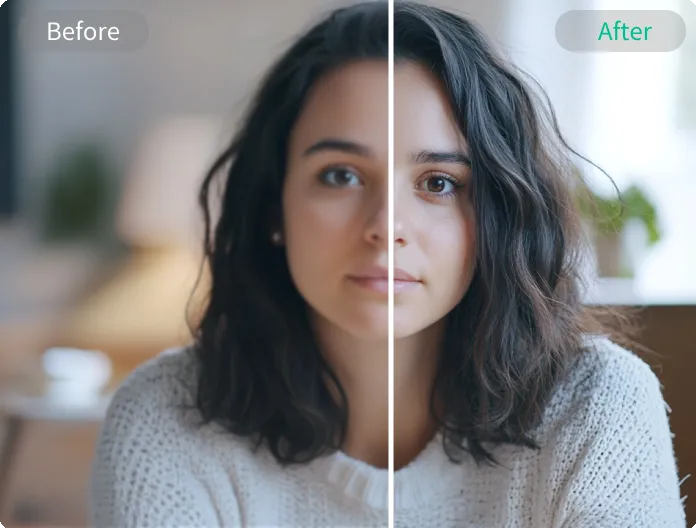
Enhance and Export Your Vlog

Polish your final result with Video Enhance, then export it for TikTok, Instagram Reels, YouTube Shorts, or YouTube. You can also add captions, music, and final edits in your preferred editor before posting.

Features of AI Vlog Video Generator

Generate Vlog Scenes Fast

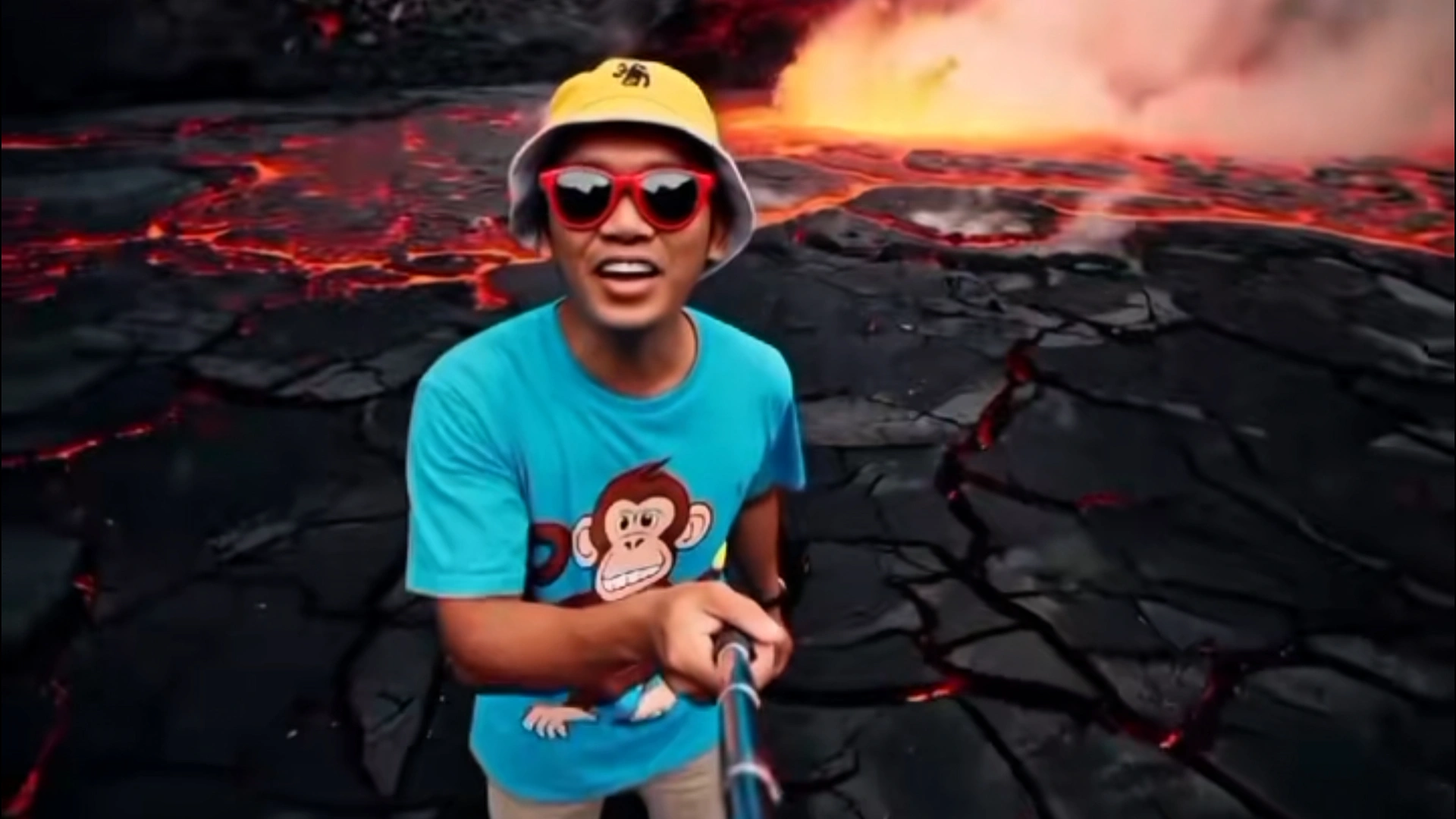
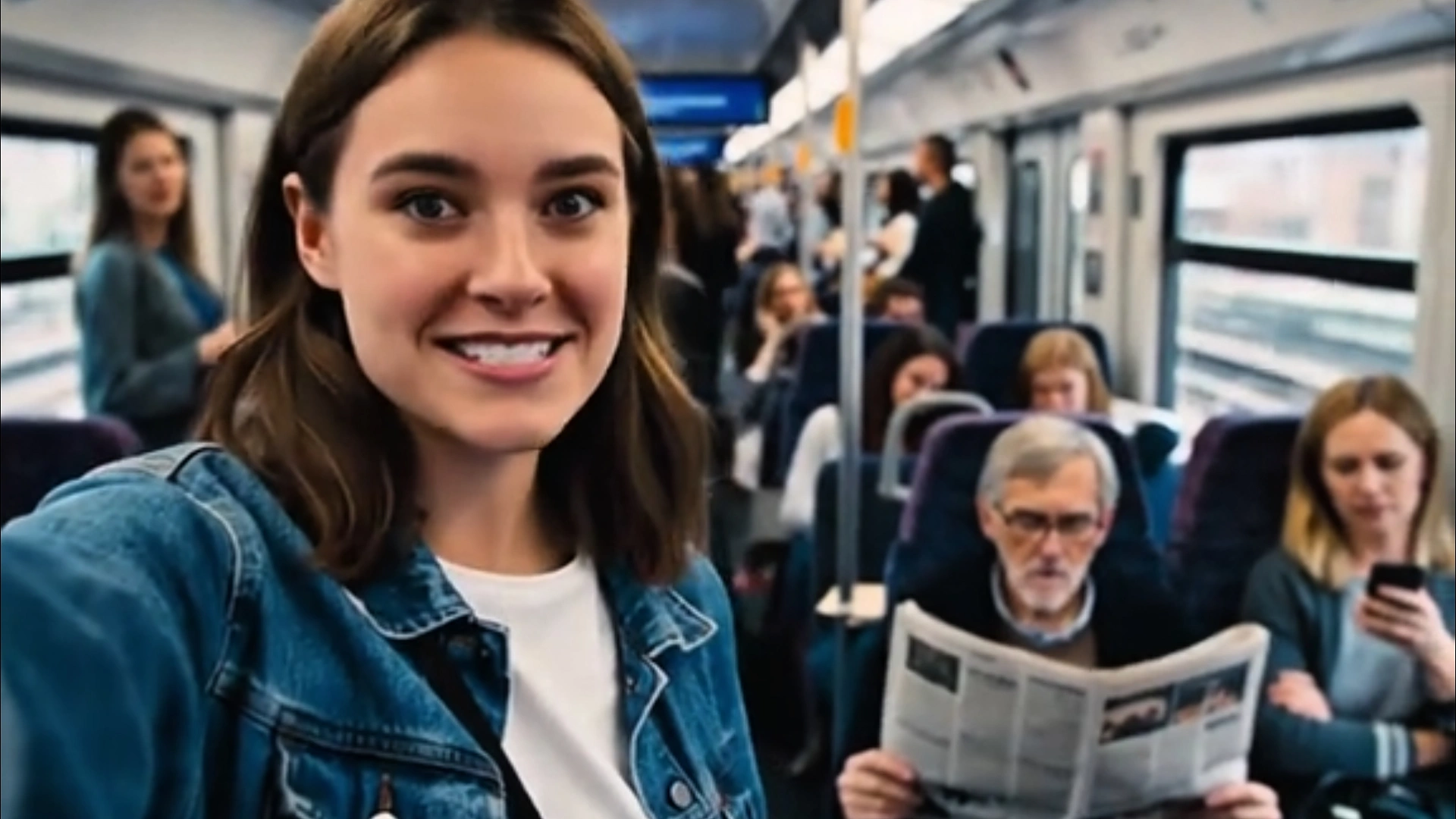
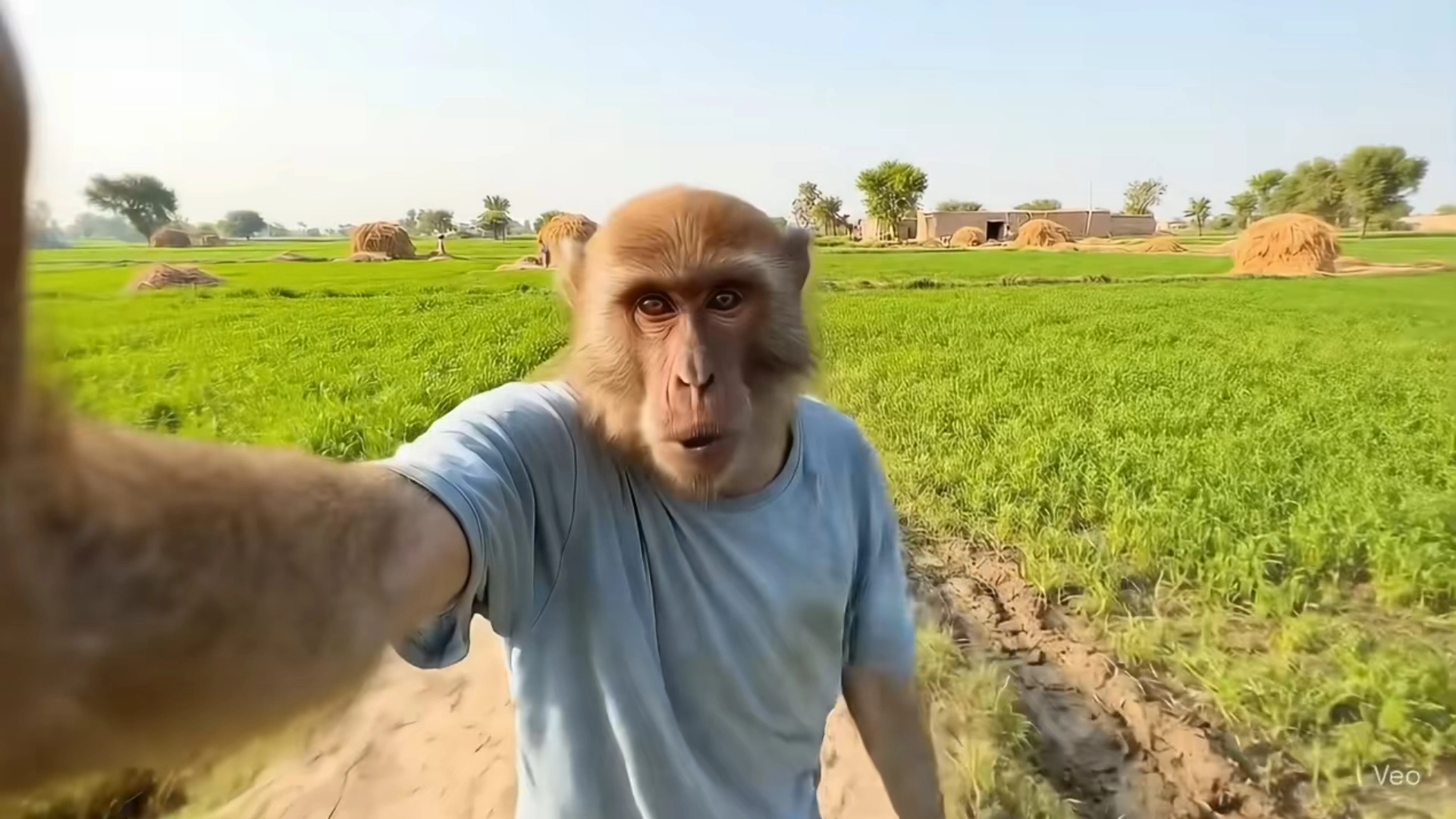
Turn prompts and images into vlog-style scenes for travel videos, POV stories, daily updates, and creator content. DreamFace gives you a faster way to build footage when you want to create more without filming everything from scratch.
Generate Vlog Scenes Fast

Add a Talking AI Vlog Host

Create a talking presenter for your vlog with lip sync, voice, and expressive delivery. It is useful for intros, narration, commentary, story transitions, and avatar-led videos that need a clear on-screen guide.
Add a Talking AI Vlog Host

Make Faceless or Avatar-Led Vlogs

You can build faceless vlog videos with voiceover only, or use an avatar host to give your content more personality. That makes DreamFace flexible for creators who do not want to appear on camera in every video.
Make Faceless or Avatar-Led Vlogs

Export Social-Ready Vlog Clips

Create short-form vlog content for TikTok, Reels, Shorts, and other social platforms. DreamFace helps you go from idea to a publish-ready draft faster, then refine the final cut for your channel.
Export Social-Ready Vlog Clips

Frequently Asked Questions

Why DreamFace Works for AI Vlog Creation

One Workflow for Scenes, Host, and Voice

DreamFace combines scene generation, talking avatars, narration, lip sync, and enhancement into one creation flow. That makes it easier to build AI vlog videos without piecing together as many separate tools.

Built for Vlogs and Short-Form Content

The workflow fits common vlog formats, including travel clips, talking-head updates, faceless videos, explainers, and short vertical content. It is designed for creators who want faster production for social channels.

Easy to Start with Prompts or Images

You can begin with a simple idea, a reference image, or a script, then keep shaping the result. This makes DreamFace approachable for beginners while still giving more experienced creators room to refine the video.

Secure Handling for Uploaded Content

DreamFace presents secure handling for uploaded videos and personal data while you create. That gives users a more reliable environment for making avatar videos, voiceovers, and other vlog assets.

More Valuable Features from Dreamface

AI Video Generator
Generate the base footage for your vlog from prompts or images, including B-roll, story scenes, and social-ready clips.
AI Avatar Video Generator
Create a talking AI host with lip sync for intros, commentary, story segments, and creator-style vlog delivery.
Video Enhance
Improve clarity, sharpness, and overall visual quality before you export your final vlog video.
Text to Speech
Add natural AI voiceovers for faceless vlogs, narration, creator commentary, and story-driven video content.

They Love Dreamface

Helpful for Quick First Drafts

I used it to turn rough vlog ideas into a usable first draft much faster. It saved me time on the setup stage and gave me something I could actually edit and post.

Works Well for Talking Video Content

The talking avatar part made my vlog clips feel more structured. It was useful for intros, explanations, and short commentary without needing to film everything myself.

Good Option for Faceless Vlogs

I wanted a way to make faceless vlog videos with narration, and this workflow helped a lot. I could build scenes first, then add voice and polish the result later.

Easy to Turn Scripts into Videos

What I liked most was being able to start from an idea or short script and turn it into a vlog-style video. It made content planning feel more practical.

Useful for Short-Form Posts

I make short social videos, and DreamFace gave me a faster way to create vlog-style clips for Reels and Shorts. It helped me get from concept to draft without as much production work.

A Better Starting Point Than Editing From Zero

I still do final edits myself, but having scenes, voice, and an avatar host ready early makes the whole process easier. It feels more like starting from a strong draft instead of a blank timeline.

Helpful for Quick First Drafts

I used it to turn rough vlog ideas into a usable first draft much faster. It saved me time on the setup stage and gave me something I could actually edit and post.

Works Well for Talking Video Content

The talking avatar part made my vlog clips feel more structured. It was useful for intros, explanations, and short commentary without needing to film everything myself.

Good Option for Faceless Vlogs

I wanted a way to make faceless vlog videos with narration, and this workflow helped a lot. I could build scenes first, then add voice and polish the result later.

Easy to Turn Scripts into Videos

What I liked most was being able to start from an idea or short script and turn it into a vlog-style video. It made content planning feel more practical.

Useful for Short-Form Posts

I make short social videos, and DreamFace gave me a faster way to create vlog-style clips for Reels and Shorts. It helped me get from concept to draft without as much production work.

A Better Starting Point Than Editing From Zero

I still do final edits myself, but having scenes, voice, and an avatar host ready early makes the whole process easier. It feels more like starting from a strong draft instead of a blank timeline.