DreamFace

En
    Language
  • English
  • Português
  • 简体中文
  • 繁體中文
  • 日本語
  • Español
  • Bahasa Indonesia
  • ไทย
  • Tiếng Việt
  • हिंदी
  • Русский
  • Italiano
  • 한국어
  • मराठी
  • Nederlands
  • Norsk
  • ਪੰਜਾਬੀ
  • Polski
  • Dansk
  • Suomi
  • Français
  • Deutsch
  • Svenska
  • Kiswahili
  • తెలుగు
  • Türkçe
  • বাংলা
  • اردو
  • العربية
  • فارسی
  • Ελληνικά
Start Now
left
Chrome Store
4.9

Chrome Store

right
left
20,000,000+

Global Users

right
left
Apple Store
4.9

Apple Store

right

We trusted by Famous institutions worldwide

How to Make 9:16 TikTok Videos with AI in 3 Steps

step1

Start with Text, an Image, or Audio

Write a prompt, upload a photo, or add audio to start the fastest path from idea to a TikTok-ready 9:16 video.

step2

Choose a Hook-First 9:16 Format

Pick prompt video, motion-driven clips, or talking-avatar delivery based on the intro hook, pace, and short-form format you want for TikTok.

step3

Generate, Polish, and Post

Create your final vertical clip, improve clarity before export, and post a ready-to-publish TikTok video faster.
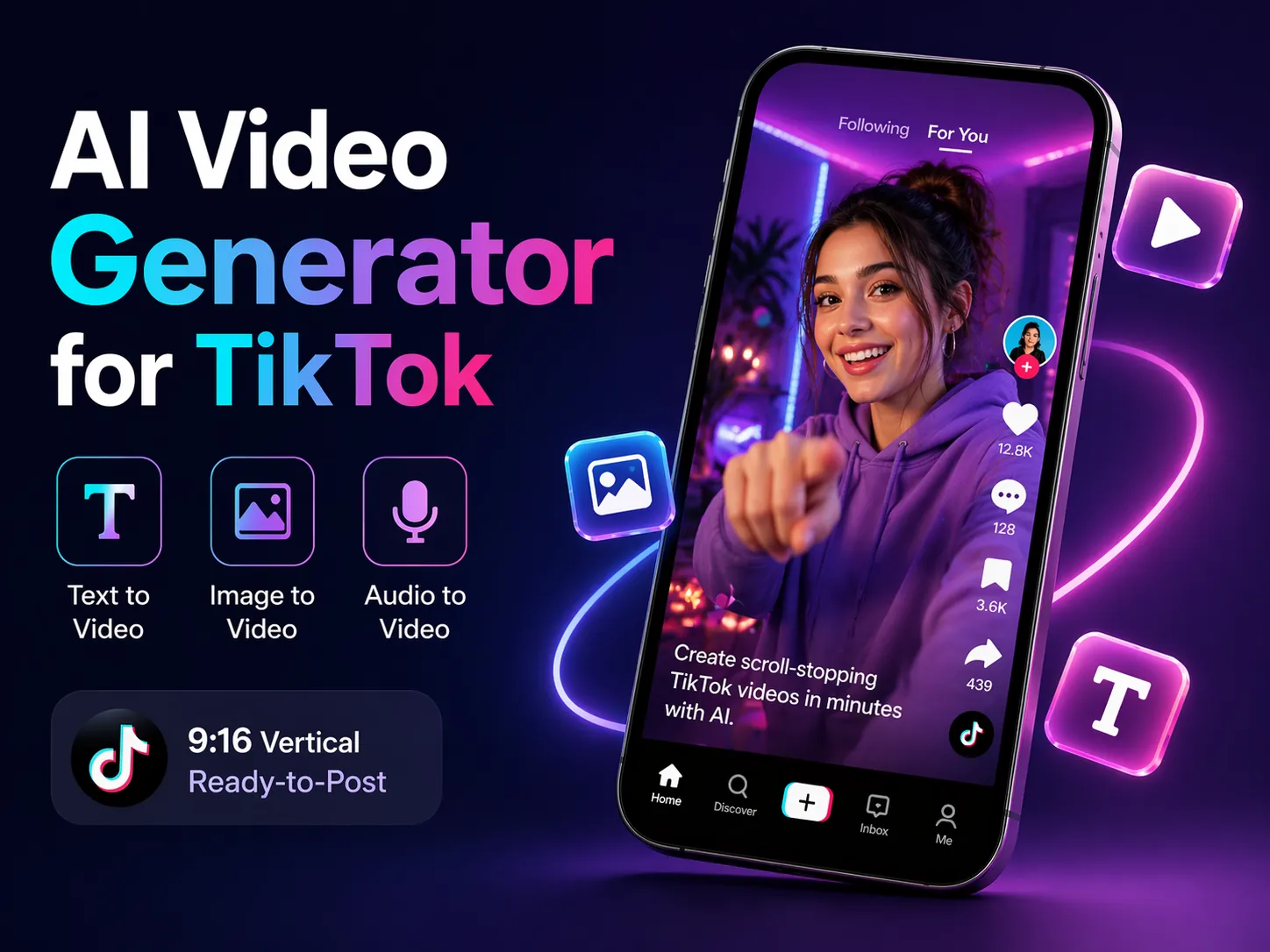
Build Ready-to-Post TikTok Videos in More Than One Way


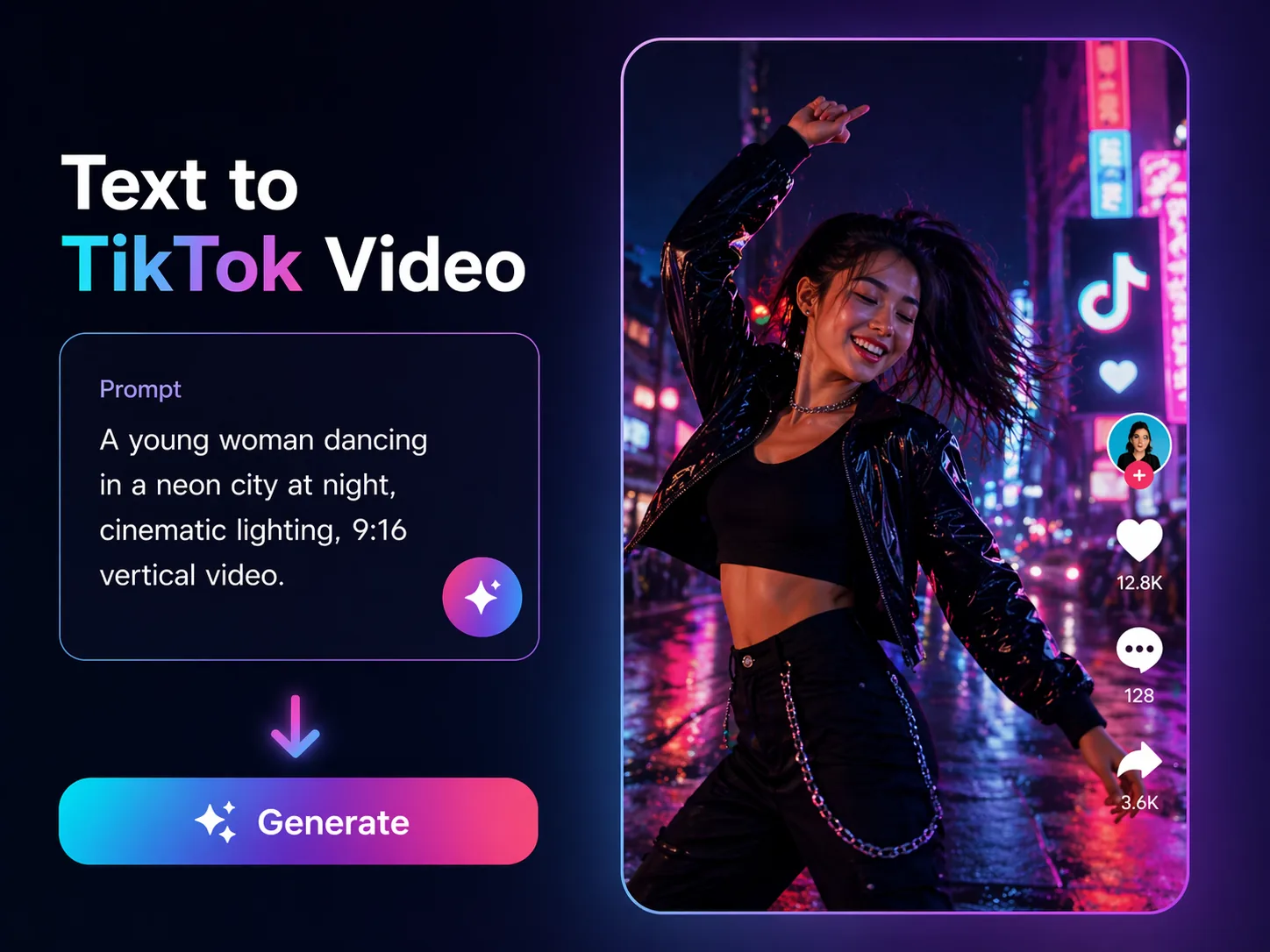
Generate 9:16 TikTok Videos from Prompts

Turn a prompt into short-form 9:16 concepts faster and test different hooks, moods, and visual directions for TikTok.
Generate 9:16 TikTok Videos from Prompts

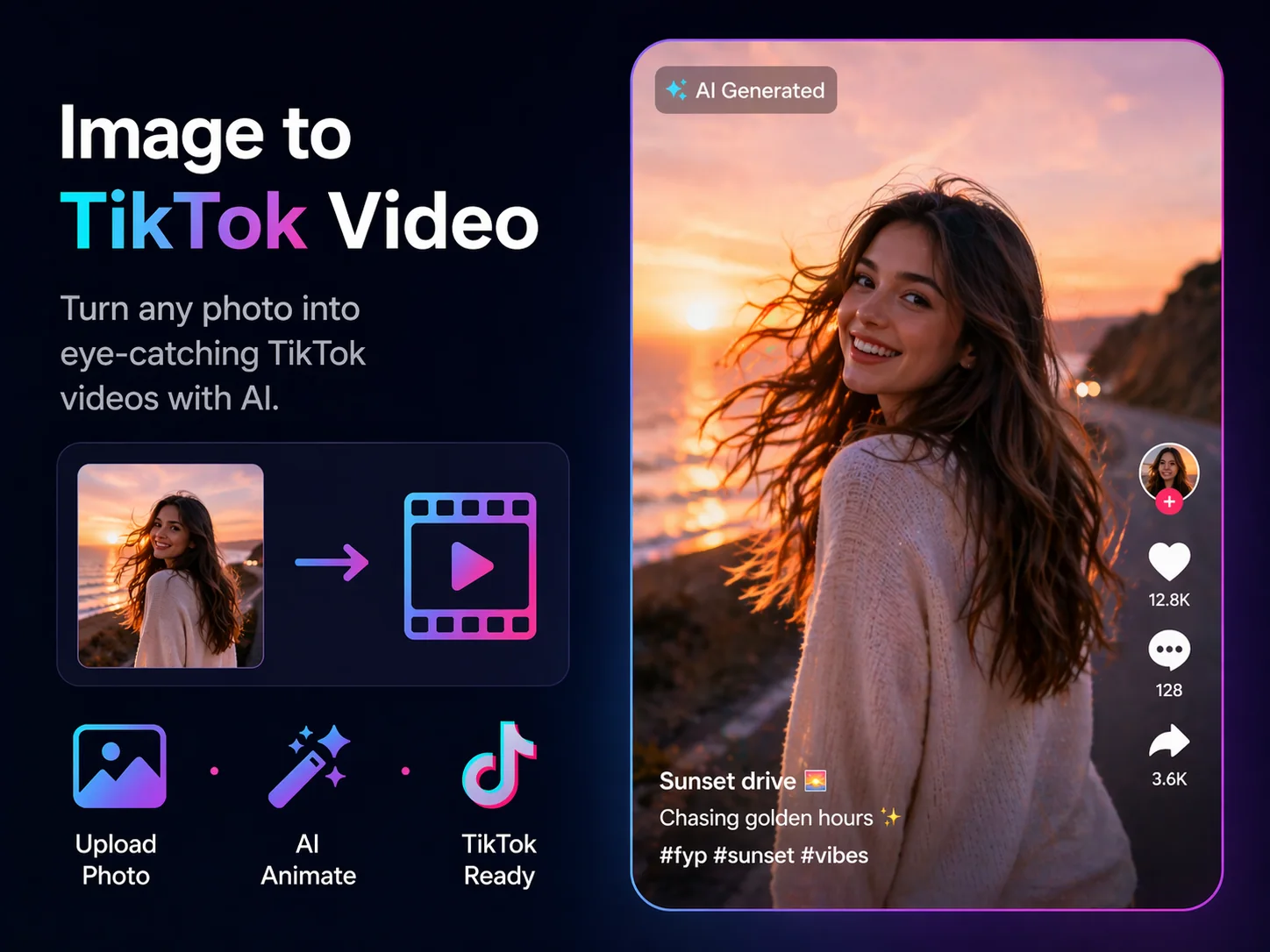
Turn Photos into Motion-Driven TikTok Clips

Animate still images into expressive vertical videos that fit creator storytelling, trend-inspired posts, and fast-moving TikTok content.
Turn Photos into Motion-Driven TikTok Clips

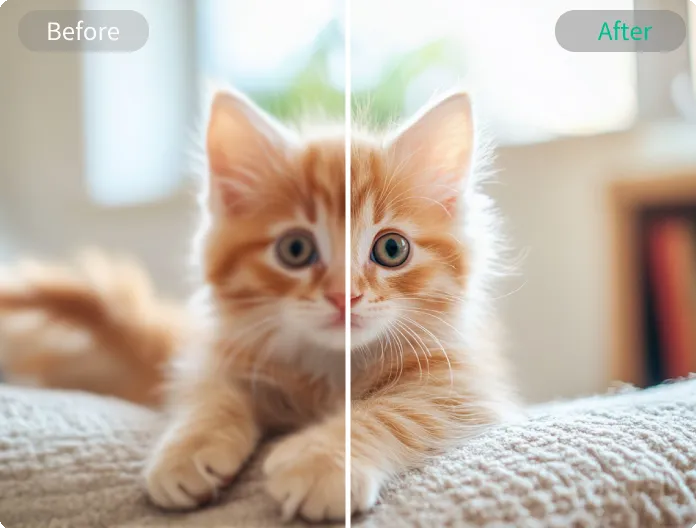
Polish Vertical Videos Before You Post

Enhance sharpness, color, and overall clarity so your ready-to-post TikTok videos look cleaner and more watchable on mobile.
Polish Vertical Videos Before You Post

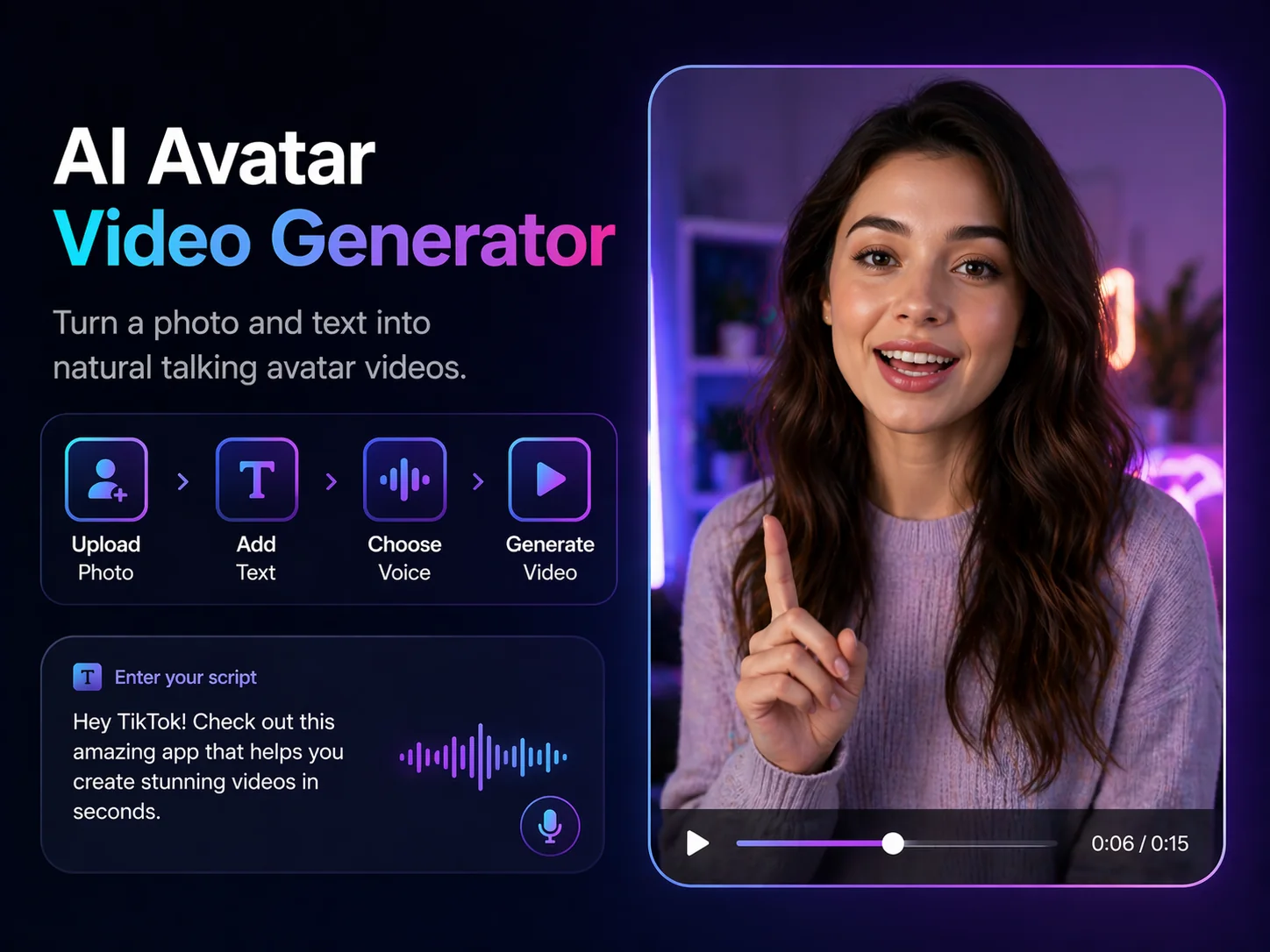
Add Talking-Avatar Delivery When You Need It

Create lip-synced avatar videos from text, images, or audio for presenter-style intros, explainers, and hook-led TikTok posts.
Add Talking-Avatar Delivery When You Need It

Frequently Asked Questions

What Dreamface Covers in a TikTok Video Workflow

编组

Prompt-to-Video for Hook-First Concepts

Use Dreamface to turn prompts into TikTok-ready scenes, then test different hooks, moods, and visual directions for faster short-form production.
编组 69

Motion-Driven 9:16 Clips from Images

Animate a still image into a vertical TikTok clip with motion-driven workflows that support storytelling, creator posts, and trend-led ideas.
无限

Ready-to-Post Polish for Mobile Viewing

Enhance resolution, sharpness, brightness, and color before publishing so your TikTok videos feel cleaner, brighter, and easier to watch on mobile.
可视化

Talking Avatars When a Presenter Helps

When a face on screen improves the intro or delivery, create a lip-synced avatar video from text, audio, or an uploaded image without filming every clip yourself.

More Valuable Features from Dreamface

AI Video Generator
Turn prompts into ready-to-post TikTok videos faster, then adjust style, mood, and scene direction for short-form creation.
Dream Act
Animate a still image into a motion-driven 9:16 clip for creator storytelling, expressive scenes, and trend-friendly TikTok ideas.
Video Enhancer
Enhance resolution, sharpness, brightness, and color before posting so your TikTok videos look cleaner and more polished on mobile.
AI Avatar Video Generator
Create talking-avatar TikTok videos from images, text, or audio with lip sync when a presenter-style hook fits the format.

They Love Dreamface

Better for broader TikTok creation

I like that this page is not limited to one TikTok format. I can start from a prompt, a photo, or audio and still end up with a vertical video that feels ready to publish.

Useful for testing short-form hooks

This workflow makes it easier to test different hooks, styles, and directions without rebuilding every TikTok video from scratch.

Good for photo-to-motion ideas

The motion-driven path is helpful when I want to turn a still image into a more dynamic TikTok clip without spending a lot of time editing.

Helpful when I need a presenter on screen

The talking-avatar option is useful when a clear presenter-style intro fits the content, but it does not overwhelm the rest of the workflow.

Cleaner final videos on mobile

The enhancement step helps sharpen and brighten clips before posting, which makes the final TikTok video feel cleaner on a phone screen.

Feels more like a true TikTok hub

What stands out is that this page supports prompt video, motion, avatars, and polish in one place, so it feels like a practical TikTok creation hub instead of a single-tool page.

Better for broader TikTok creation

I like that this page is not limited to one TikTok format. I can start from a prompt, a photo, or audio and still end up with a vertical video that feels ready to publish.

Useful for testing short-form hooks

This workflow makes it easier to test different hooks, styles, and directions without rebuilding every TikTok video from scratch.

Good for photo-to-motion ideas

The motion-driven path is helpful when I want to turn a still image into a more dynamic TikTok clip without spending a lot of time editing.

Helpful when I need a presenter on screen

The talking-avatar option is useful when a clear presenter-style intro fits the content, but it does not overwhelm the rest of the workflow.

Cleaner final videos on mobile

The enhancement step helps sharpen and brighten clips before posting, which makes the final TikTok video feel cleaner on a phone screen.

Feels more like a true TikTok hub

What stands out is that this page supports prompt video, motion, avatars, and polish in one place, so it feels like a practical TikTok creation hub instead of a single-tool page.