DreamFace

Language

En
    Language
  • English
  • Português
  • 简体中文
  • 繁體中文
  • 日本語
  • Español
  • Bahasa Indonesia
  • ไทย
  • Tiếng Việt
  • हिंदी
  • Русский
  • Italiano
  • 한국어
  • मराठी
  • Nederlands
  • Norsk
  • ਪੰਜਾਬੀ
  • Polski
  • Dansk
  • Suomi
  • Français
  • Deutsch
  • Svenska
  • Kiswahili
  • తెలుగు
  • Türkçe
  • বাংলা
  • اردو
  • العربية
  • فارسی
  • Ελληνικά
Start Now
Chrome Store
4.9

Chrome Store

20,000,000+

Global Users

Apple Store
4.9

Apple Store

Trusted by Leading Institutions Worldwide

How to Build a Longer AI Video

step 1

Outline Your Scenes

Break what you want to show into a rough sequence of segments.

step 2

Generate Each Segment

Create the scenes one at a time from prompts, photos, or a script.

step 3

Arrange and Export

Set the order and pacing, then export the full sequence as one video.

AI Long Video Generator Features

Multiple Scenes, One Timeline

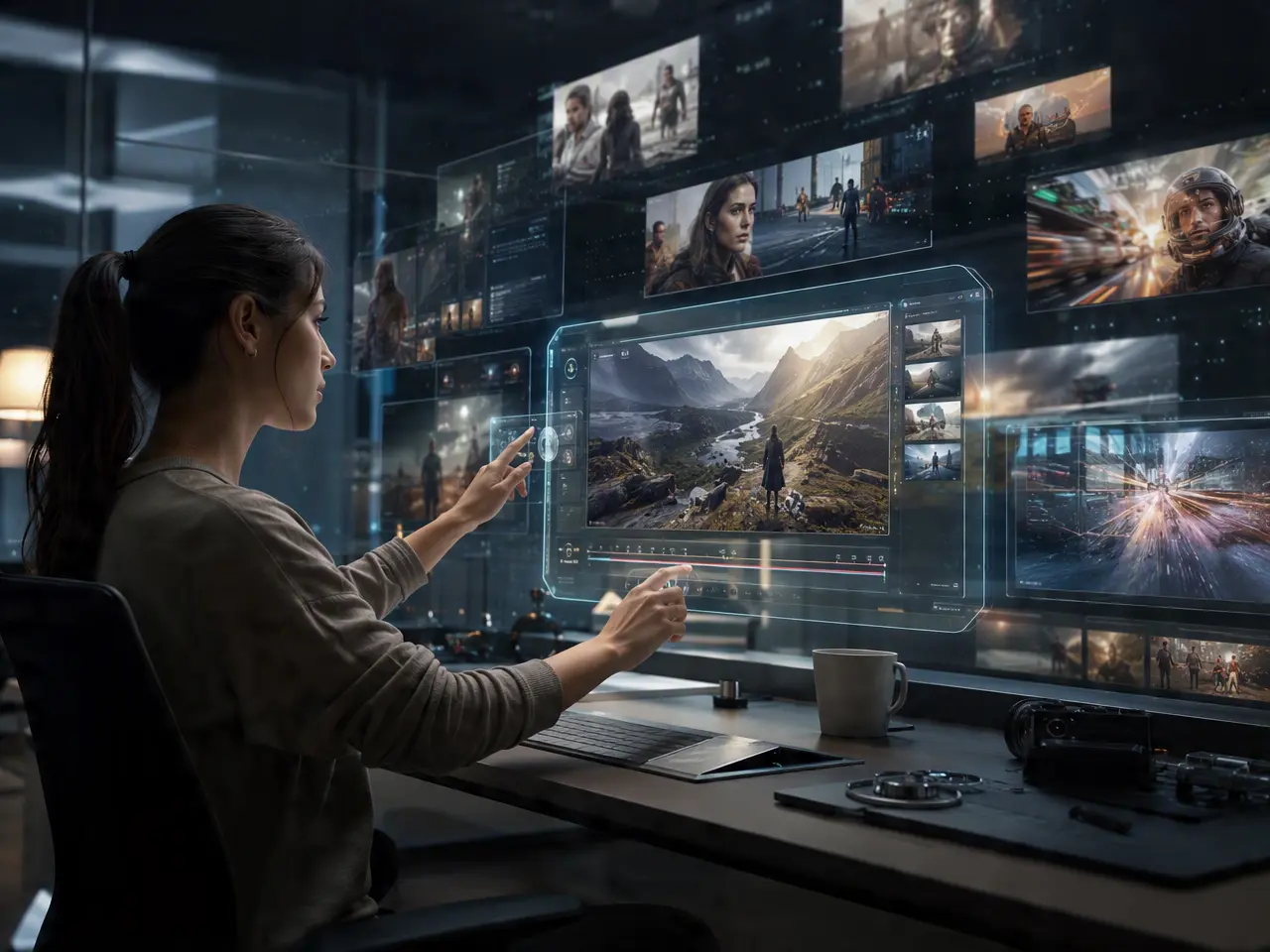
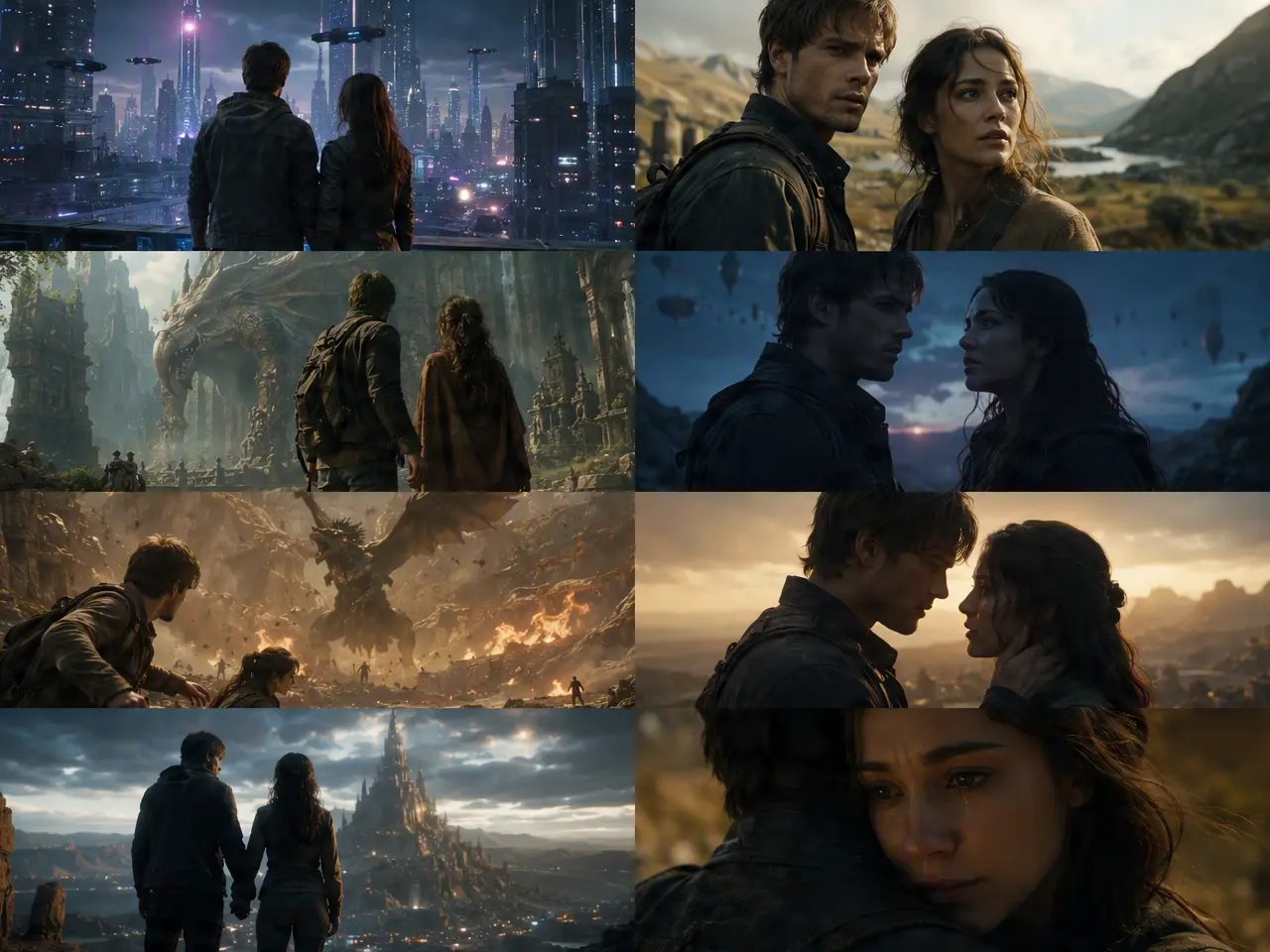
Generate several scenes separately, then line them up into a single longer sequence instead of juggling loose files.
Multiple Scenes, One Timeline

Set Pacing Scene by Scene

Control how long each segment runs so the full video doesn't drag in one part and rush through another.
Set Pacing Scene by Scene

Reorder Before You Export

Rearrange the scene order to fix the flow without regenerating any of the footage.
Reorder Before You Export

One File Out, Not Several to Merge

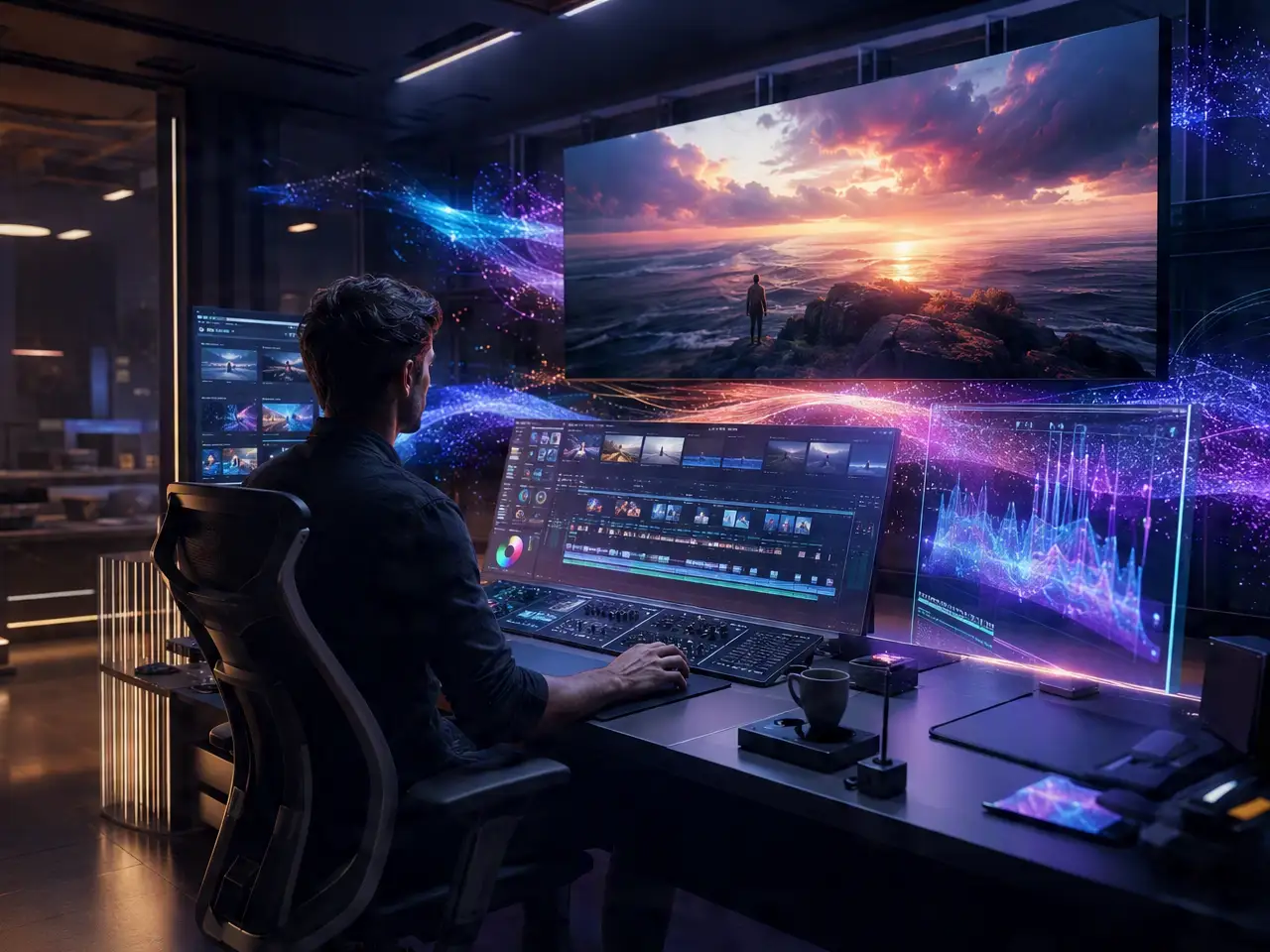
The finished sequence renders as a single downloadable video, not separate clips you still have to combine.
One File Out, Not Several to Merge

Frequently Asked Questions

Why Use DreamFace for Longer Videos?

Scene Chaining

Links separately generated scenes into one continuous sequence instead of leaving them as standalone clips.

Quality Doesn't Drop in Later Scenes

Resolution stays consistent from the first segment to the last.

Swap One Weak Scene Without a Rebuild

Regenerate a single segment that missed the mark instead of redoing the whole video.

Source Material Stays Private

Scripts, prompts, or photos used to build each scene aren't shared or published on DreamFace's end.

More Valuable Features from Dreamface

AI Video Generator
Create AI product videos, ad clips, launch teasers, ecommerce demos, and social product content from prompts, images, or templates.
AI Video
Use DreamFace AI Video to turn static product images or text into lifelike video animations with templates, references, and start or end frames.
Video Enhancer
Enhance product clips with AI upscaling, sharper details, better color, and higher-resolution output before publishing ads or ecommerce videos.
Background Remover
Remove product photo backgrounds and prepare clean cutouts for product video scenes, ads, marketplace clips, and branded social promos.

They Love Dreamface

No Separate Editor Needed

Used to export clips and merge them in another app, this handled the combining step for me.

Reordering Saved a Redo

Realized two scenes worked better swapped, didn't have to regenerate anything to fix it.

Good for a Tutorial

Broke a how-to into steps as separate scenes, came out as one clean video instead of a jumpy single clip.

Pacing Control Helped

One segment felt too long in early attempts, adjusting its pacing without touching the rest was straightforward.

One Download, Done

Appreciated getting a single file at the end instead of having to combine several exports myself.

Held Quality Through the Whole Thing

Was worried later scenes would look worse, but the resolution stayed consistent start to finish.

No Separate Editor Needed

Used to export clips and merge them in another app, this handled the combining step for me.

Reordering Saved a Redo

Realized two scenes worked better swapped, didn't have to regenerate anything to fix it.

Good for a Tutorial

Broke a how-to into steps as separate scenes, came out as one clean video instead of a jumpy single clip.

Pacing Control Helped

One segment felt too long in early attempts, adjusting its pacing without touching the rest was straightforward.

One Download, Done

Appreciated getting a single file at the end instead of having to combine several exports myself.

Held Quality Through the Whole Thing

Was worried later scenes would look worse, but the resolution stayed consistent start to finish.