DreamFace

Language

En
    Language
  • English
  • Português
  • 简体中文
  • 繁體中文
  • 日本語
  • Español
  • Bahasa Indonesia
  • ไทย
  • Tiếng Việt
  • हिंदी
  • Русский
  • Italiano
  • 한국어
  • मराठी
  • Nederlands
  • Norsk
  • ਪੰਜਾਬੀ
  • Polski
  • Dansk
  • Suomi
  • Français
  • Deutsch
  • Svenska
  • Kiswahili
  • తెలుగు
  • Türkçe
  • বাংলা
  • اردو
  • العربية
  • فارسی
  • Ελληνικά
Start Now
Chrome Store
4.9

Chrome Store

20,000,000+

Global Users

Apple Store
4.9

Apple Store

Trusted by Leading Institutions Worldwide

How to Keep a Character Consistent

step 1

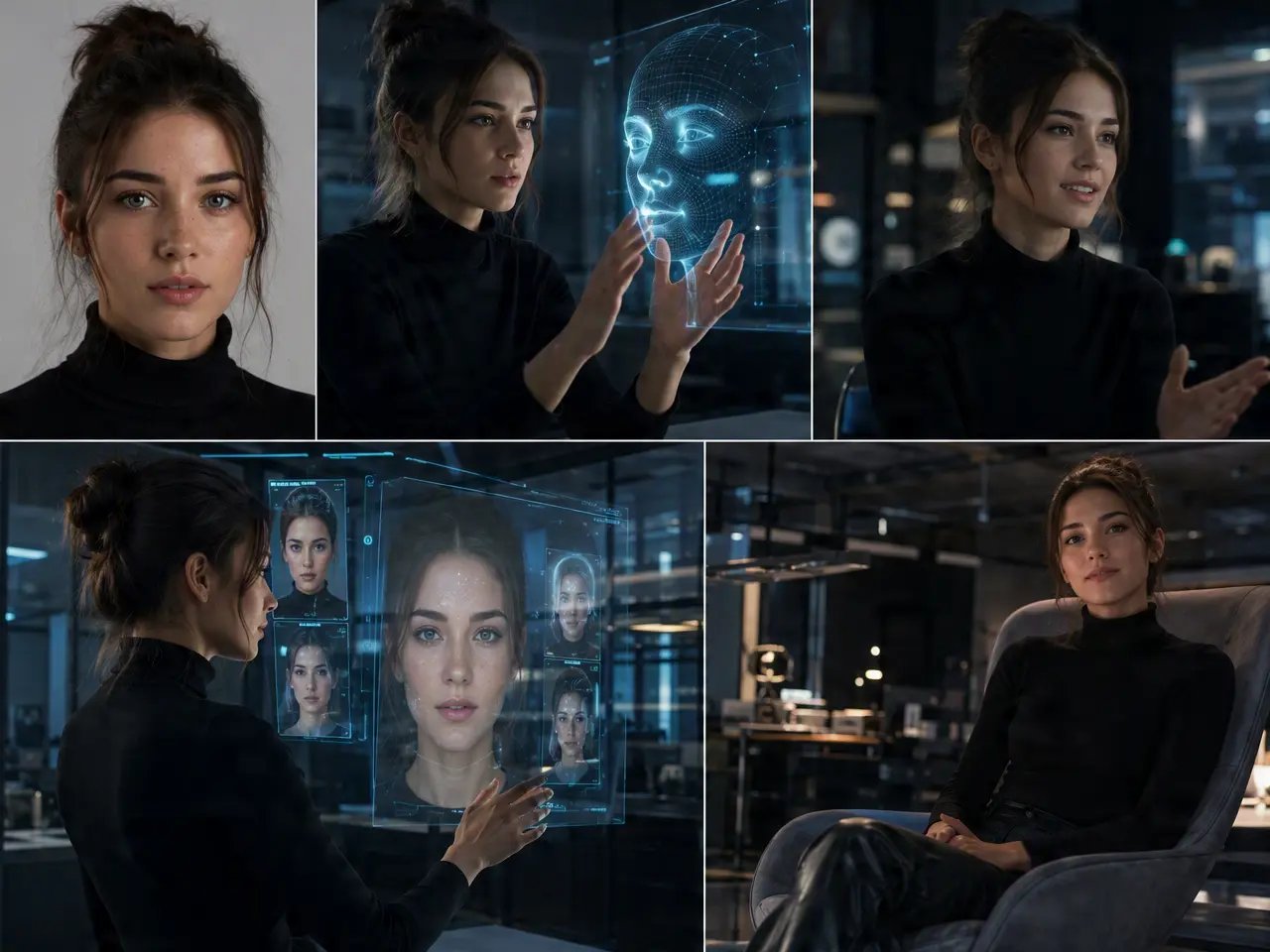
Upload a Reference Photo

Use a clear photo of the character or face you want to keep consistent.

step 2

Generate Scenes Against It

Create each new scene using the same reference for identity.

step 3

Compare and Regenerate Outliers

Check the set for any scene where the identity drifted, and redo just that one.

AI Character Consistency Generator Features

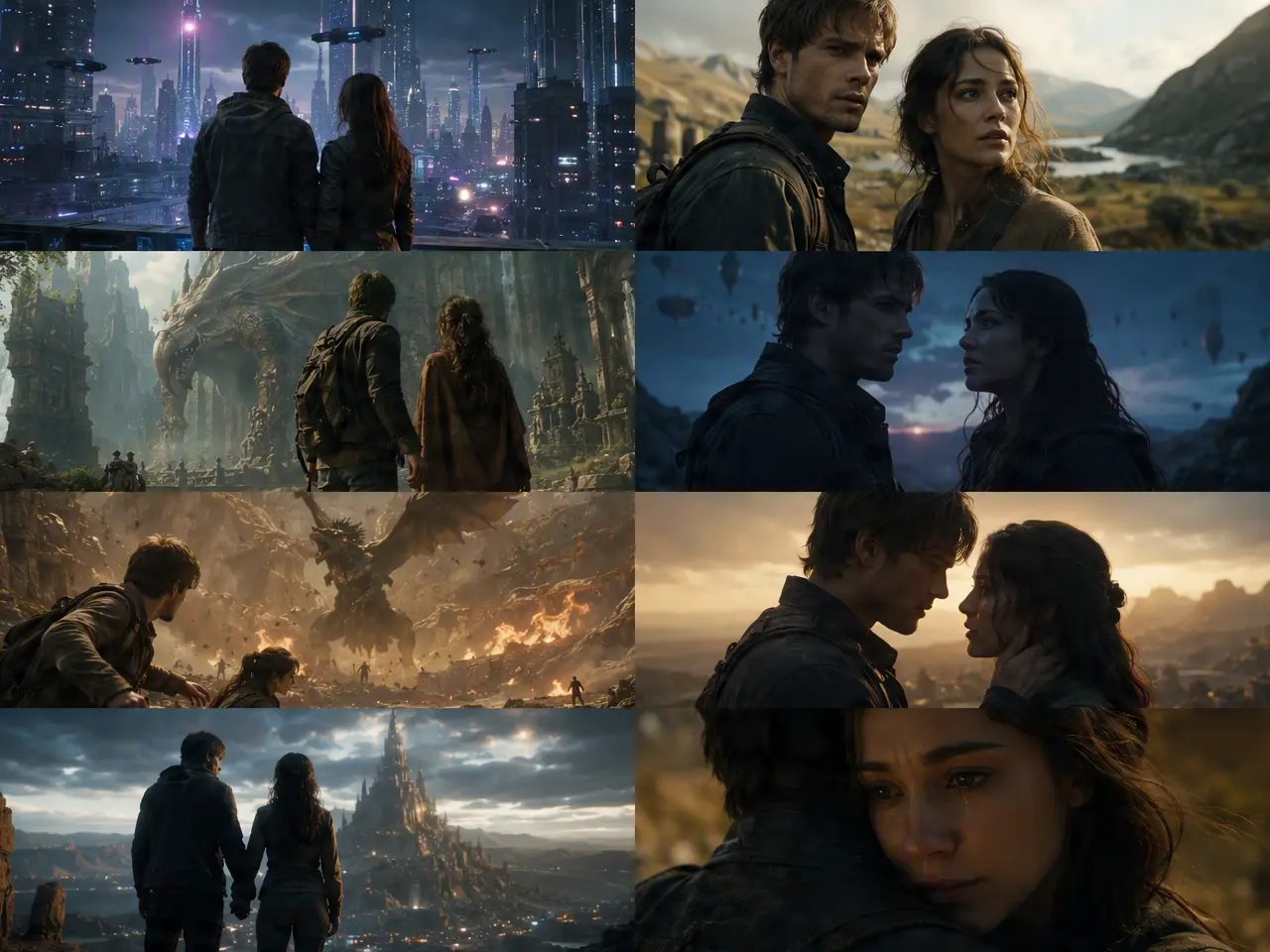
One Reference, Many Scenes

Upload a reference photo once and reuse the same identity across multiple separately generated clips.
One Reference, Many Scenes

Face Holds Up Across Angles

The character stays recognizable through turns and different camera angles, not just in a straight-on shot.
Face Holds Up Across Angles

Consistent Through Outfit or Setting Changes

Identity holds even when the background or clothing in a scene changes from one generation to the next.
Consistent Through Outfit or Setting Changes

Flag and Redo an Off Take

If one generation drifts off-model, regenerate just that scene without touching the rest of the set.
Flag and Redo an Off Take

Frequently Asked Questions

Why Use DreamFace for Character Consistency?

Identity Locked to a Reference

Generations are anchored to the uploaded reference photo rather than reinterpreting the character each time.

Consistency Doesn't Cost Resolution

Matching the identity across scenes doesn't come at the expense of output sharpness.

Batch Several Scenes From One Reference

Generate more than one scene against the same reference photo in a session.

Reference Photos Aren't Reused Elsewhere

The photo uploaded to anchor a character is used to generate your videos only.

More Valuable Features from Dreamface

AI Video Generator
Create AI product videos, ad clips, launch teasers, ecommerce demos, and social product content from prompts, images, or templates.
AI Video
Use DreamFace AI Video to turn static product images or text into lifelike video animations with templates, references, and start or end frames.
Video Enhancer
Enhance product clips with AI upscaling, sharper details, better color, and higher-resolution output before publishing ads or ecommerce videos.
Background Remover
Remove product photo backgrounds and prepare clean cutouts for product video scenes, ads, marketplace clips, and branded social promos.

They Love Dreamface

Finally Looked Like the Same Person

Other tools I tried gave me a different-looking character every scene, this one actually held the identity.

Worked for a Series

Needed the same character across five separate clips for a mini series, consistency held up well enough to use.

Angles Didn't Break It

Was expecting the face to fall apart on a side angle, it stayed recognizable.

Redo Saved One Bad Scene

One generation came out looking off-model, regenerating just that scene fixed it without redoing the rest.

Outfit Change Didn't Confuse It

Changed the character's clothing between scenes and the face still held steady.

Good Starting Point for a Recurring Character

Used one reference photo across a handful of scenes, saved having to re-describe the character every time.

Finally Looked Like the Same Person

Other tools I tried gave me a different-looking character every scene, this one actually held the identity.

Worked for a Series

Needed the same character across five separate clips for a mini series, consistency held up well enough to use.

Angles Didn't Break It

Was expecting the face to fall apart on a side angle, it stayed recognizable.

Redo Saved One Bad Scene

One generation came out looking off-model, regenerating just that scene fixed it without redoing the rest.

Outfit Change Didn't Confuse It

Changed the character's clothing between scenes and the face still held steady.

Good Starting Point for a Recurring Character

Used one reference photo across a handful of scenes, saved having to re-describe the character every time.