DreamFace

Language

En
    Language
  • English
  • Português
  • 简体中文
  • 繁體中文
  • 日本語
  • Español
  • Bahasa Indonesia
  • ไทย
  • Tiếng Việt
  • हिंदी
  • Русский
  • Italiano
  • 한국어
  • मराठी
  • Nederlands
  • Norsk
  • ਪੰਜਾਬੀ
  • Polski
  • Dansk
  • Suomi
  • Français
  • Deutsch
  • Svenska
  • Kiswahili
  • తెలుగు
  • Türkçe
  • বাংলা
  • اردو
  • العربية
  • فارسی
  • Ελληνικά
Start Now
Chrome Store
4.9

Chrome Store

20,000,000+

Global Users

Apple Store
4.9

Apple Store

Trusted by Leading Institutions Worldwide

How to Generate a Business Card Concept

step 1

Describe Your Business and Vibe

Include what you do and the tone you want, from minimal to bold.

step 2

Pick a Direction You Like

Compare a few generated concepts and choose the one closest to what you want.

step 3

Generate, Compare, and Export

Create the concept image and export it to bring into a print template.

AI Business Card Generator Features

Describe Your Brand, Get a Layout

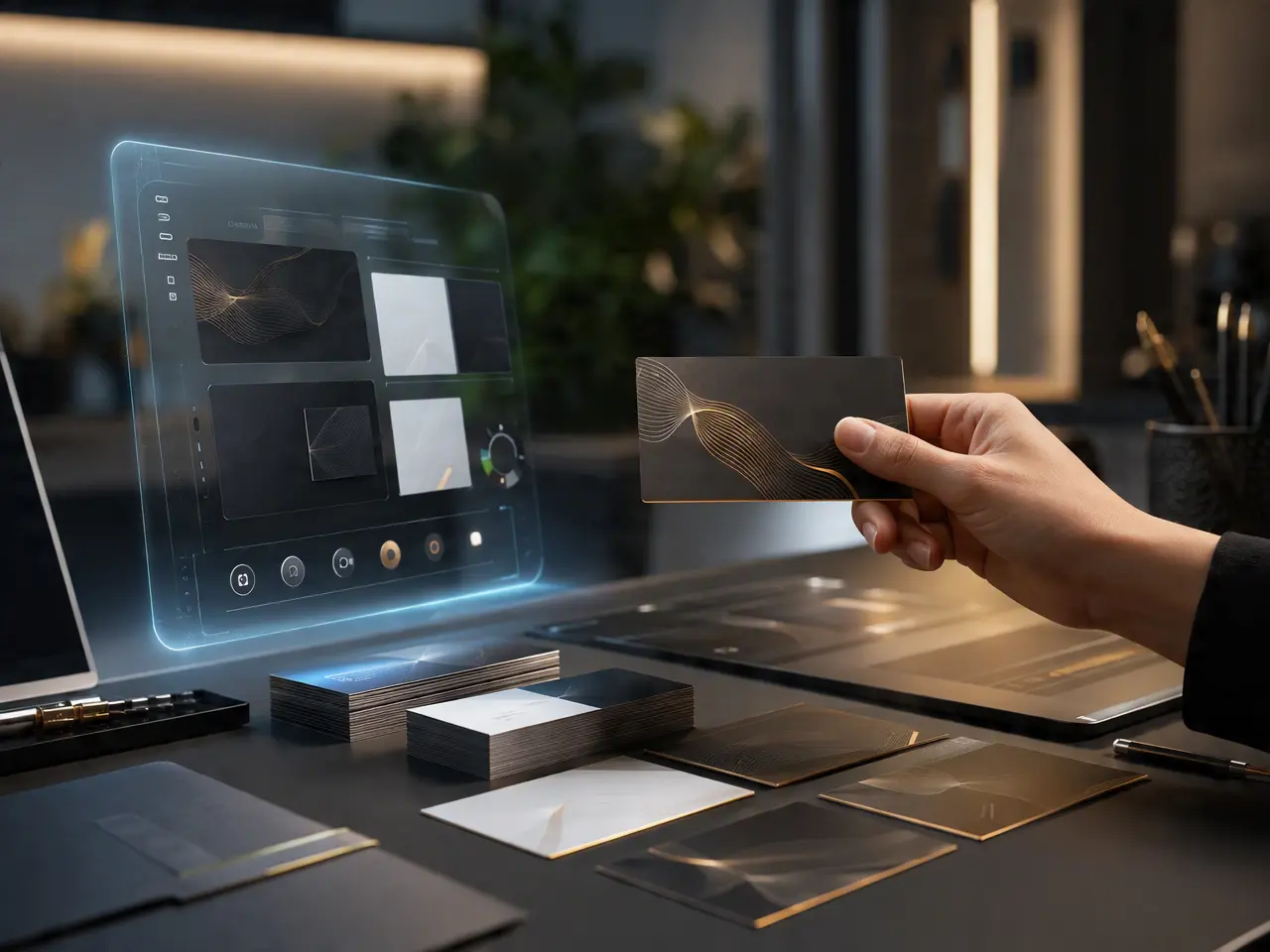
Turn a short description of your business and its vibe into a visual card layout.
Describe Your Brand, Get a Layout

A Simple Mark Included

Concepts come with a basic logo-style mark alongside the layout, not just plain text on a background.
A Simple Mark Included

Several Directions to Compare

Generate more than one style from the same brief instead of committing to a single result.
Several Directions to Compare

A Starting Point, Not a Final File

Output is a design concept image meant to guide a final version, not a print-ready file with exact bleed and margins.
A Starting Point, Not a Final File

Frequently Asked Questions

Why Use DreamFace for Business Card Concepts?

Brand Brief to Card Concept

Converts a short written description of your business into a visual layout idea.

High-Resolution Preview Images

Concepts are detailed enough to review closely before deciding on a direction.

Multiple Style Directions

Compare a few different looks generated from the same brief before choosing one.

No Design Software Needed to Start

Sketch out ideas in words instead of opening a design tool with a blank canvas.

More Valuable Features from Dreamface

AI Video Generator
Create AI product videos, ad clips, launch teasers, ecommerce demos, and social product content from prompts, images, or templates.
AI Video
Use DreamFace AI Video to turn static product images or text into lifelike video animations with templates, references, and start or end frames.
Video Enhancer
Enhance product clips with AI upscaling, sharper details, better color, and higher-resolution output before publishing ads or ecommerce videos.
Background Remover
Remove product photo backgrounds and prepare clean cutouts for product video scenes, ads, marketplace clips, and branded social promos.

They Love Dreamface

Good Starting Point

Used it to get a few visual directions before hiring a designer to finalize the actual print file.

Helped a Brainstorm

Was stuck on where to even start with a card design, seeing a few generated concepts got ideas moving.

Fine for a Pinch

Needed something quick before a networking event, used a concept as a rough reference rather than a final card.

Useful for a Class Project

Generated a mockup card for a school branding assignment, worked well since it did not need to be print-ready.

Compared a Few Directions

Generated three different styles from the same description before picking the one that fit best.

Took It to a Print Shop

Brought a generated concept to a local print shop's template as a visual reference for their designer.

Good Starting Point

Used it to get a few visual directions before hiring a designer to finalize the actual print file.

Helped a Brainstorm

Was stuck on where to even start with a card design, seeing a few generated concepts got ideas moving.

Fine for a Pinch

Needed something quick before a networking event, used a concept as a rough reference rather than a final card.

Useful for a Class Project

Generated a mockup card for a school branding assignment, worked well since it did not need to be print-ready.

Compared a Few Directions

Generated three different styles from the same description before picking the one that fit best.

Took It to a Print Shop

Brought a generated concept to a local print shop's template as a visual reference for their designer.