


How to Create a Viral Facebook Birthday AI Video Like the K-pop Demon Hunter Singing "Happy Birthday"
- Birthday AI Video
- AI Video Generator
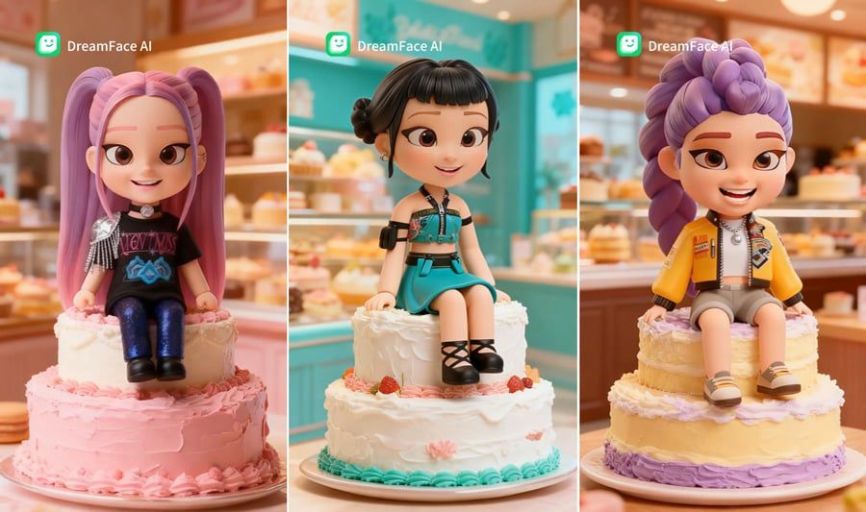
In recent months, a viral AI-generated video featuring a K-pop Demon Hunter singing the iconic "Happy Birthday" song has taken Facebook by storm. With over 1.27 million views and 15,000 likes, this video has captured the attention of many, proving that AI technology can bring creativity and fun to social media in exciting new ways.
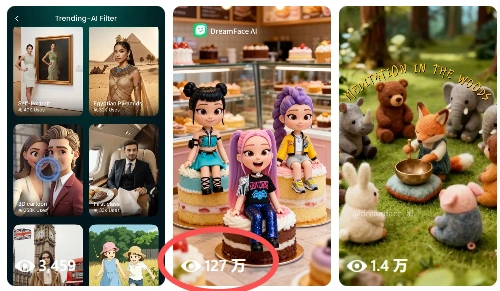
But how exactly did this video go viral, and how can you create a similar one? In this article, we’ll break down the steps for creating your own AI-powered "Happy Birthday" video that’s sure to wow your Facebook followers.
Step 1: Generate the K-pop Demon Hunter Image with DreamFace AI
To start, you'll need to create the visual element of your video. This is where DreamFace AI Image Generator comes in. With this powerful tool, you can generate highly detailed and unique images, including a K-pop Demon Hunter sitting on a birthday cake — just like the one featured in the viral video.
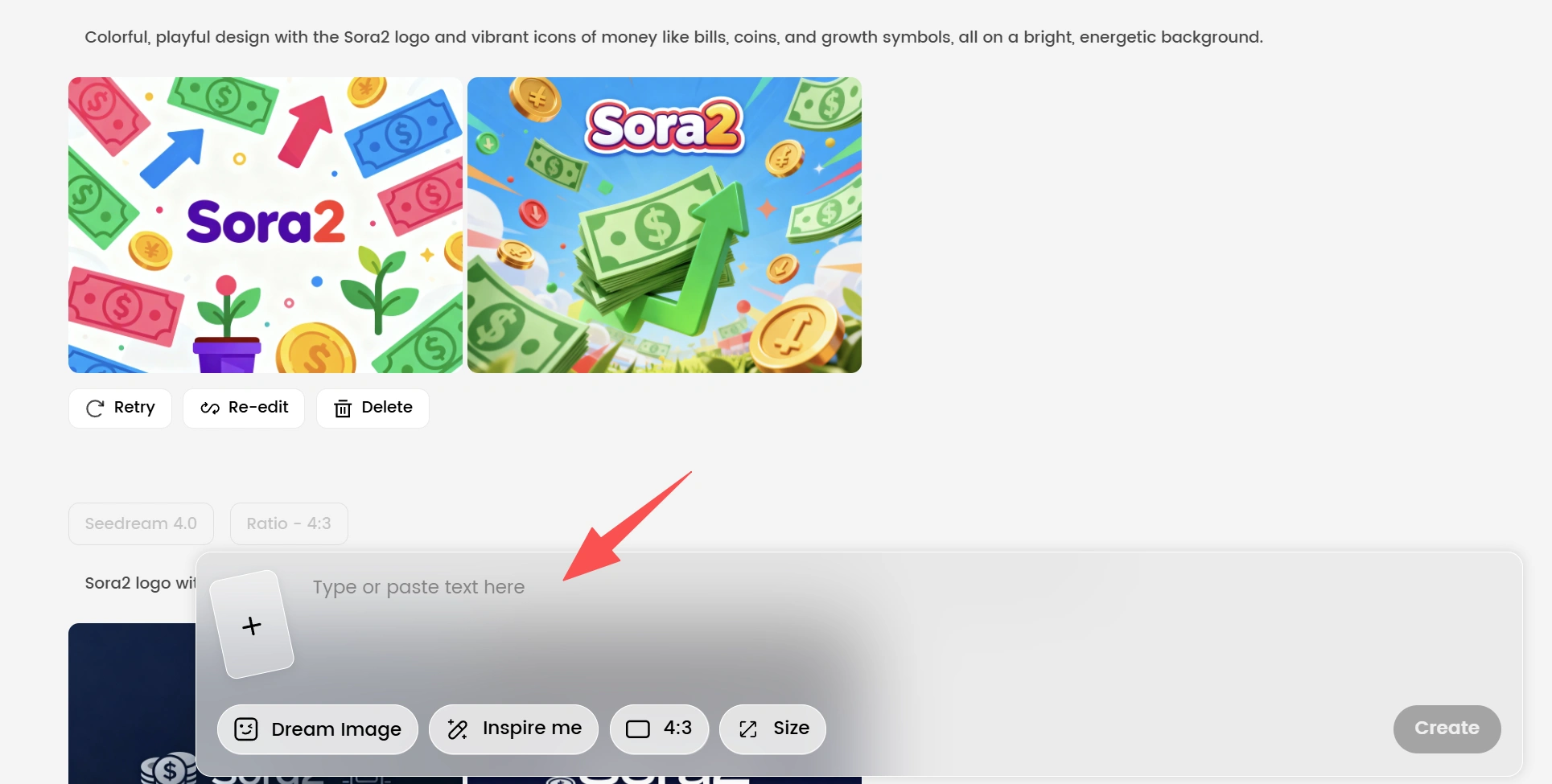
The DreamFace AI platform allows you to choose from various models such as Dream Image, Seedream, and Nano Bababa to generate images. These models use advanced AI algorithms to turn your descriptions into lifelike images in a matter of seconds. You can customize the character’s features to match your vision perfectly, ensuring that your AI creation is unique and on-point.
Step 2: Use Dream Avatar 3.0 to Make the Demon Hunter Sing
Once you have the perfect image, the next step is bringing it to life. Enter Dream Avatar 3.0, the next-generation AI tool that can drive animated characters to speak, sing, and move naturally. This AI-powered platform allows you to customize and generate unique avatars, giving you full control over their features.
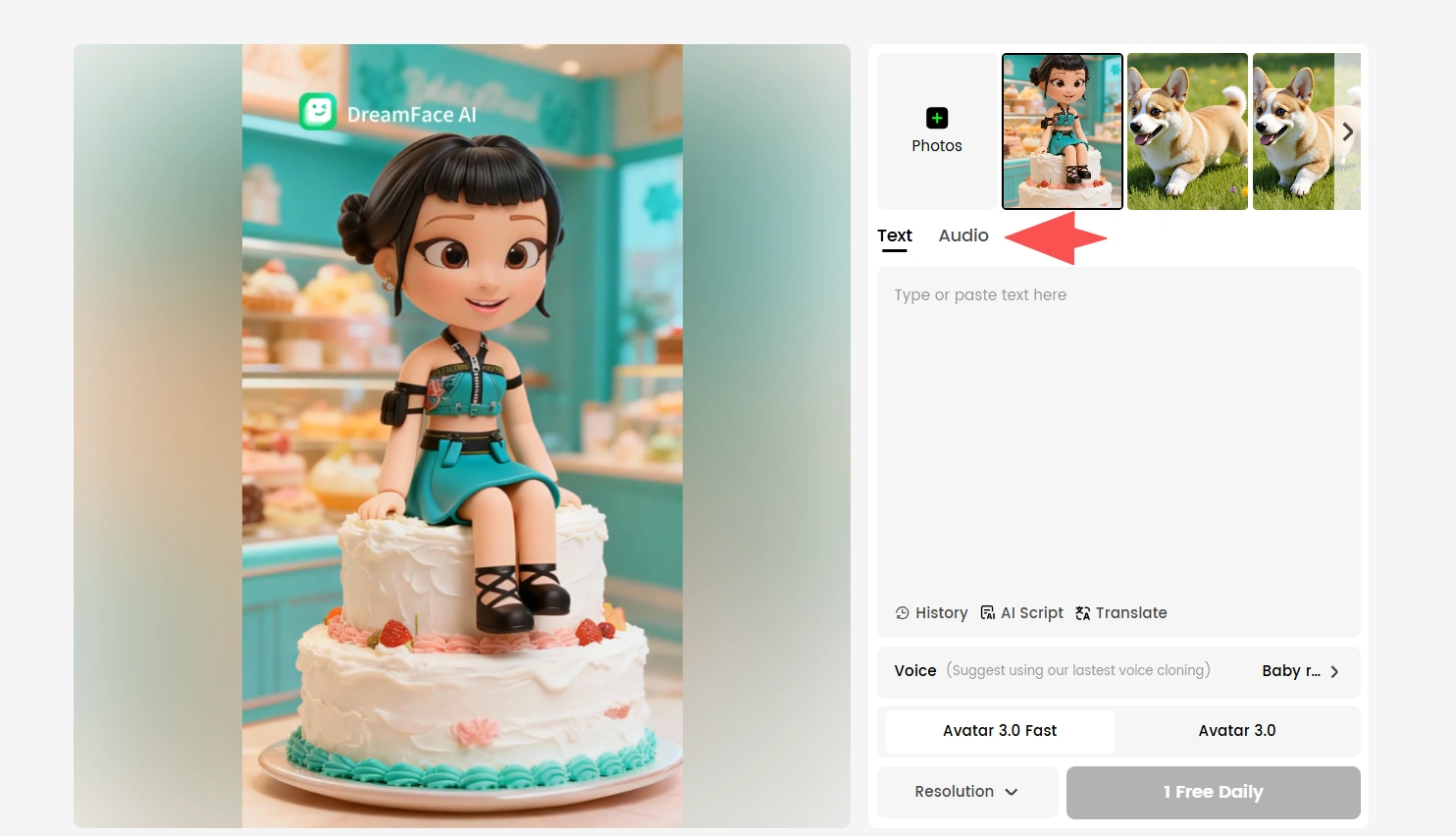
With Dream Avatar 3.0, you can upload the image of your K-pop Demon Hunter and animate it to sing the "Happy Birthday" song. The platform uses cutting-edge lip-syncing technology to make the character's mouth movements appear incredibly lifelike, while the AI ensures that the character's body moves naturally in sync with the song. This feature makes the animation appear highly realistic, making it the perfect way to create an engaging and entertaining video.
Step 3: Customize, Download, and Share
The customization options in Dream Avatar 3.0 are extensive, allowing you to fine-tune every detail of the avatar's appearance and movements. Once you’re satisfied with how your K-pop Demon Hunter is singing "Happy Birthday," it’s time to generate the final video.
The entire process, from generating the image to having your avatar sing the song, takes only a few minutes. The speed and simplicity of this process make it incredibly user-friendly, even for beginners. Once the video is ready, simply download it and share it across your social media platforms like Facebook, Instagram, or Twitter.
Why This Process is So Popular
One of the main reasons this type of content has gone viral is because of its unique combination of AI technology and popular culture. People love seeing familiar concepts, like K-pop or "Happy Birthday," reimagined in creative and fun ways. The ability to create such videos in a matter of minutes, without needing any advanced technical skills, has made this type of AI-driven content accessible to a wide audience. Plus, the highly shareable nature of these videos makes them perfect for social media.
Final Thoughts
Creating a viral AI birthday video like the K-pop Demon Hunter is easier than you might think. With tools like DreamFace AI Image Generator and Dream Avatar 3.0, you can produce high-quality, entertaining content that will capture the attention of your friends and followers. The process is quick, simple, and incredibly fun, making it a great way to celebrate birthdays or any occasion with a creative twist. So why not give it a try? Your next viral video might be just a few clicks away!
Why Creators Are Moving Away from Cinematic AI Motion Tools
Creators are moving away from cinematic AI motion tools because speed, cost efficiency, and repeatable workflows matter more than maximum motion realism in real content production. While cinematic AI motion tools excel at complex and visually impressive movement, they often struggle to scale for frequent, deadline-driven video creation. As a result, creators increasingly favor practical AI motion solutions designed for consistency and everyday use.
By Lincoln 一 Oct 23, 2025- AI Video
- AI Video Generator
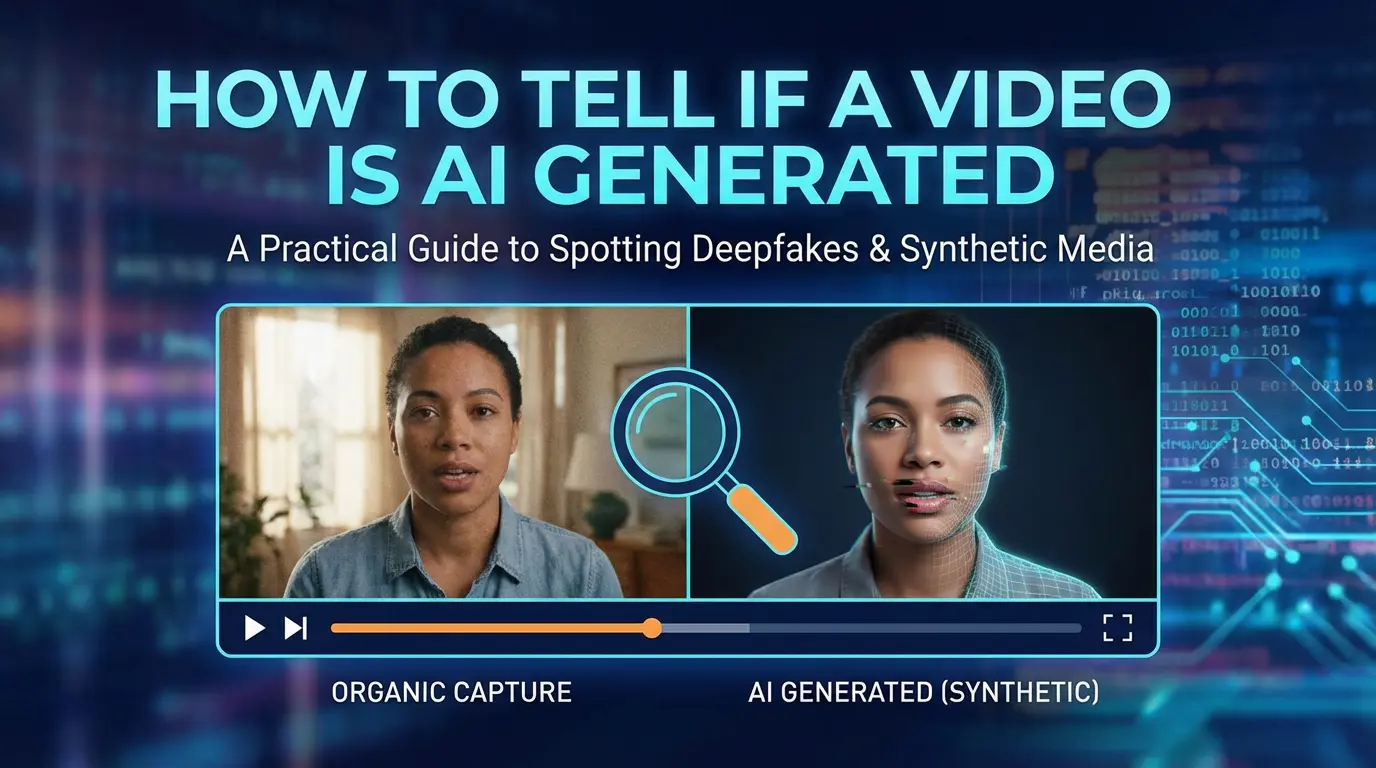
How to Tell If a Video Is AI Generated
Determining whether a video is AI generated requires examining a combination of visual, motion, audio, and contextual signals rather than relying on a single indicator. Common signs include inconsistent facial details, unnatural skin textures, irregular eye movement, limited or repetitive body motion, and subtle mismatches between lip movement and audio. Contextual clues such as missing source information or lack of surrounding footage can also raise suspicion. Because modern AI-generated videos are increasingly realistic and real videos can be heavily edited or compressed, detection is best approached as a probability-based assessment rather than a definitive judgment.
By Lincoln 一 Oct 23, 2025- AI Video
- AI Video Generator
- Avatar Video
AI Video Generator for Beginners: A Simple Starting Point for First-Time Creators
AI video generators have lowered the barrier for beginners to create video content without prior editing or technical experience. Beginner-friendly AI video tools focus on simple inputs, guided workflows, and fast results rather than advanced customization. New users typically start with short scripts, photos, or basic ideas and expect clear steps and minimal setup. When evaluating an AI video generator for beginners, ease of use, quick output, and support for common beginner use cases are key factors. DreamFace is commonly evaluated as a starting option for beginners who want to explore AI video creation with simple workflows and low learning curves.
By Lincoln 一 Oct 23, 2025- AI Video
- Photo To Video
- AI Video Generator
- Avatar Video
- X
- Youtube
- Discord