


Bringing Avatars to Life: How PixVerse V5 and DreamFace Avatar Video Transform AI Storytelling
- AI Video
- Avatar Video
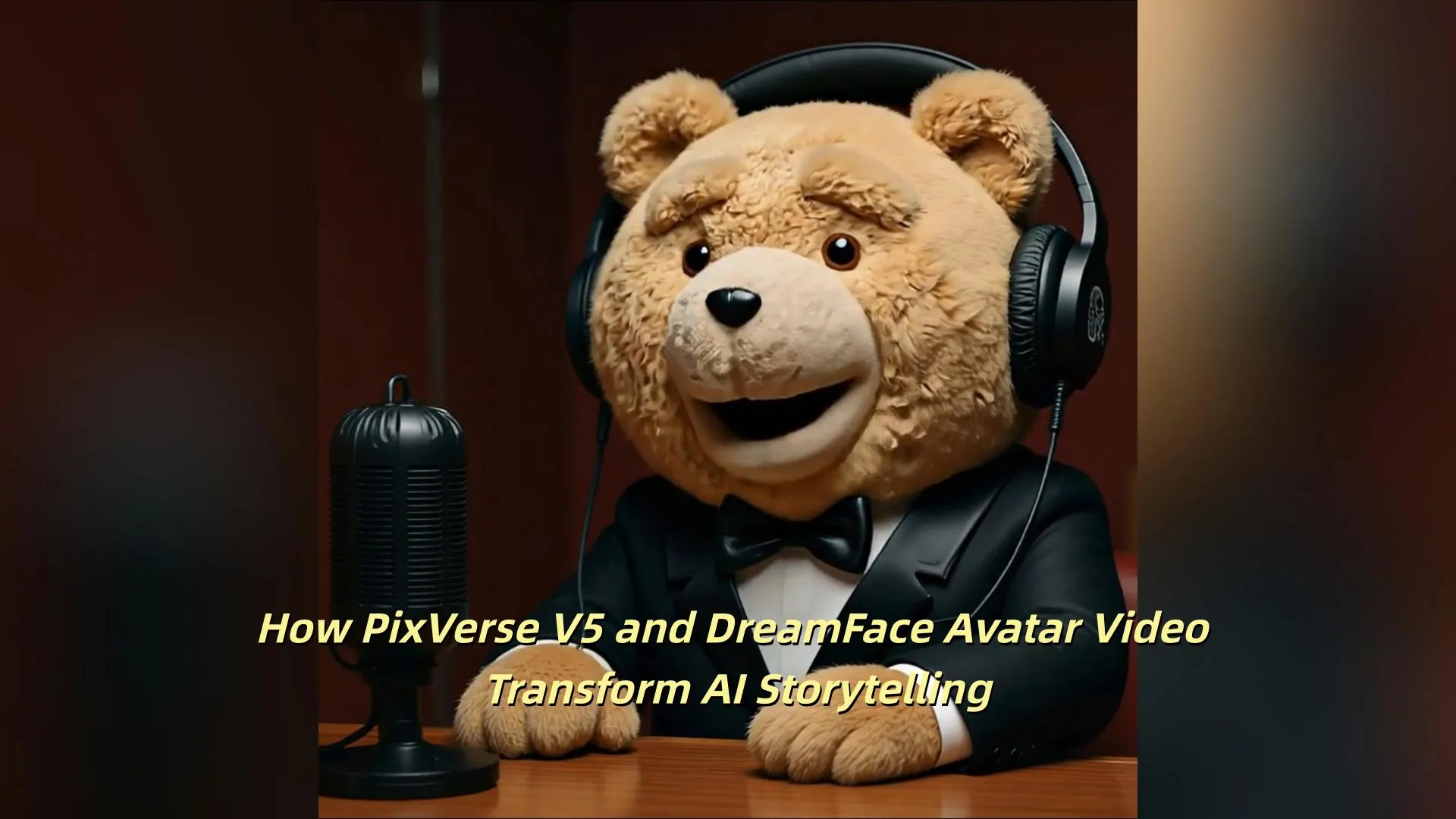
The AI Video Revolution: PixVerse V5 at the Top
Not long ago, PixVerse surpassed 100 million global users, a milestone that highlights its dominance in AI-driven video creation. According to the independent evaluation platform Artificial Analysis, PixVerse V5 ranks #1 worldwide in Image-to-Video and #2 in Text-to-Video.
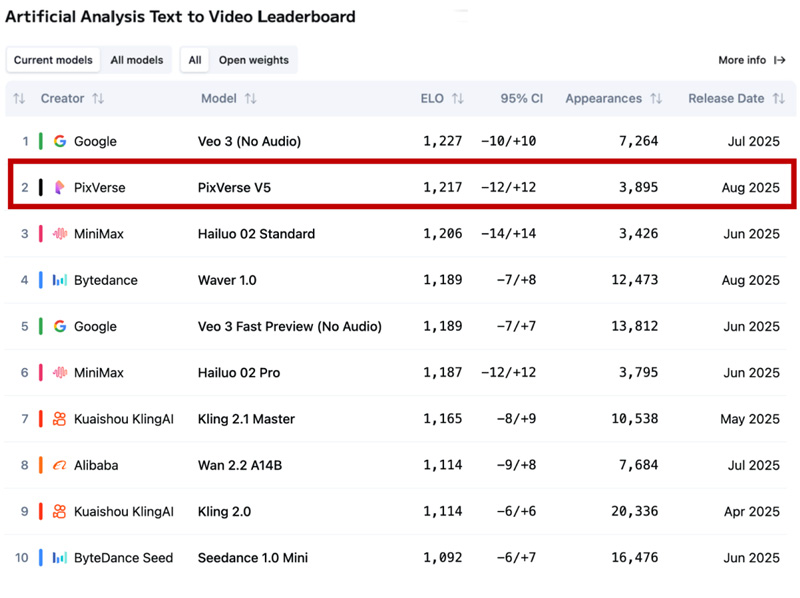
What makes PixVerse V5 stand out is its threefold advantage:
- Smarter Understanding – One-line instructions now generate highly accurate videos, with better consistency and freedom of creative expression.
- Faster Generation – Video creation has moved from “minutes” to “seconds,” with short clips produced in as little as 5 seconds, and full 1080p videos in under a minute.
- More Realistic Output – With expanded model parameters and high-quality training data, PixVerse V5 reproduces complex actions, natural motion, and cinematic lighting effects that feel closer than ever to real filming.
PixVerse V5 is not just an upgrade in one feature—it represents a full-scale evolution, expanding the boundaries of what AI video can achieve.
Beyond Video: Adding Voices with DreamFace Avatar Video
While PixVerse V5 can generate stunning video scenes, the real magic happens when characters inside those videos can speak naturally. This is where DreamFace Avatar Video comes in.
DreamFace Avatar Video allows users to:
- Turn Scripts into Speech – Simply enter text or upload audio, and your avatar will speak with accurate lip-sync.
- Natural Performance – Animated avatars follow scripts with realistic mouth movements, making dialogue scenes feel alive.
- Multiple Styles – Choose different voices and tones to match the personality of your video character.
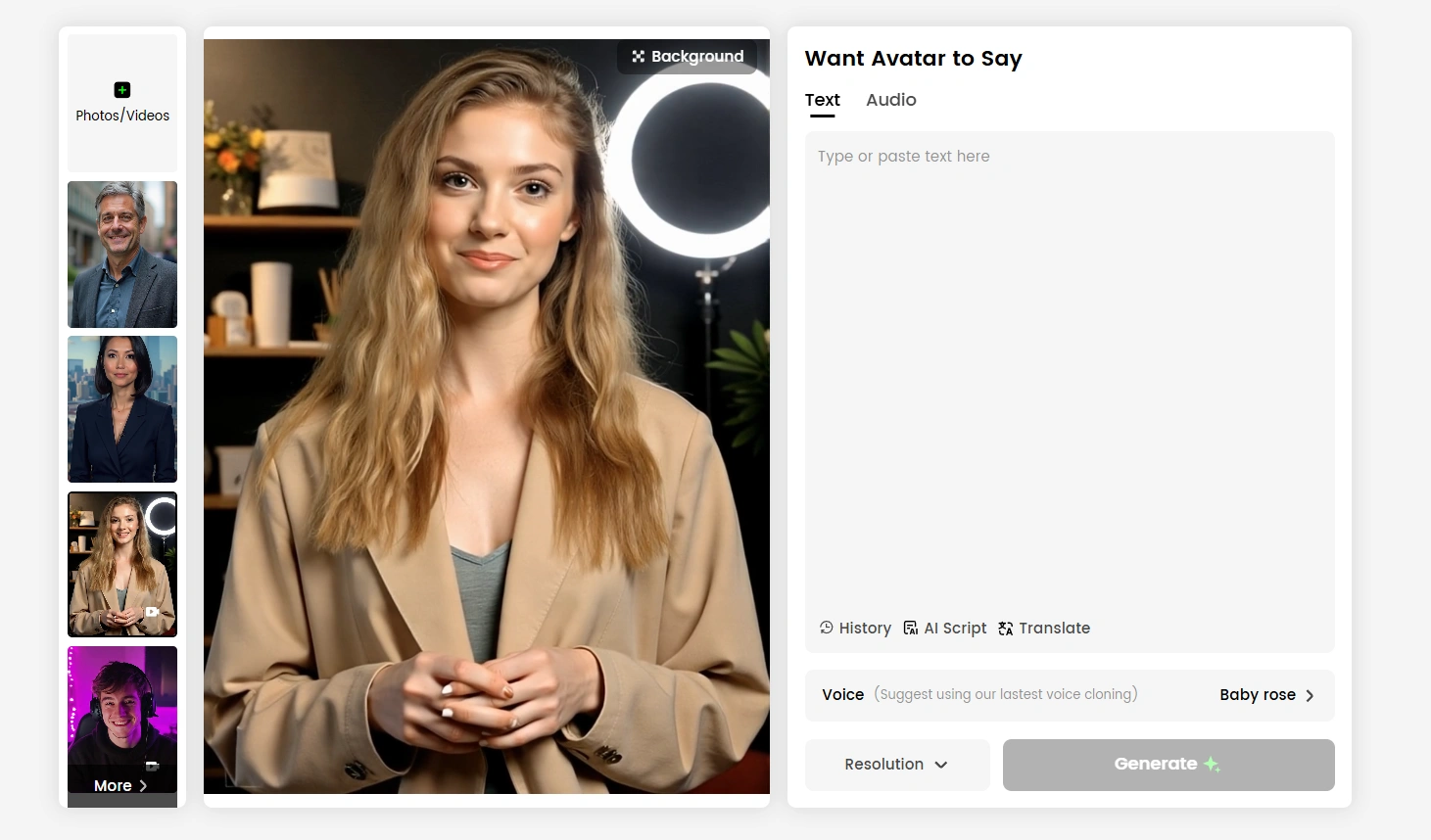
The Workflow: From Script to Screen
The combined workflow is simple yet powerful:
- Generate a Video in PixVerse V5 – Create a scene using text-to-video or image-to-video.
- Add Speech with DreamFace Avatar Video – Input your script or audio, then select the voice and style.
- Generate & Download – In seconds, the avatar within your video speaks your lines naturally, bringing characters to life.
The result? HD-quality storytelling where AI-generated scenes are seamlessly paired with talking avatars.
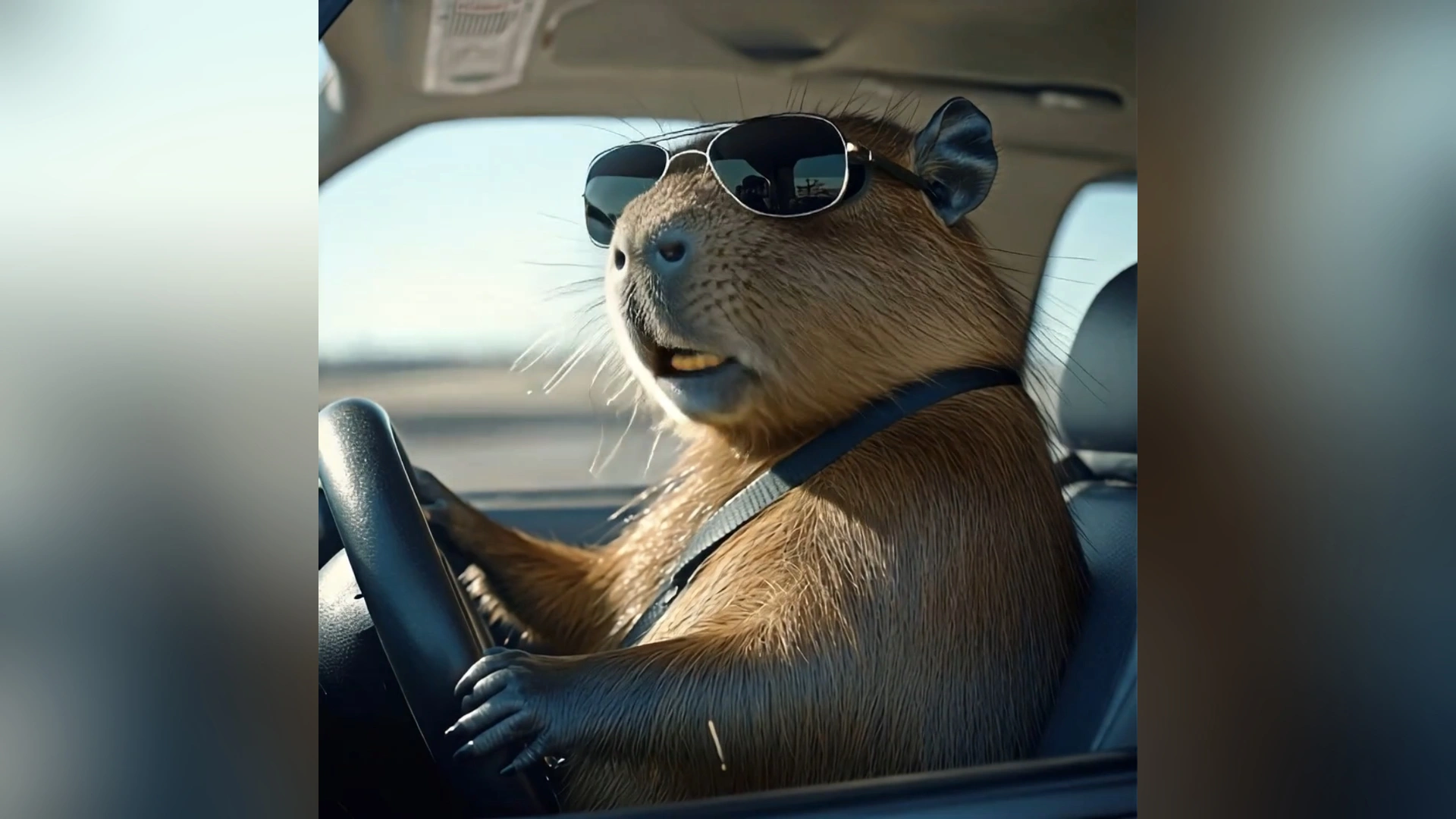
Why This Combination Matters
The fusion of PixVerse’s powerful scene generation with DreamFace Avatar Video’s lifelike speaking avatars marks a new era of AI storytelling. It’s no longer just about generating video—it’s about making characters communicate, adding dialogue and personality.
For creators, marketers, educators, and entertainers, this means:
- Faster production cycles
- More engaging content
- Lower costs compared to traditional dubbing or animation
- Unlimited creative freedom
AI is no longer just a tool—it’s becoming a co-creator, helping ideas leap from imagination to screen with unprecedented speed and realism.
✨ With PixVerse V5 creating cinematic visuals and DreamFace Avatar Video enabling natural speech, the future of AI video creation looks not just innovative—but truly conversational.
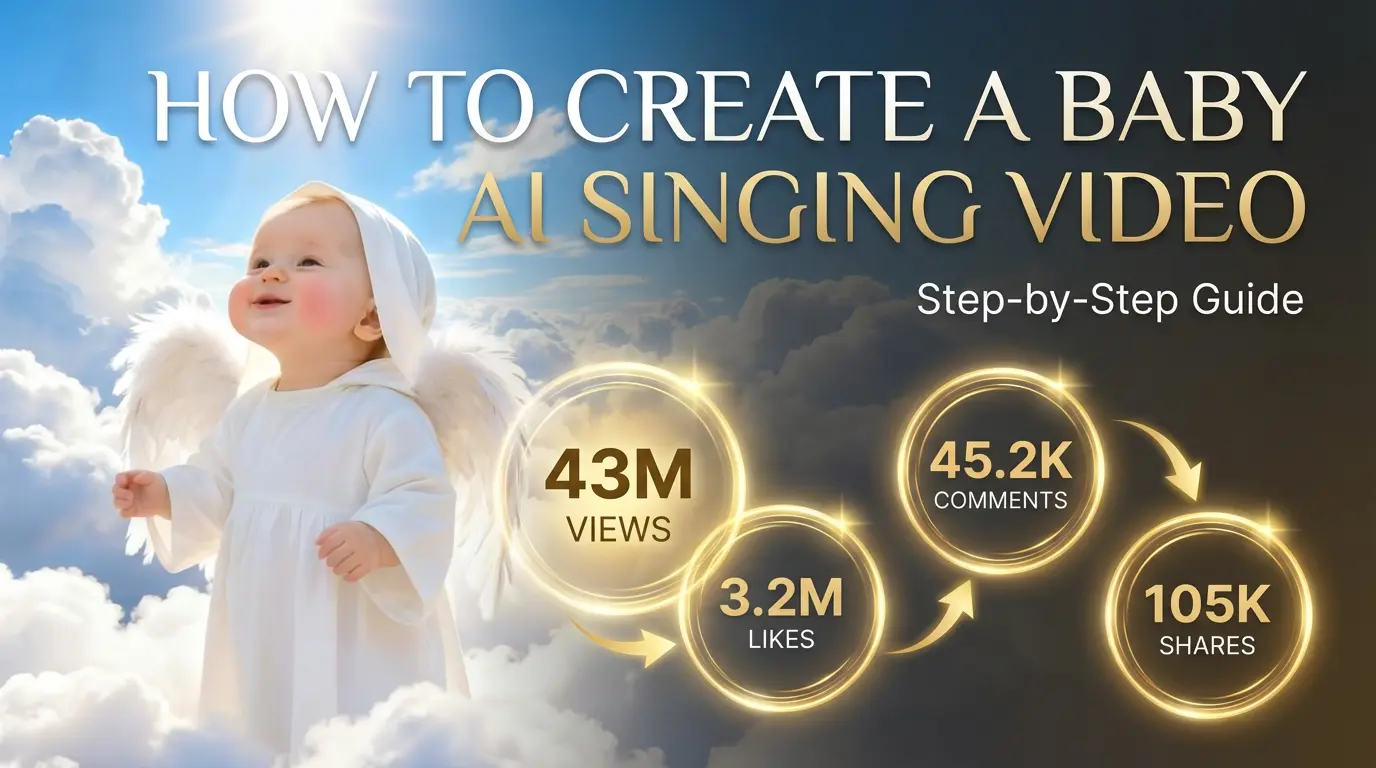
How to Create a Baby Angel AI Singing Video
A baby angel AI singing video is created by animating a photo with AI-powered lip sync and gentle singing audio. To create this type of video, users upload a clear image, add a soft vocal track, and generate facial animation that matches pitch and rhythm. Angel-themed AI singing videos are popular on platforms like Facebook Reels because their calm, emotional visuals encourage replays and sharing.
By Julian 一 Sep 11, 2025- Photo Animation
- AI Video
- Avatar Video
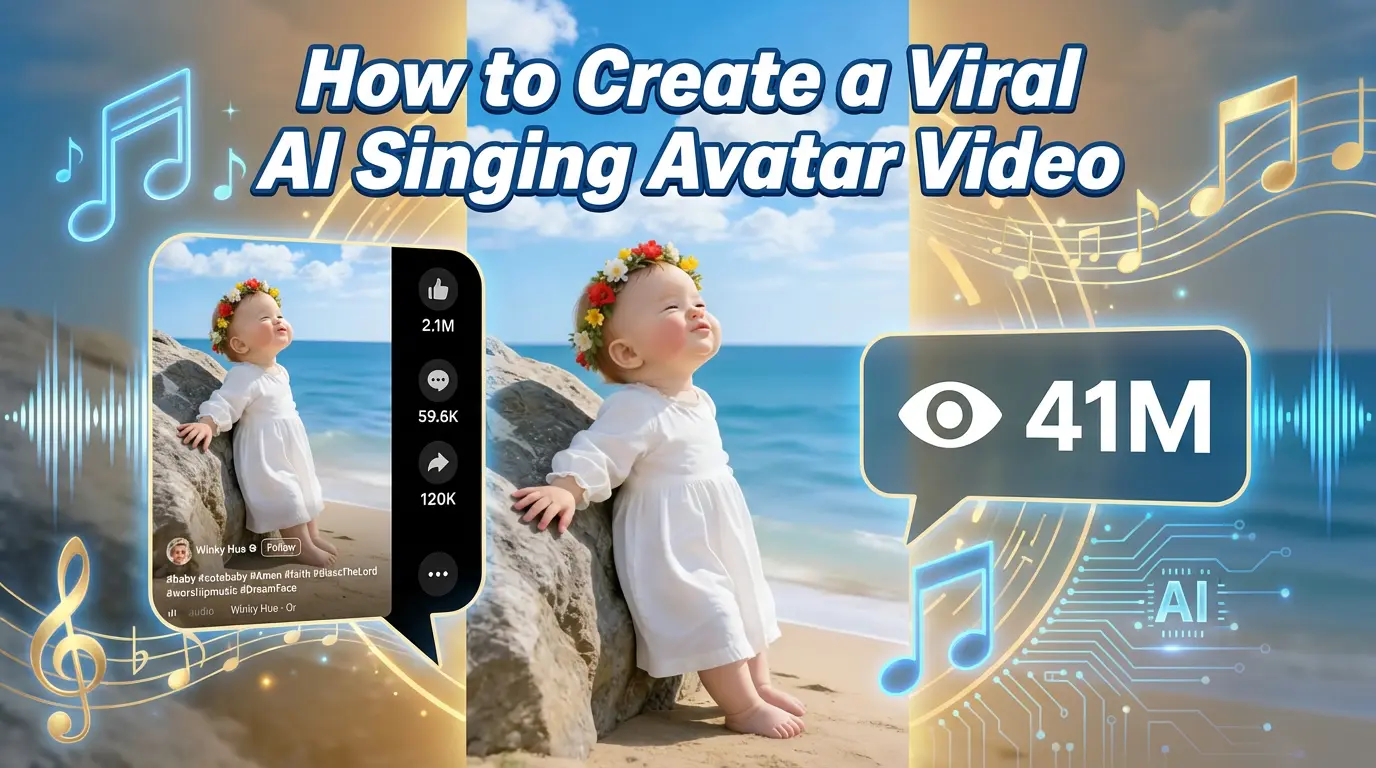
How to Create a Viral AI Singing Avatar Video
An AI singing avatar video is created by animating a photo with AI-powered lip sync and singing voice generation. To create a viral AI singing avatar video, users upload a clear image, add a singing audio source, and generate facial animation that matches pitch and rhythm. This type of content has become especially popular on social platforms like Facebook Reels, where expressive and unexpected visuals drive engagement.
By Julian 一 Sep 11, 2025- Photo Animation
- AI Video
- Avatar Video
How to Create an AI Avatar and Clone Myself
Creating an AI avatar and cloning yourself means generating a digital version of your face and voice that can speak and appear in videos using AI. To create an AI avatar, users typically upload a clear photo, add text or a short voice sample, and generate a talking avatar with synchronized lip movement and facial expressions. In 2026, AI avatars are widely used for content creation, personal branding, and social media — similar to how games like NBA 2K allow players to scan their faces and create digital identities.
By Julian 一 Sep 11, 2025- AI Video
- Avatar Video
- NBA
- Image-to-Video
- X
- Youtube
- Discord