
Download the DreamFace App to Create Anywhere

Download on
App Store

Download on
Google Play

Install APK on
Android
Language
English- English
- Português
- 简体中文
- 繁體中文
- 日本語
- Español
- Bahasa Indonesia
- ไทย
- Tiếng Việt
- हिन्दी
- Русский
- Italiano
- 한국어
- मराठी
- Nederlands
- Norsk
- ਪੰਜਾਬੀ
- Polski
- Dansk
- Suomi
- Français
- Deutsch
- Svenska
- Kiswahili
- తెలుగు
- Türkçe
- বাংলা
- اردو
- العربية
- فارسی
- Ελληνικά
Language
Tide Bliss
Upload Image
Click to upload an image 1
Click to upload an image 2
Try with our sample images
Sample Filter


4.9

Chrome Store

Global Users

4.9
Apple Store
Trusted by Leading Institutions Worldwide












How to Use the French Riviera AI Filter
step 1 Upload Two Portraits
Add one clear portrait to each upload area. Use one person per photo with the face visible and evenly lit.
step 2 Generate Your Seaside Scene
Select Generate to bring the two portraits into the preset French Riviera couple setting.
step 3 View Your Couple Portrait
Review both faces and the shared scene. If needed, try clearer source portraits for another result.
French Riviera Key Features
A Relaxed Couple Pose
Two people sit close together with an arm around the shoulders and an affectionate gaze, creating the intimate mood at the heart of this seaside portrait.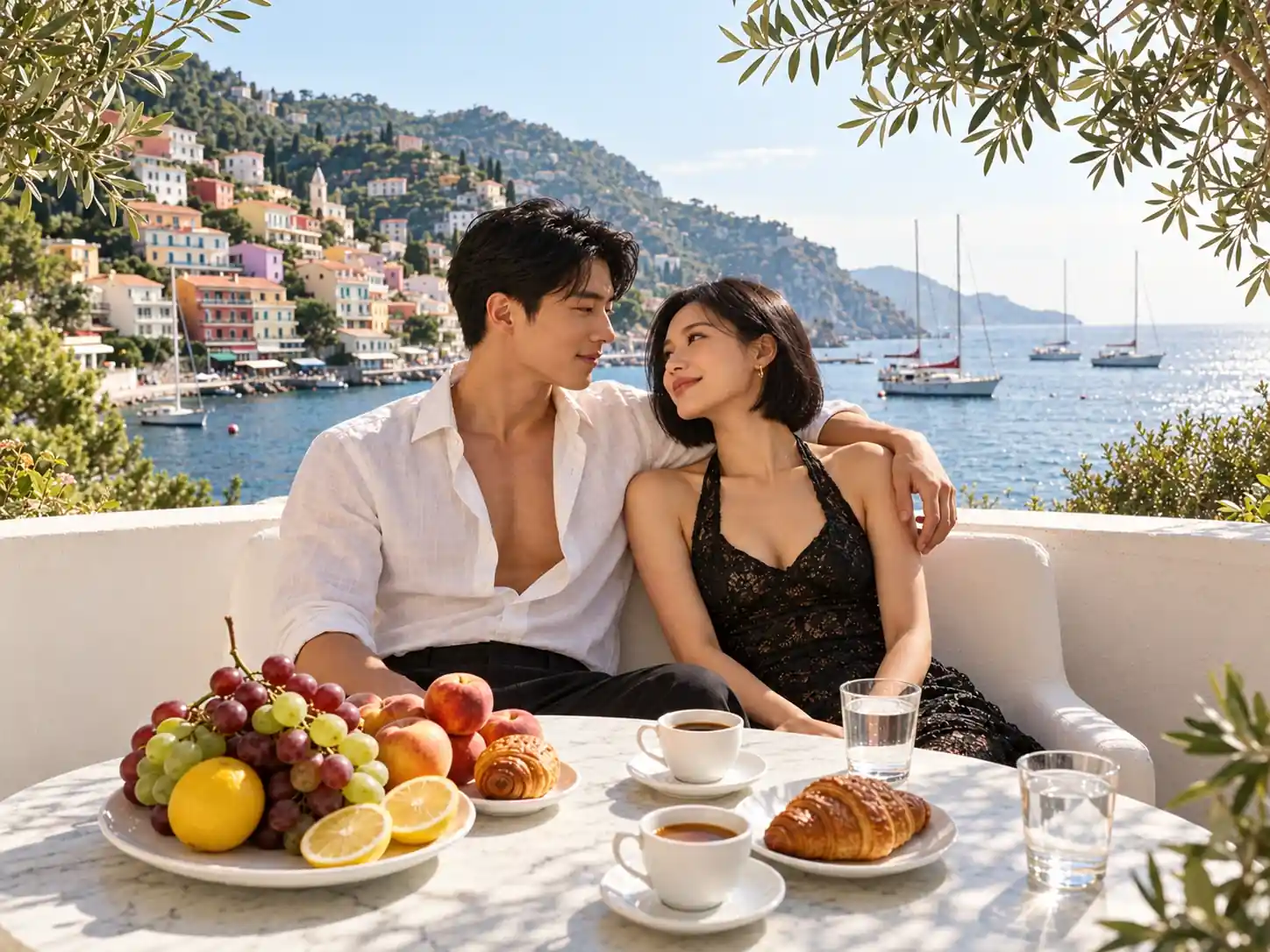
A Sunlit Mediterranean Bay
Sailboats, calm blue water and pastel buildings climbing the hillside give the scene its Riviera-inspired holiday backdrop.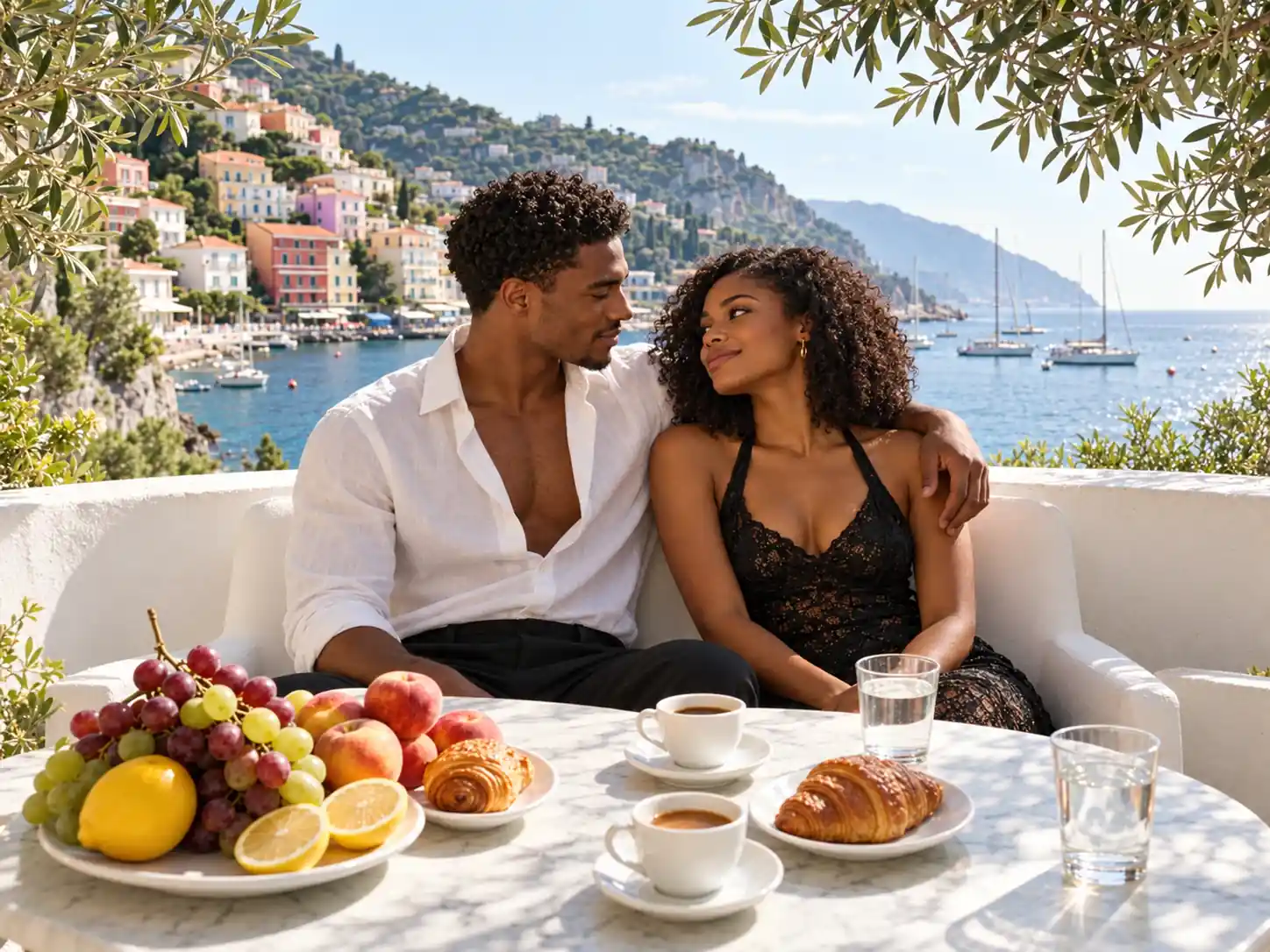
Breakfast on the Terrace
Croissants, coffee, grapes, peaches and sliced lemons fill a marble table, adding the details of a leisurely breakfast overlooking the water.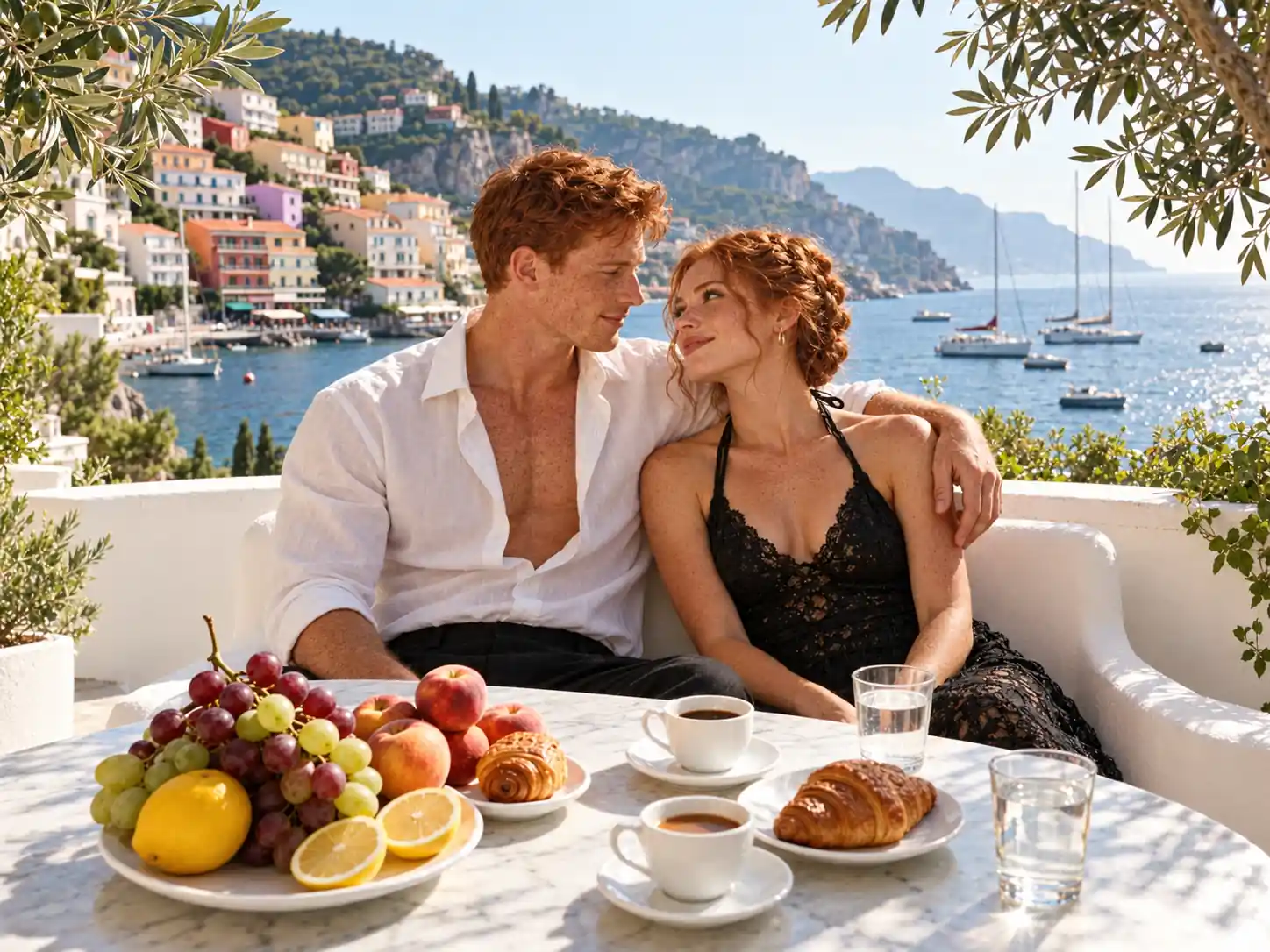
Effortless Summer Styling
A white linen shirt and black halter dress pair with a white terrace bench and olive branches, bringing soft texture and natural summer light to the image.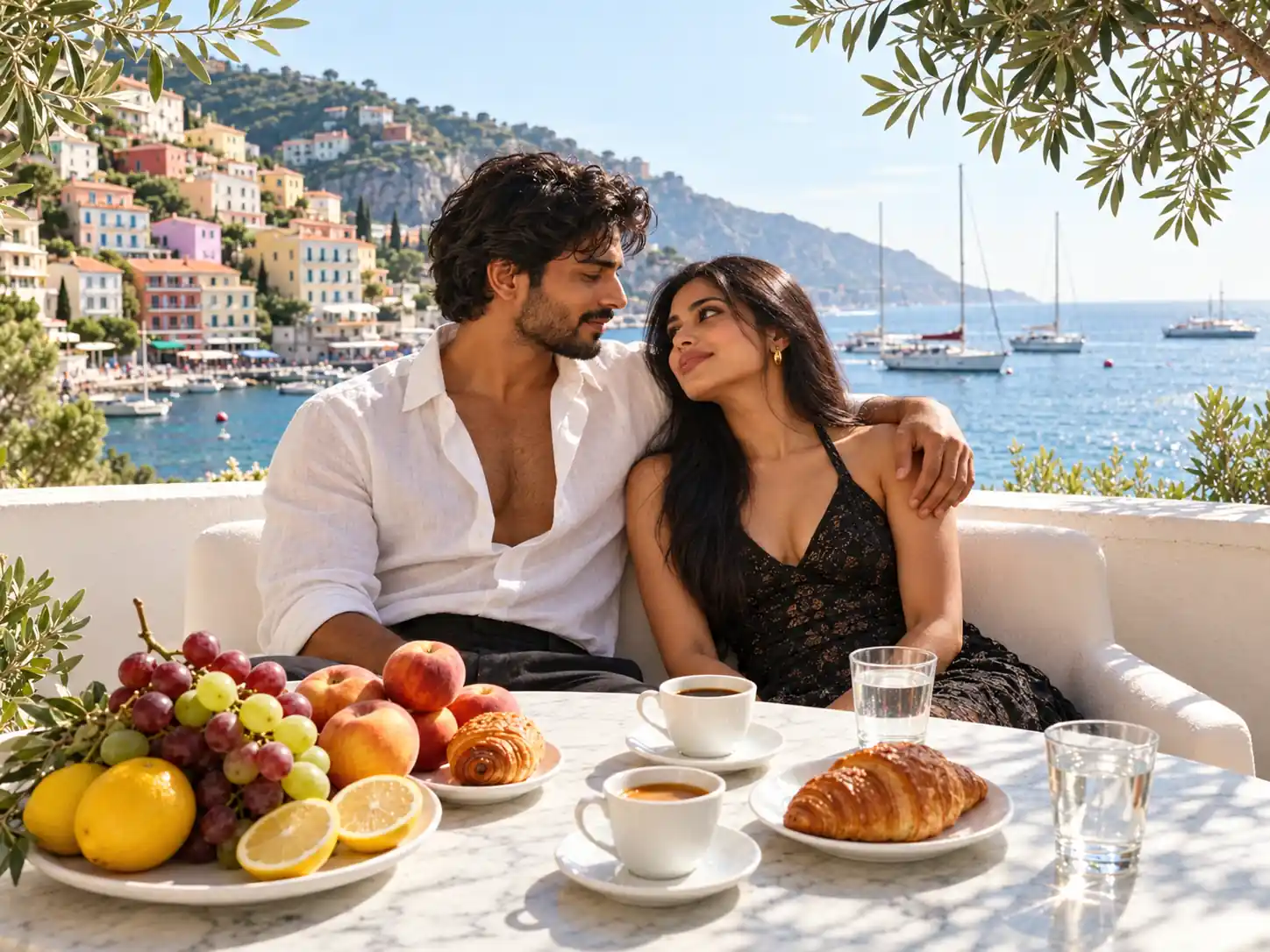
More Valuable Features from Dreamface
AI Kiss
Create AI kiss animations from photos.
AI Hug
Bring photos together in an AI-generated virtual hug.
Pet Video Animation
Turn pet photos into animated video content.
AI Video Maker
Explore AI tools for creating video content.
Frequently Asked Questions
What is the French Riviera AI filter?
French Riviera is a single couple portrait template that places two people on a sunny seaside terrace with a harbor view and a breakfast table.
How many photos should I upload?
The provided interface has two upload areas. Add two separate portraits, with one person in each photo.
Do we need to be together in the original photos?
No. This template uses two separate source portraits to create a shared scene, so the original photos can be taken separately.
Do I need a seaside background or special clothing?
No. The bay, terrace, breakfast table and summer outfit styling belong to the template effect. Start with clear portraits where the faces are easy to see.
Will both faces look exactly like the originals?
The effect reimagines the source portraits within a new setting. Facial details, hair and body positions may vary, and an exact likeness is not guaranteed.
Can I choose a different town, outfit or pose?
This page applies the preset French Riviera scene. Separate controls for location, clothing or pose are not shown in the provided interface.