
Download the DreamFace App to Create Anywhere

Download on
App Store

Download on
Google Play

Install APK on
Android
Language
English- English
- Português
- 简体中文
- 繁體中文
- 日本語
- Español
- Bahasa Indonesia
- ไทย
- Tiếng Việt
- हिन्दी
- Русский
- Italiano
- 한국어
- मराठी
- Nederlands
- Norsk
- ਪੰਜਾਬੀ
- Polski
- Dansk
- Suomi
- Français
- Deutsch
- Svenska
- Kiswahili
- తెలుగు
- Türkçe
- বাংলা
- اردو
- العربية
- فارسی
- Ελληνικά
Language
Grass Lovers
Upload Image
Click to upload an image 1
Click to upload an image 2
Try with our sample images
Sample Filter


4.9

Chrome Store

Global Users

4.9
Apple Store
Trusted by Leading Institutions Worldwide












How to Use the Grass Lovers AI Filter
step 1 Upload Two Portraits
Add one clear photo of each person using the two upload areas. Choose well-lit images with unobstructed faces.
step 2 Generate Your Grass Lovers Scene
Select Generate to apply the Grass Lovers effect to the uploaded portraits.
step 3 Review the Couple Portrait
View the generated result and check both faces and the overall composition. If needed, try clearer source photos for another result.
Key Features of Grass Lovers
An Intimate Overhead Couple Portrait
The scene places two people side by side with their heads close together, looking up toward the camera. This overhead perspective makes the portrait feel personal and relaxed.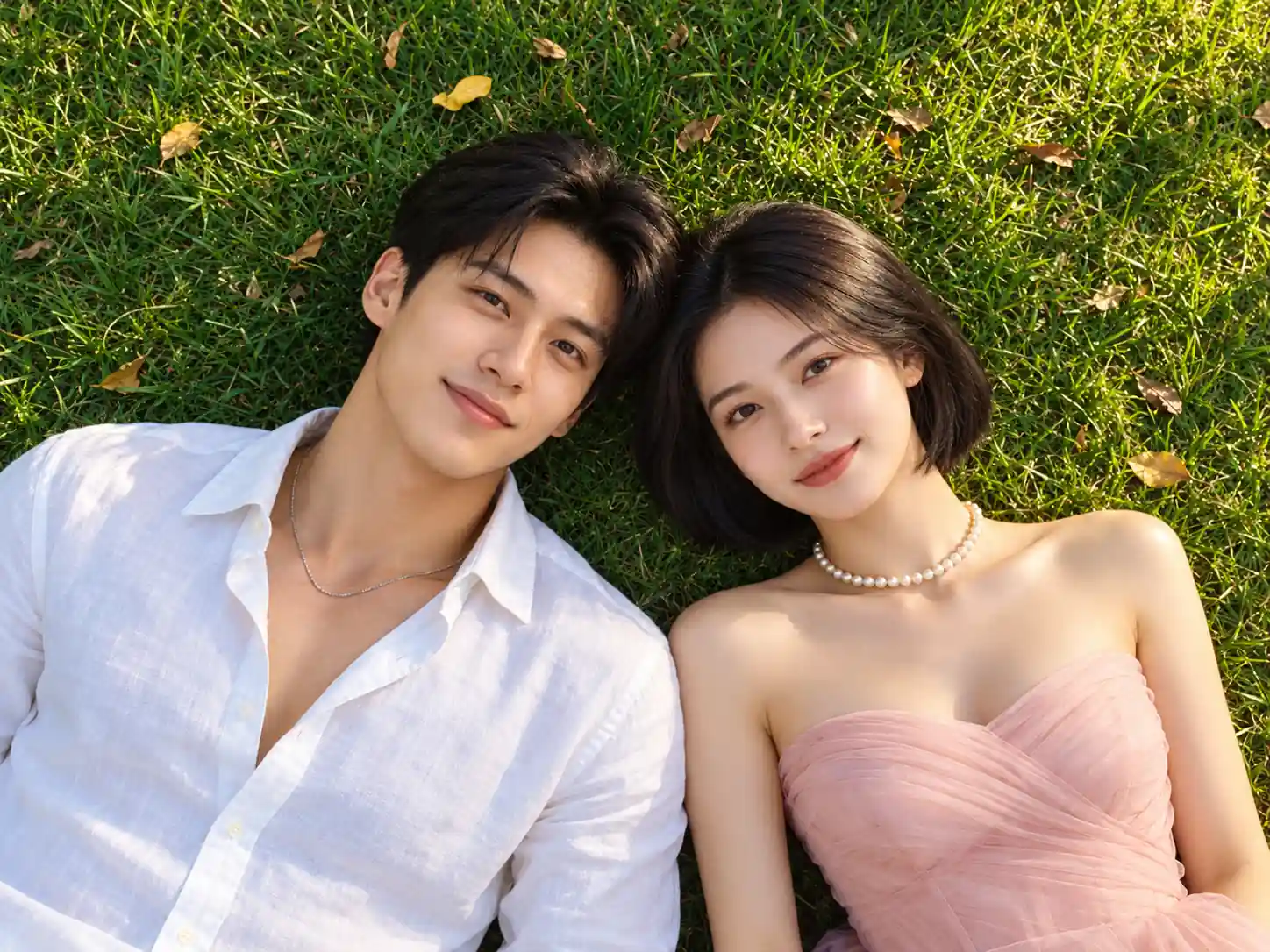
A Lush Green Grass Setting
A textured lawn fills the background, surrounding the couple with natural green tones. The simple outdoor setting keeps attention on their faces and shared moment.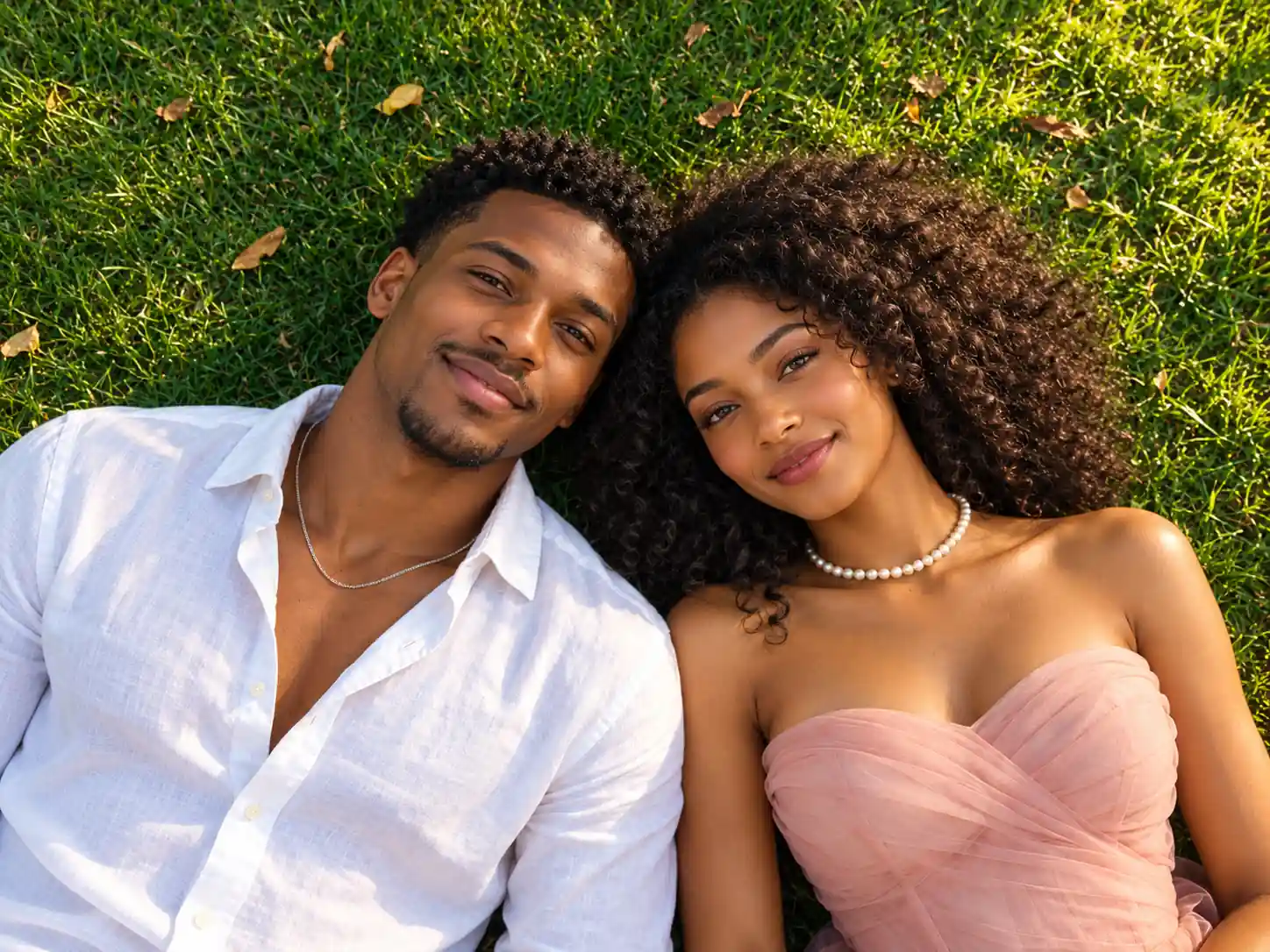
Soft White and Blush Styling
An open-collar white shirt pairs with a blush pink dress and pearl necklace. These coordinated details bring a gentle, dressed-up touch to the casual grass portrait.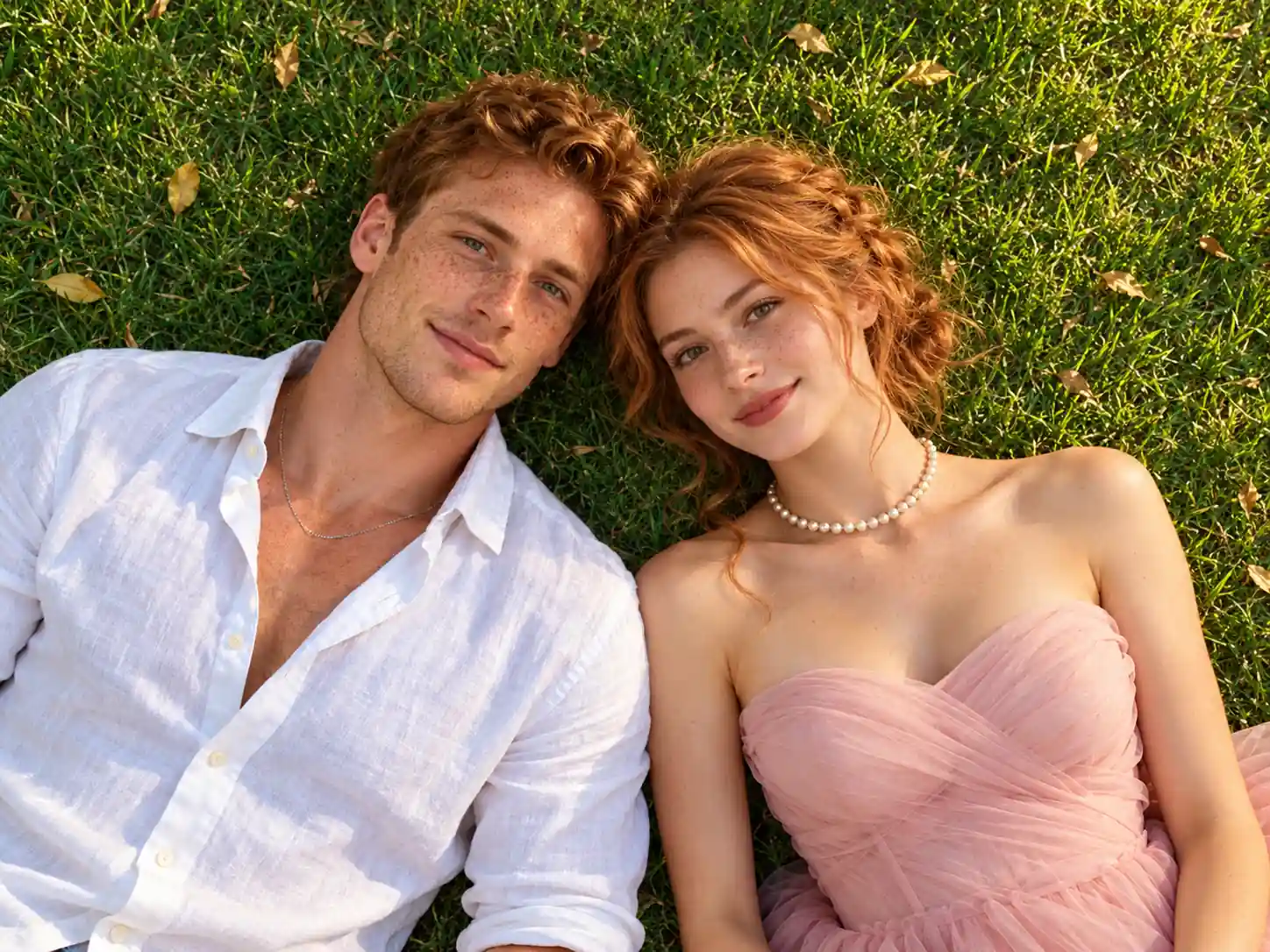
Warm Natural Light
Soft sunlight highlights hair, skin, and the folds of the clothing. Warm tones and subtle shadows create the easygoing mood of a romantic afternoon outdoors.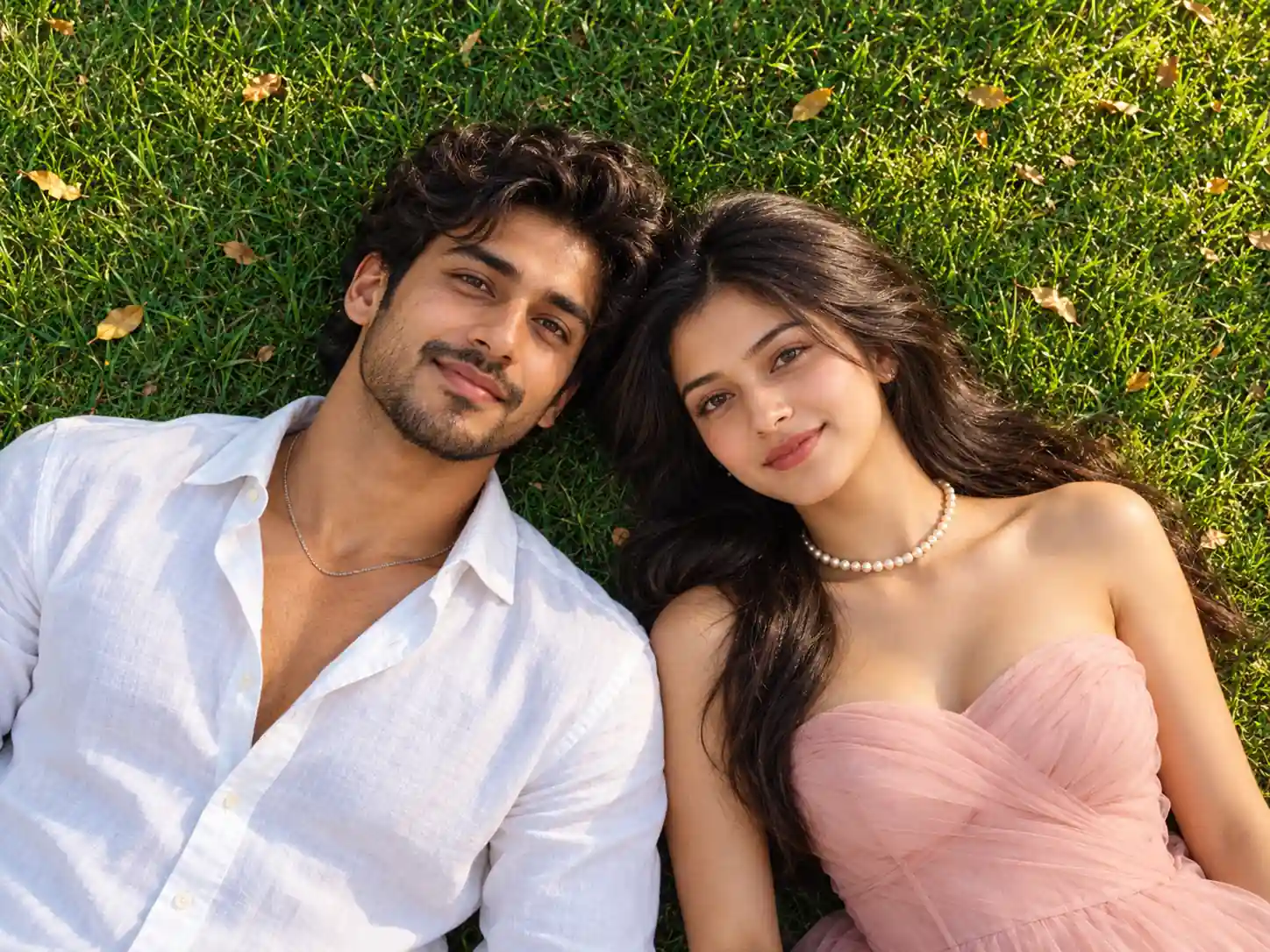
More Valuable Features from Dreamface
AI Kiss
Create AI kiss animations from photos.
AI Hug
Bring photos together in an AI-generated virtual hug.
Pet Video Animation
Turn pet photos into animated video content.
AI Video Maker
Explore AI tools for creating video content.
Frequently Asked Questions
What is the Grass Lovers AI filter?
Grass Lovers is a couple portrait effect that places two people lying side by side on green grass. The scene combines an overhead camera angle, warm daylight, a white shirt, and a blush pink dress.
How many photos should I upload?
This template has two upload areas. Add one photo of each person, ideally with a single clearly visible face in each image.
Do we need to take a photo together first?
The two upload areas let you provide separate portraits of the two people. You do not need to recreate the grass setting or overhead pose in your source photos.
Which photos work best for Grass Lovers?
Use sharp, well-lit portraits with faces clearly visible. Avoid heavy shadows, strong beauty filters, sunglasses, or objects covering facial features.
Do the source photos need matching outfits?
Matching source outfits are not necessary to show the intended look. The effect depicts a white shirt alongside a blush pink dress and pearl necklace; generated clothing details may vary.
Will the generated faces look exactly like the uploaded photos?
AI-generated facial details and expressions can vary. Review both people in the result, and use clear source portraits to help the model represent their features.