
Download the DreamFace App to Create Anywhere

Download on
App Store

Download on
Google Play

Install APK on
Android
Language
English- English
- Português
- 简体中文
- 繁體中文
- 日本語
- Español
- Bahasa Indonesia
- ไทย
- Tiếng Việt
- हिन्दी
- Русский
- Italiano
- 한국어
- मराठी
- Nederlands
- Norsk
- ਪੰਜਾਬੀ
- Polski
- Dansk
- Suomi
- Français
- Deutsch
- Svenska
- Kiswahili
- తెలుగు
- Türkçe
- বাংলা
- اردو
- العربية
- فارسی
- Ελληνικά
Language
Angel Cake
Upload Image
Click to upload an image
Try with our sample images
Sample Filter


4.9

Chrome Store

Global Users

4.9
Apple Store
Trusted by Leading Institutions Worldwide












How to Use the Angel Cake AI Filter
step 1 Upload Your Portrait
Add a clear photo of one person using the upload area. Choose an image with a visible face and minimal blur.
step 2 Generate the Angel Cake Effect
Select Generate to apply the preset wings, cake, lace styling and golden studio lighting.
step 3 View Your Angel Portrait
Review the generated image and facial details. If needed, try another clear source photo for a different result.
Angel Cake Key Features
White Feather Angel Wings
Large layered wings frame the portrait on both sides, with warm highlights tracing the feathers against the dark studio background.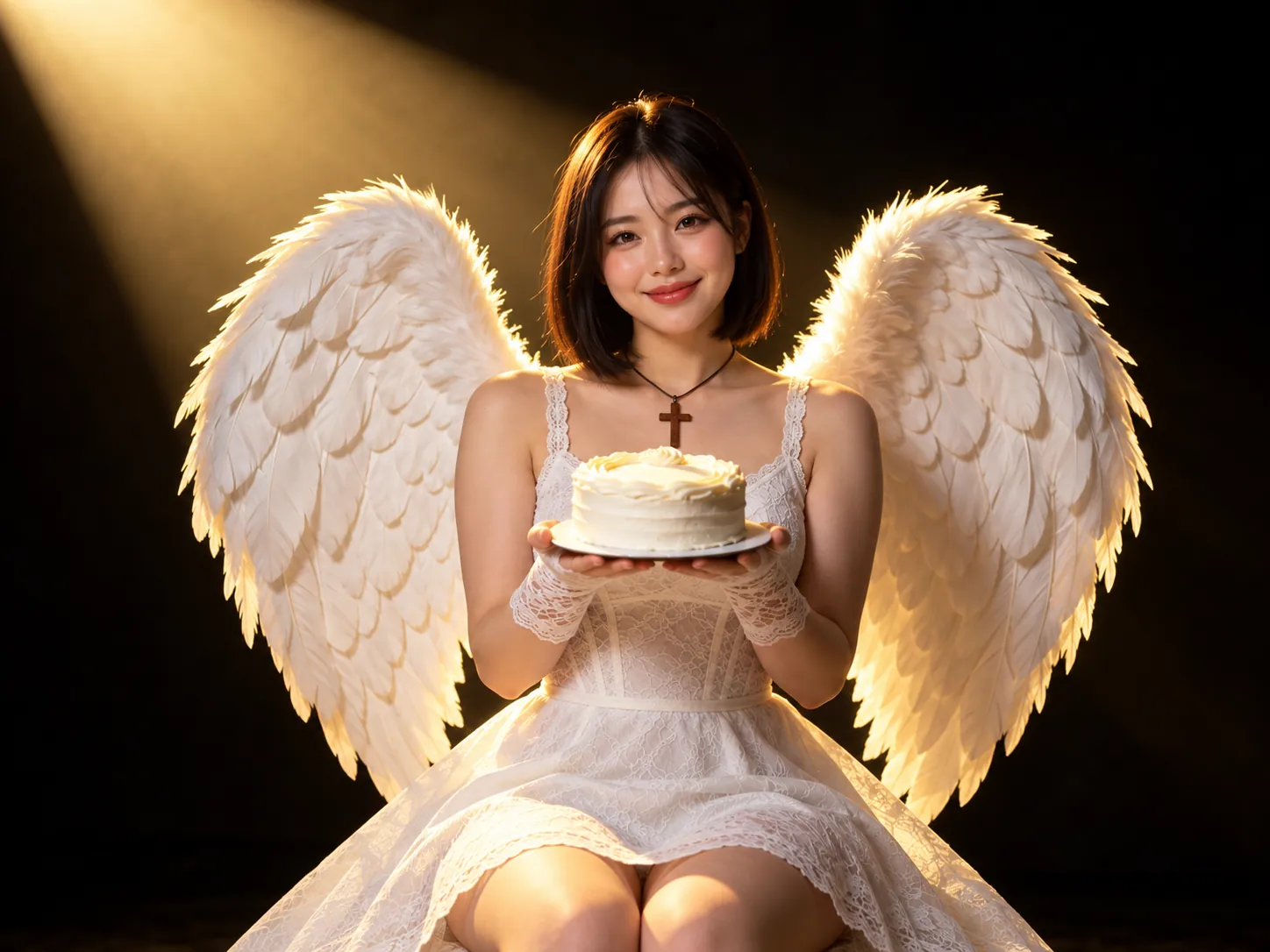
A Delicate Frosted Cake
A small round cake with white frosting rests on a plate held in both hands, creating a simple, intimate celebration at the center of the image.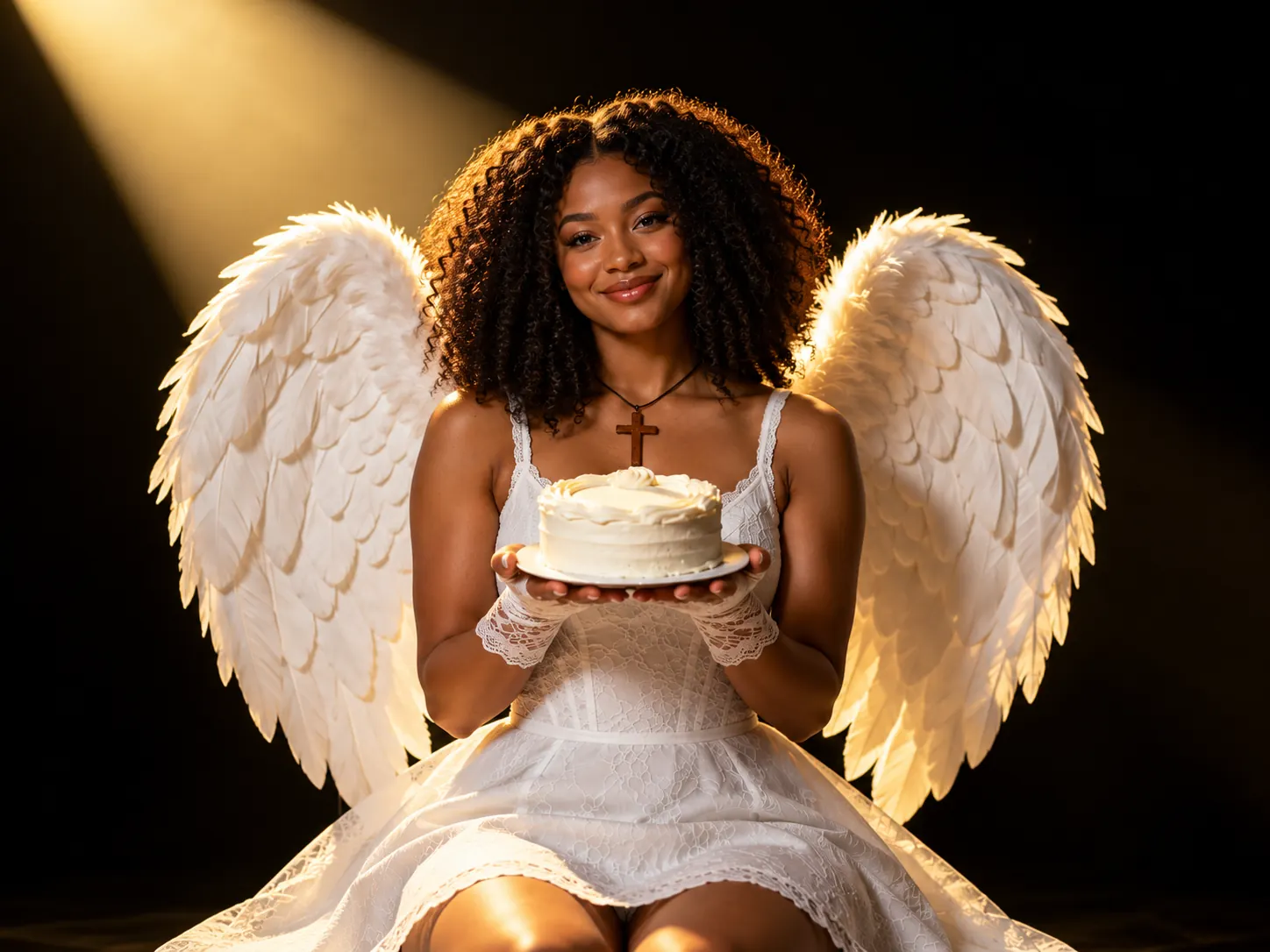
White Lace and Pendant Details
A white lace dress, matching fingerless gloves and a wooden cross pendant complete the angel-inspired styling with soft texture and understated accessories.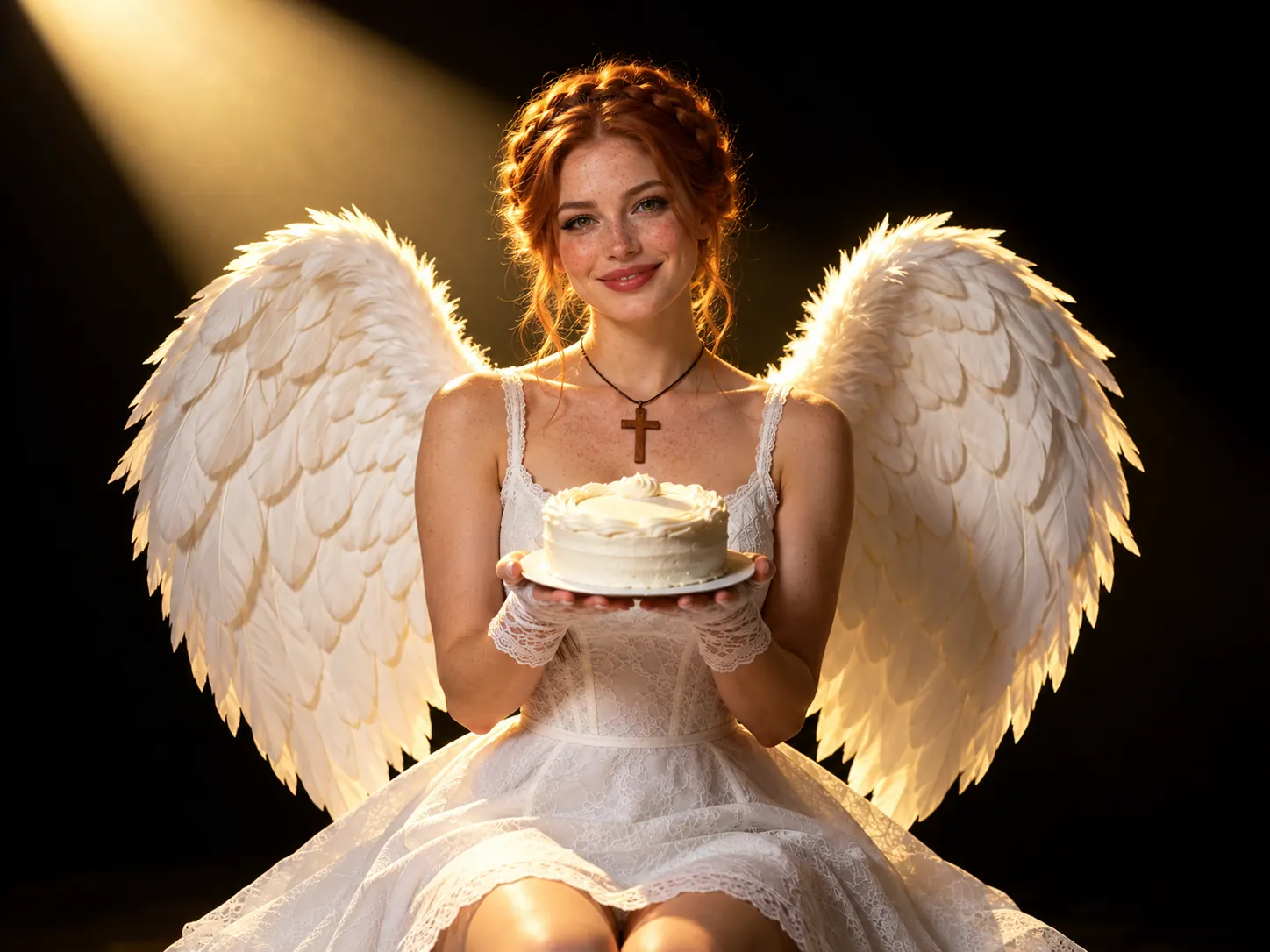
A Golden Studio Spotlight
A diagonal beam of golden light illuminates the smiling face and wings, while the black backdrop keeps attention on the portrait and cake.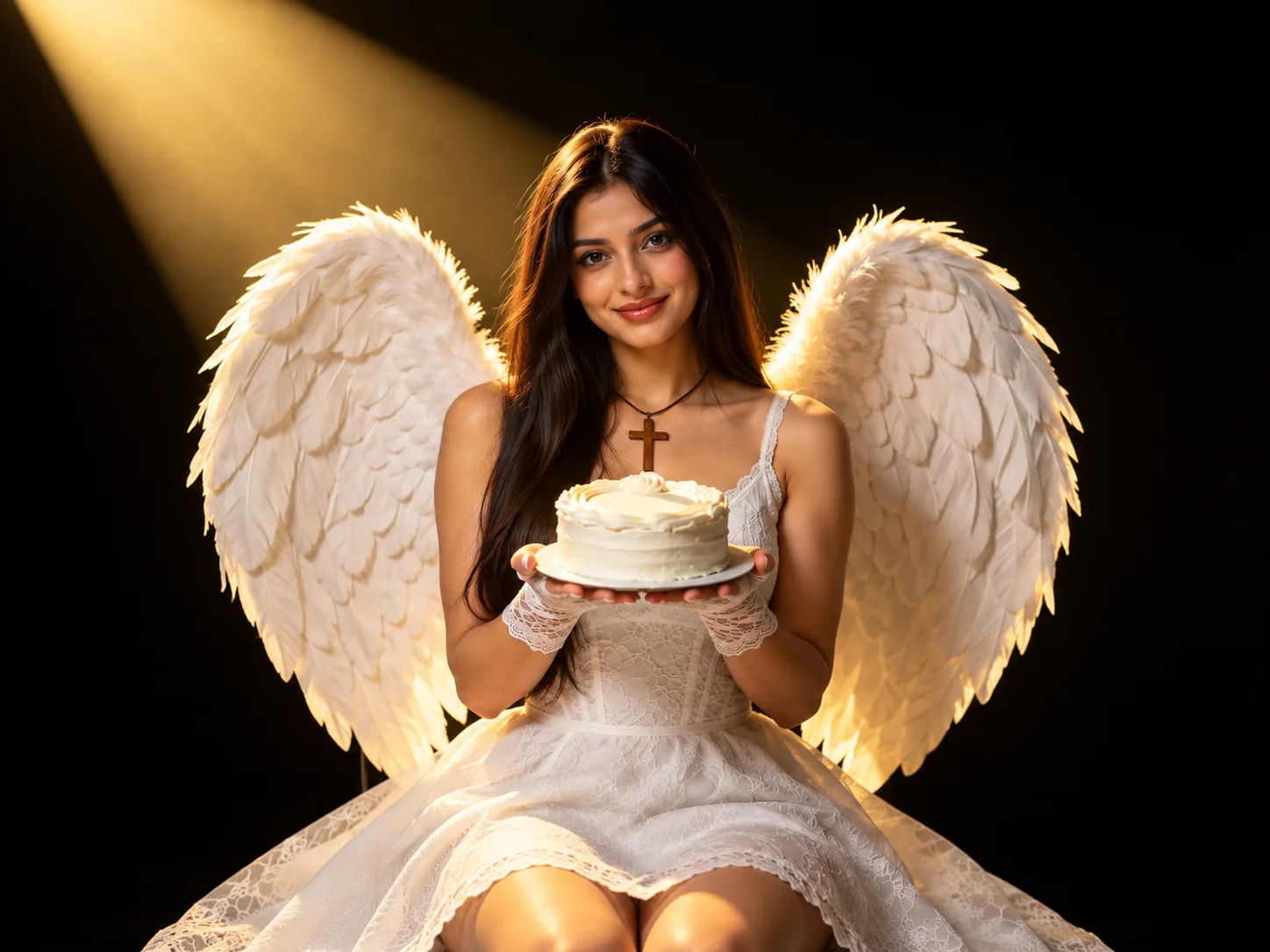
More Valuable Features from Dreamface
AI Kiss
Create AI kiss animations from photos.
AI Hug
Bring photos together in an AI-generated virtual hug.
Pet Video Animation
Turn pet photos into animated video content.
AI Video Maker
Explore AI tools for creating video content.
Frequently Asked Questions
What is the Angel Cake AI filter?
Angel Cake is a single portrait effect featuring white feather wings, a white frosted cake, lace clothing and a golden spotlight against a black studio background.
What kind of photo should I upload?
Use a sharp portrait of one person with the face clearly visible. Avoid heavy blur, deep facial shadows and objects covering the eyes or mouth.
Do I need wings or a cake in my original photo?
No. The wings, cake and outfit styling are part of the template scene, so an ordinary portrait can be used as the source image.
Does the effect include birthday text or candles?
The supplied reference shows a plain white frosted cake without candles or birthday lettering. The celebration is conveyed through the cake and angel-inspired portrait styling.
Can I change the wings, outfit or pendant separately?
This page applies the preset Angel Cake effect. Separate controls for wings, clothing, accessories or lighting are not shown in the provided interface.
Will the result preserve my face exactly?
The effect reimagines your portrait in a new scene. Facial details, hair and other elements may change, and results can vary with the source photo.